Kindle Scribe planner, sized 1860 × 2480 px
The PDF Planner makes a hyperlinked PDF planner for the Kindle Scribe at its native 1860 × 2480 pixels and 300 ppi, with tabs placed clear of the toolbar. It is one PDF that you load with Send to Kindle, with no planner app or subscription.
No account. Full year $12.99, checkout opens soon.
Kindle Scribe screen and page size
Amazon sold the 10.2-inch Kindle Scribe in 2022 and 2024 editions with the same 300 ppi screen, so one planner size fits both. Amazon's product page does not list the pixel count; the 1860 × 2480 figure comes from a published review of the 2024 model.
| Screen | 10.2 in |
|---|---|
| Display | Black and white |
| Pixels | 1860 × 2480 px, portrait |
| PPI | 300 |
| Aspect | 3:4 |
| Page size | 157 × 210 mm |
| Safe margin | top 8, sides 5 mm, estimated |
| Tab side | Right; left if you choose left-handed |
| Pages in a full 2027 planner | 436 |
| File size | about 2.2 MB |
| Free sample | January, 38 pages |
Screen figures: goodereader.com. Margins are estimates until measured on the device.
How to put the planner on your Kindle Scribe
- Open Send to Kindle. Go to amazon.com/sendtokindle on a computer and sign in with the Amazon account your Scribe uses.
- Upload the PDF. Drop the planner on the page, keep Add to your library on and click Send. Files up to 200 MB are accepted.
- Or send it by email. Email the PDF to your Scribe's Send to Kindle address from an approved address. Each email takes up to 50 MB.
- Open it on the Scribe. Sync the Scribe, open the planner from your Library and write on the page.
- With a writing tool selected, the pen writes. Choose the Pointer tool to tap links with the pen.
- Dark mode inverts the page, so the planner shows on a black background. Turn dark mode off to see white pages.
- If you also own the 2025 Scribe, make one planner for each: the 11-inch model has its own, larger page size.
How to load a PDF planner on a Kindle Scribe: full guide and sources
What's inside
Four real pages of the 2027 planner at the Kindle Scribe's size, drawn by the same code that writes your PDF.
14 weekly layouts
Every layout is drawn for the Kindle Scribe screen. Pick one to open the creator with it.
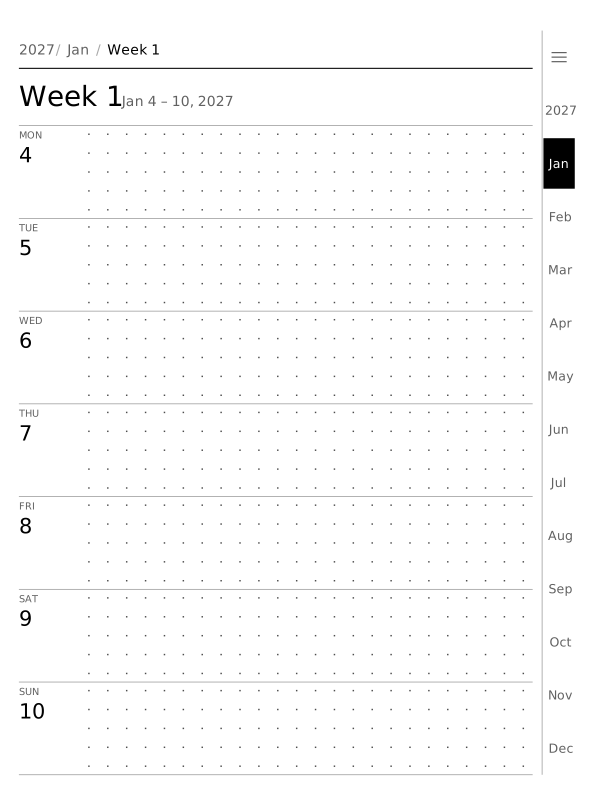 RowsSeven rows, one per day
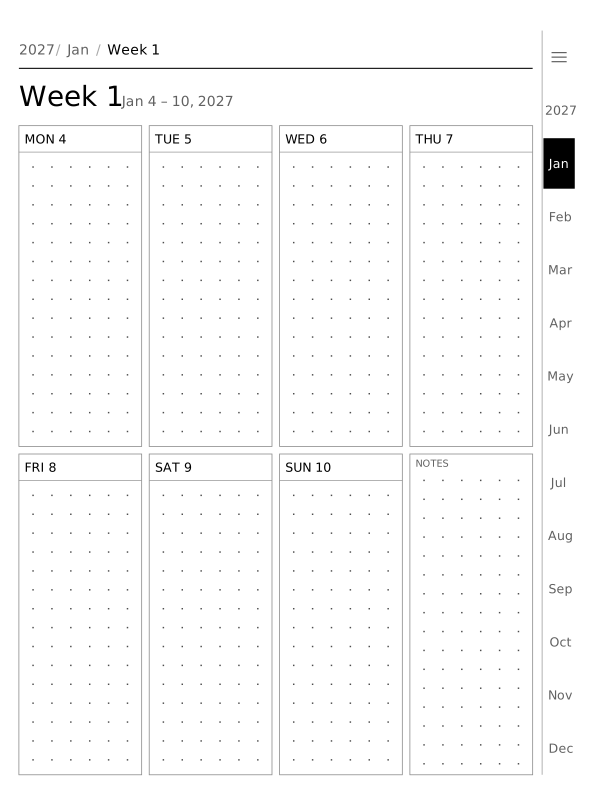 Plan, 4 columnsSeven day boxes and notes in two rows
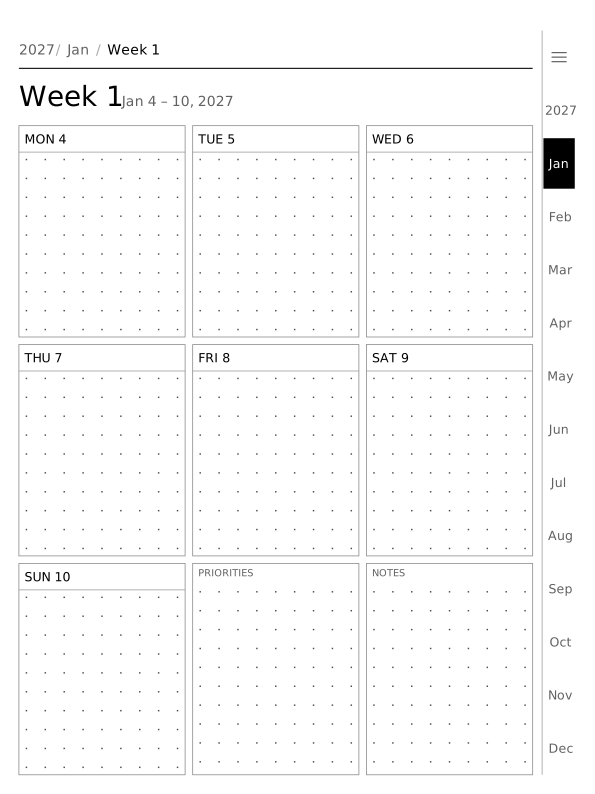 Plan, 3 columnsSeven day boxes, priorities and notes
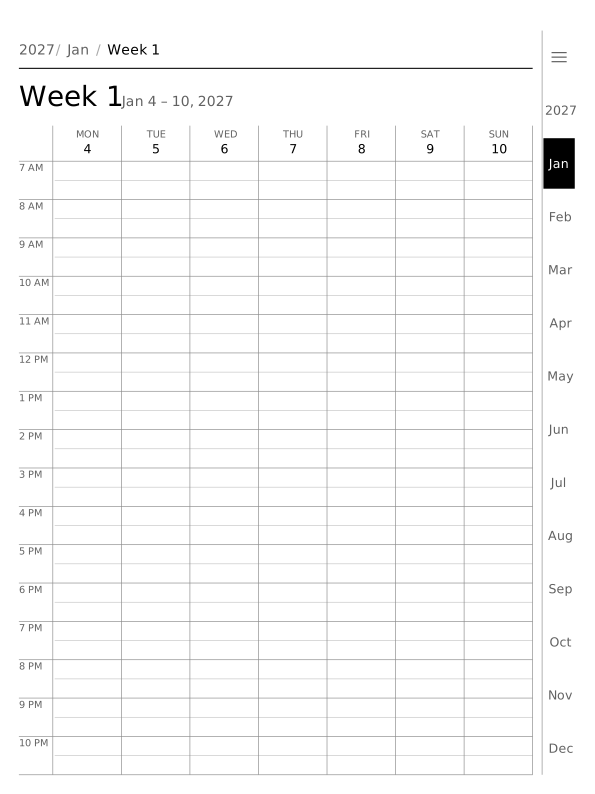 VerticalSeven columns on an hourly timeline
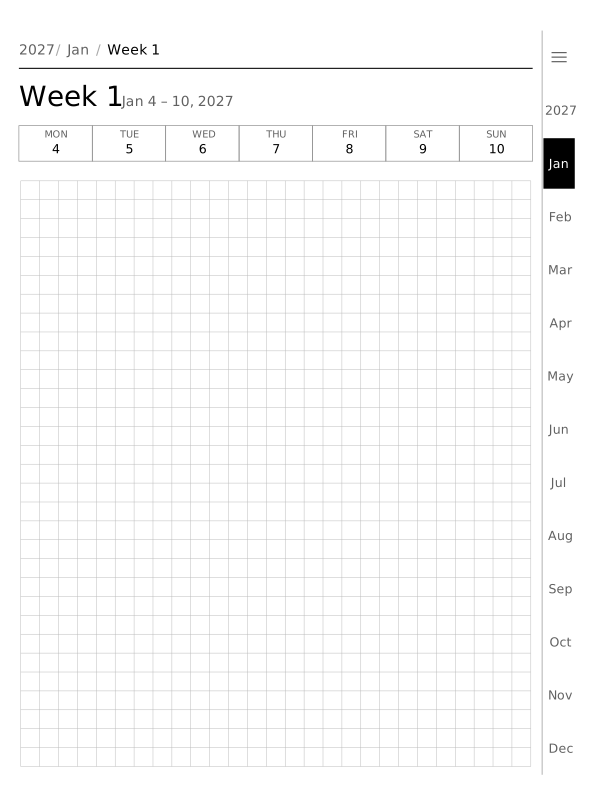 Grid5 mm squares
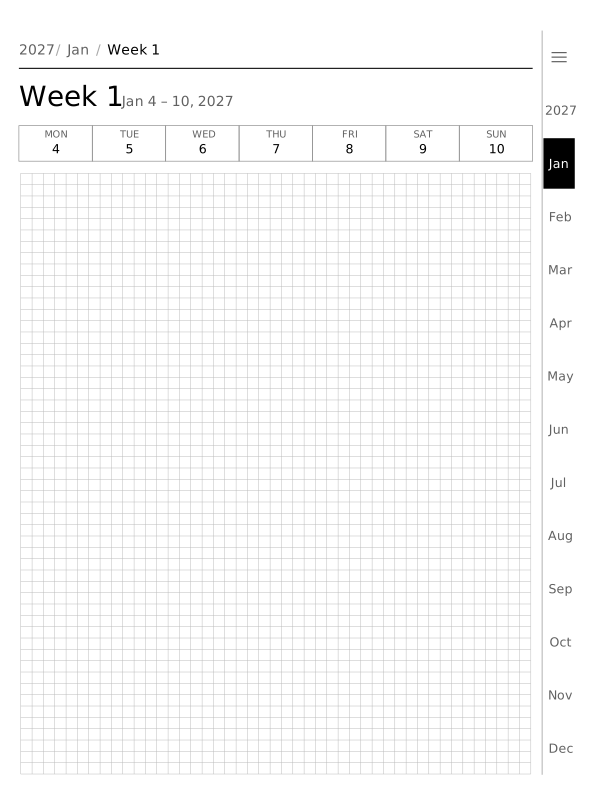 Small grid3 mm squares
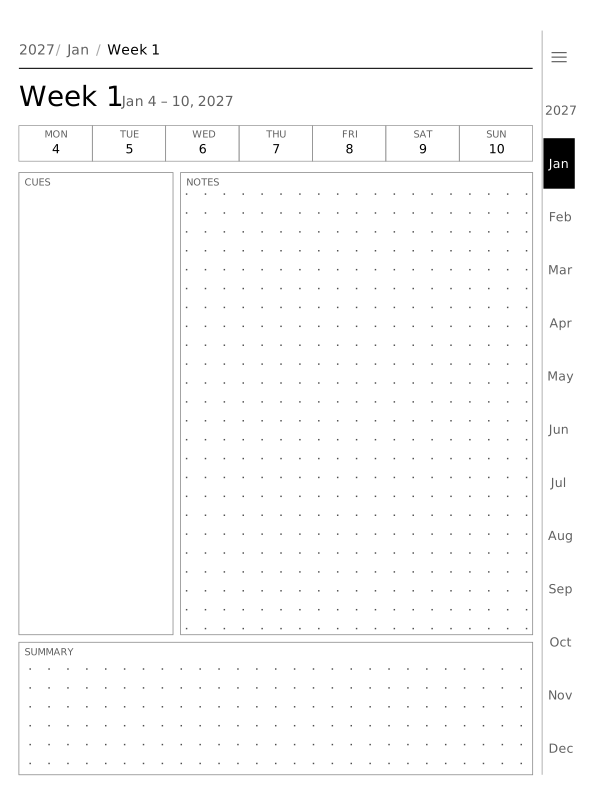 CornellCues, notes and a summary
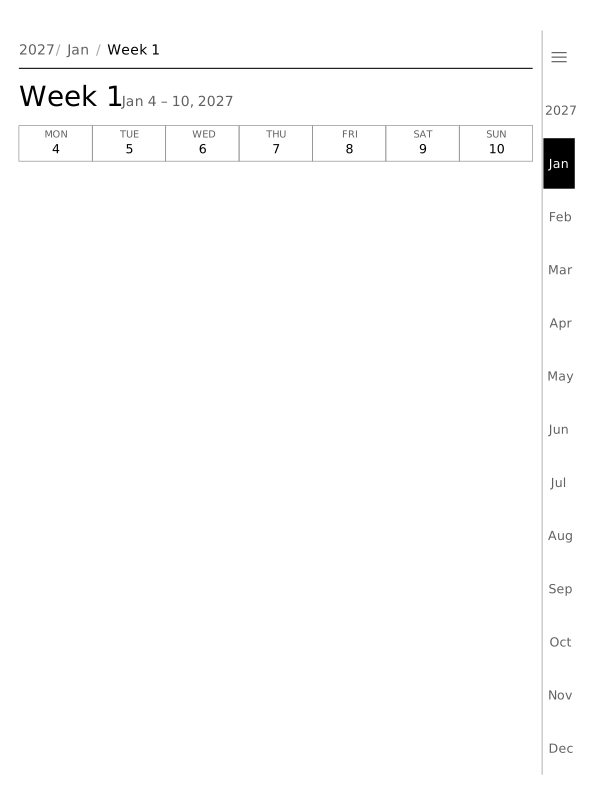 BlankPaper only, in the background you pick
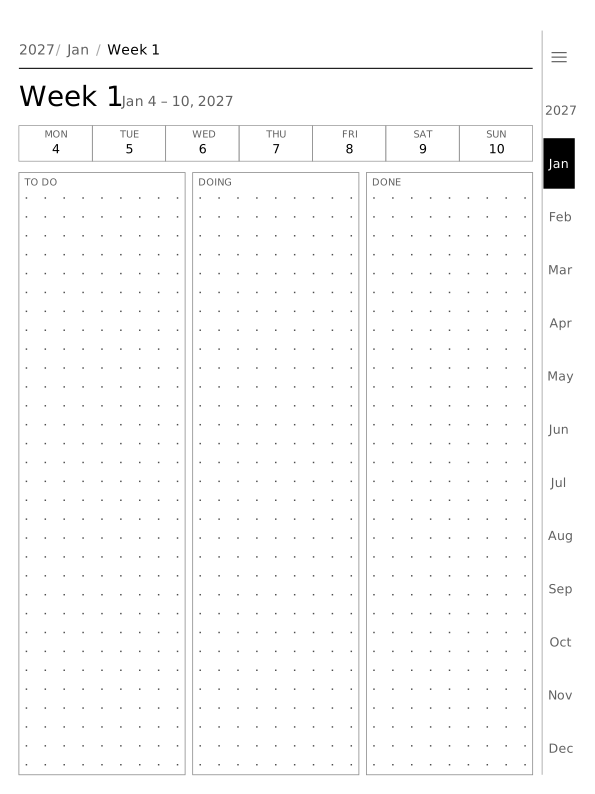 Kanban columnsTo do, doing and done side by side
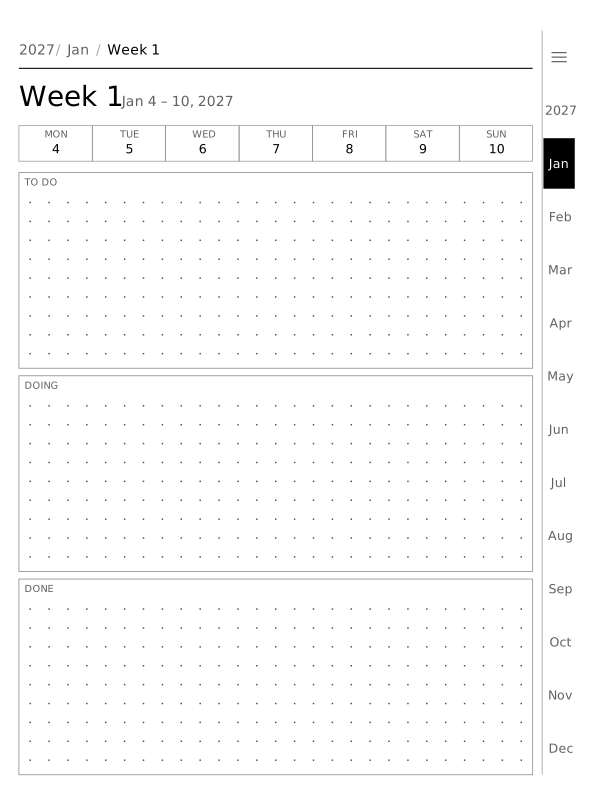 Kanban lanesTo do, doing and done stacked
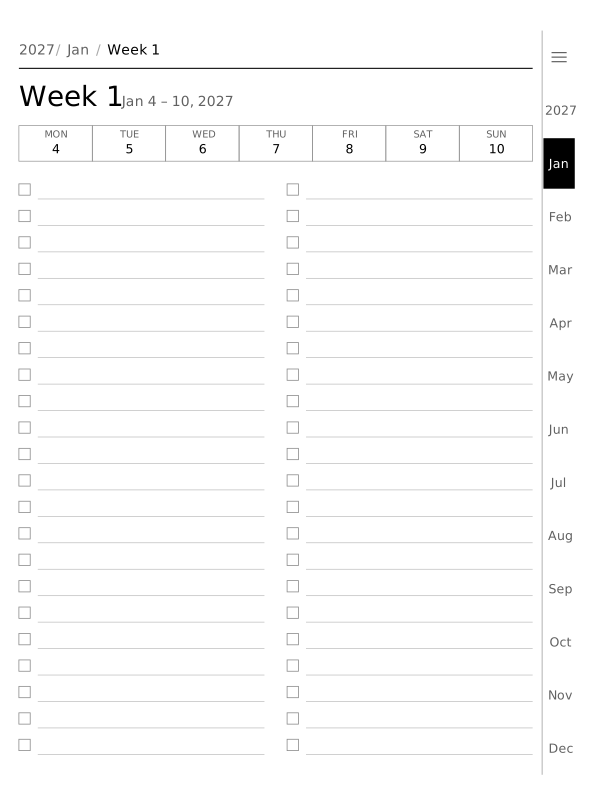 ChecklistLines with tick boxes
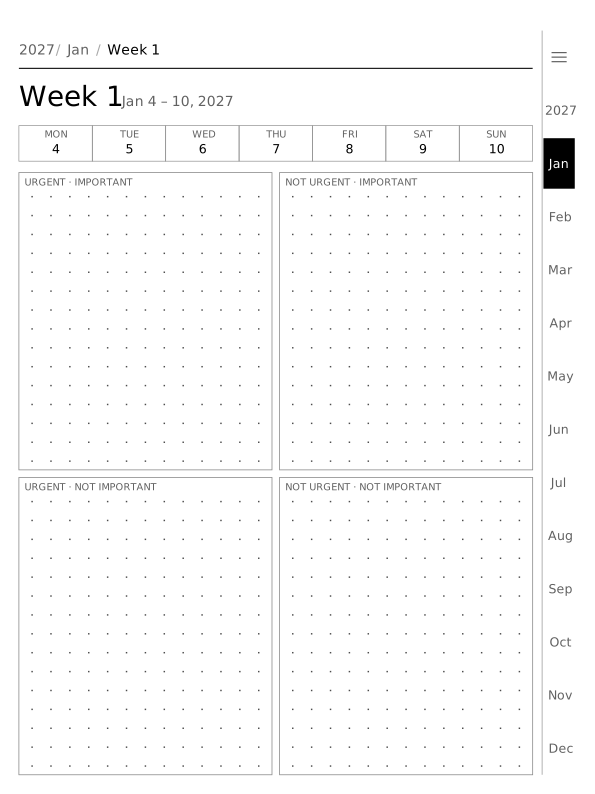 EisenhowerUrgent and important, in four boxes
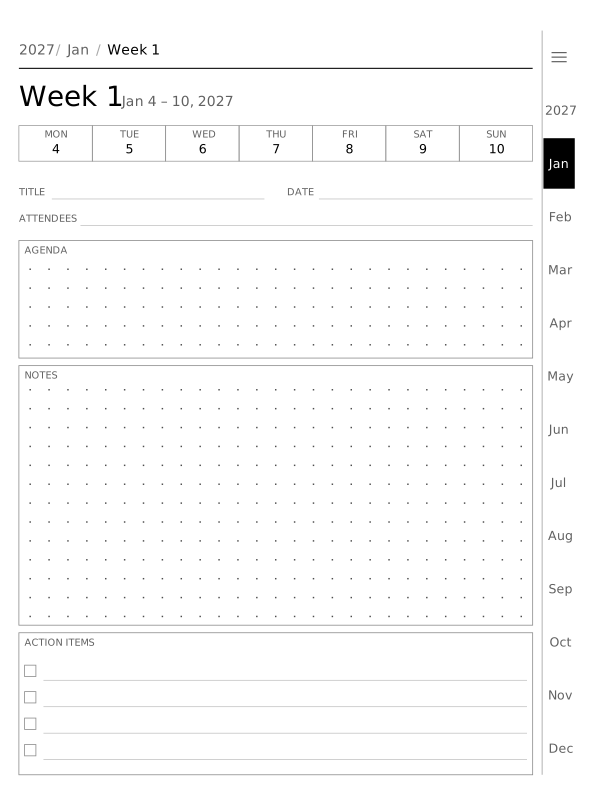 Meeting notesAttendees, agenda, notes and actions
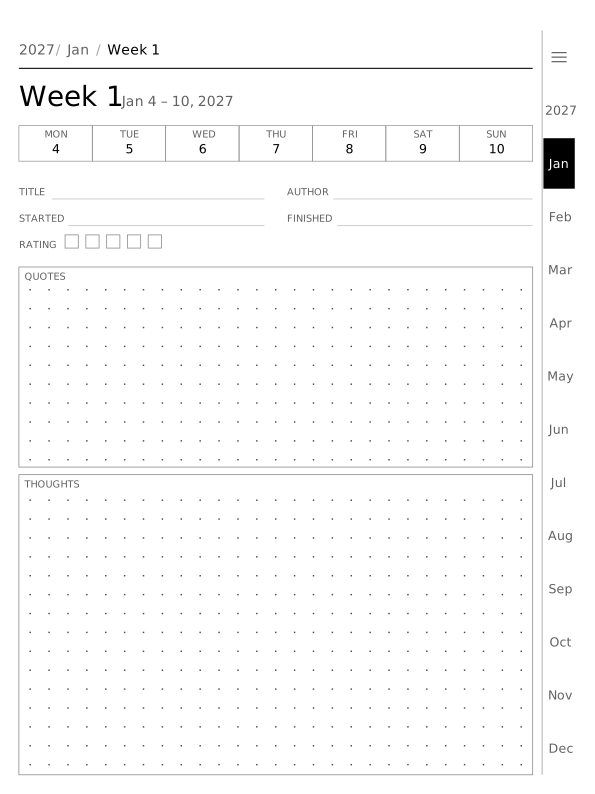 Book notesAuthor, dates, rating, quotes and thoughts
Kindle Scribe planner questions
Is there a free Kindle Scribe planner?
Yes. The January sample is free and needs no account: 38 pages at 1860 × 2480 px, with the year, the month, its weeks and its days all linked.
Load it on your Kindle Scribe to check the size and the tabs before you pay $12.99 for the full year.
Is there a 2027 Kindle Scribe planner?
Yes. The 2027 planner for the Kindle Scribe has 436 pages: 365 daily, 53 weekly, 12 monthly, 6 other.
You can also start it in any month, so it runs across two years, or pick another year up to 2031.
Is the Kindle Scribe planner a PDF?
Yes. It is one PDF of about 2.2 MB, drawn at the 10.2-inch screen's own size of 1860 × 2480 px.
You put it on the tablet with Send to Kindle, and it stays a PDF that you can write on.
Do I need an app for a Kindle Scribe planner?
No. The planner is a plain PDF that opens in the Kindle Scribe's own reader, with no extra app or subscription.
You only use Send to Kindle to move the file onto the tablet.
Can I use the planner as a Kindle Scribe template?
Use it as a PDF rather than a notebook template: open it from your Library and write on the pages, which keeps every link working. It is a full planner document, not a single page.
Other tablets
- reMarkable 2
- reMarkable Paper Pro
- reMarkable Paper Pro Move
- Kindle Scribe 11" (2025)
- Supernote Manta
- Supernote Nomad
- BOOX Note Air5 C
- BOOX Go 10.3
- Kobo Elipsa 2E
- Compare all sizes
Updated . The PDF Planner is independent and not affiliated with Amazon; the device name only says which screen the planner fits.