2027 planner for the Kindle Scribe Colorsoft, sized 1980 × 2640 px
Build your own: pick one of 14 weekly layouts, your start month and your holidays. Tap a day on your Scribe and that page opens: Amazon's help says to pick the Pointer tool and tap the link with the pen. The planner is drawn at the Scribe's native 1980 × 2640 px, 300 ppi, with tabs placed clear of the toolbar, and loads with Send to Kindle.
The 2027 planner covers November 2026 – December 2027, 14 months. Launch price $12.99 until 31 December 2026, then $19.99. No account. Pay once, then change the layout or tablet free for 12 months.
Your November sample is downloading.Back from the November sample?
- Load it on your tablet. How to load it
- Tap a day. Check the tabs, the margins and the pen.
- Buy the full 2027 planner above: the same file for November 2026 – December 2027, 14 months, every day and week linked.
Launch price $12.99 until 31 December 2026. From then on it is $19.99. No account. Change the layout or tablet free for 12 months.
Tap a day. This is how it works on your Scribe.
This is the November 2026 page of your PDF, with the same day and week links.
- Tap a day. Its page opens.
- Tap the month tab on the right. You are back.
- Tap a week number. The week opens.
Kindle Scribe Colorsoft screen and page size
The Kindle Scribe Colorsoft has the 11-inch, 1980 × 2640 pixel screen of the 2025 Scribe with a colour layer: 300 ppi in black and white, 150 ppi in colour. The planner is printed in black and grey, so it shows at the full black-and-white density. As with the other Scribes, the pixel count comes from a published review, because Amazon's product page does not list it.
| Screen | 11 in |
|---|---|
| Display | Colour; 300 ppi is the black-and-white density |
| Pixels | 1980 × 2640 px, portrait |
| PPI | 300 |
| Aspect | 3:4 |
| Page size | 168 × 224 mm |
| Safe margin | top 8, sides 5 mm, estimated |
| Tab side | Right; left if you choose left-handed |
| Months | November 2026 – December 2027, 14 months |
| Pages | 509 |
| File size | about 2.8 MB |
| Free sample | November, 39 pages |
| Same screen as | Kindle Scribe 11" (2025) |
Screen figures: starkinsider.com. Check the margins on your tablet with the free one-month sample.
How to put the planner on your Kindle Scribe Colorsoft
- Open Send to Kindle. Go to amazon.com/sendtokindle on a computer and sign in with the Amazon account your Scribe uses.
- Upload the PDF. Drop the planner on the page, keep Add to your library on and click Send. Files up to 200 MB are accepted.
- Or send it by email. Email the PDF to your Scribe's Send to Kindle address from an approved address. Each email takes up to 50 MB.
- Open it on the Scribe. Sync the Scribe, open the planner from your Library and write on the page.
- With a writing tool selected, the pen writes. Choose the Pointer tool to tap links with the pen.
- Dark mode inverts the page, so the planner shows on a black background. Turn dark mode off to see white pages.
- The Colorsoft and the 11-inch Scribe share one page size, so a planner made for either opens full screen on both.
How to load a PDF planner on a Kindle Scribe: full guide and sources
What's inside
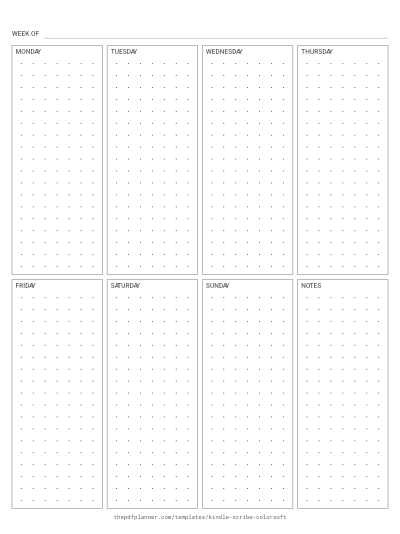
Four real pages of the planner for November 2026 – December 2027 at the Kindle Scribe Colorsoft's size, drawn by the same code that writes your PDF.
14 weekly layouts
Choose your weekly layout. Every layout is drawn for the Kindle Scribe Colorsoft screen; pick one to open the creator with it.
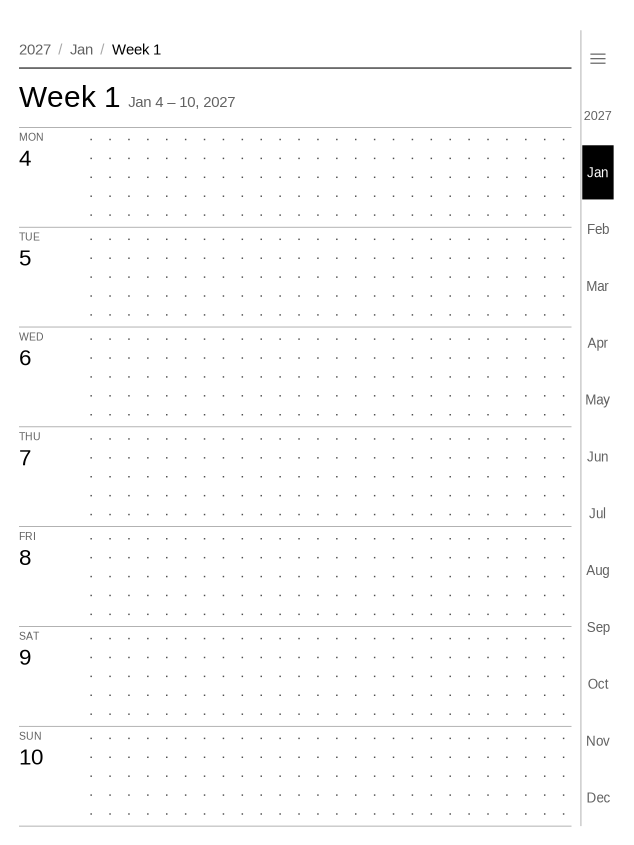 RowsSeven rows, one per day
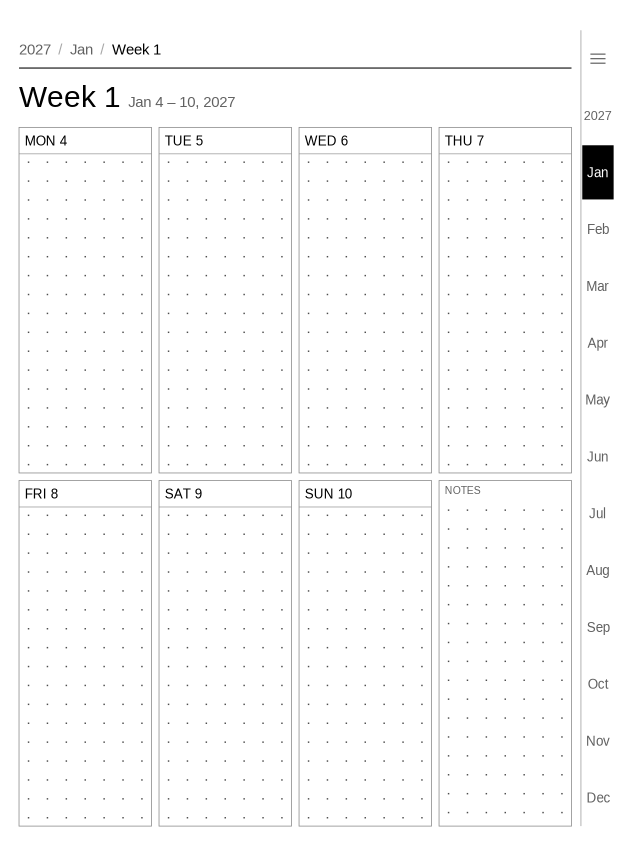 Plan, 4 columnsSeven day boxes and notes in two rows
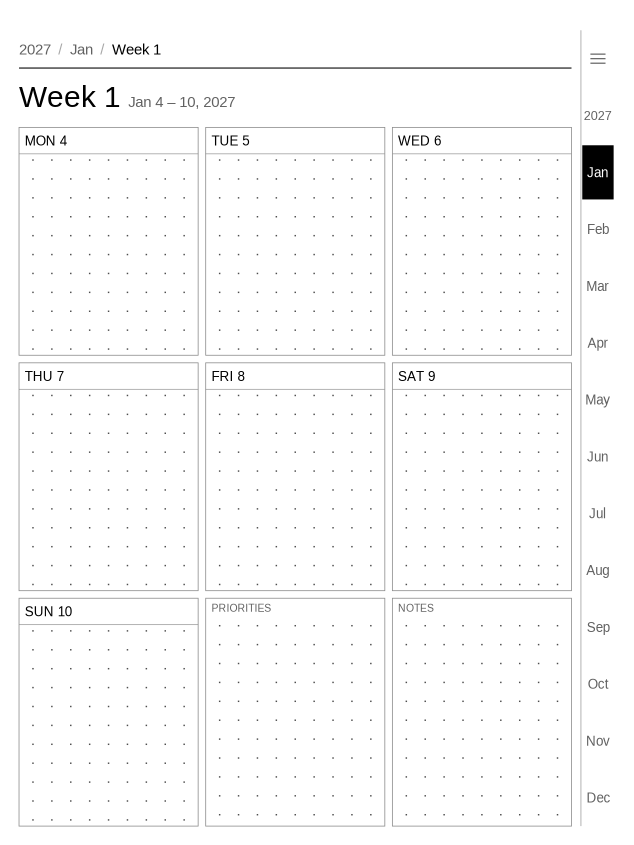 Plan, 3 columnsSeven day boxes, priorities and notes
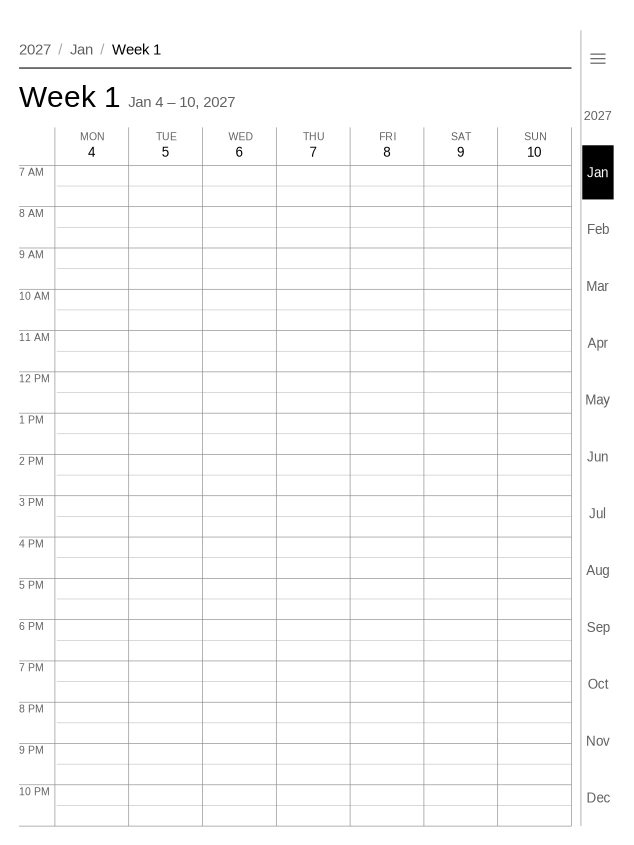 VerticalSeven columns on an hourly timeline
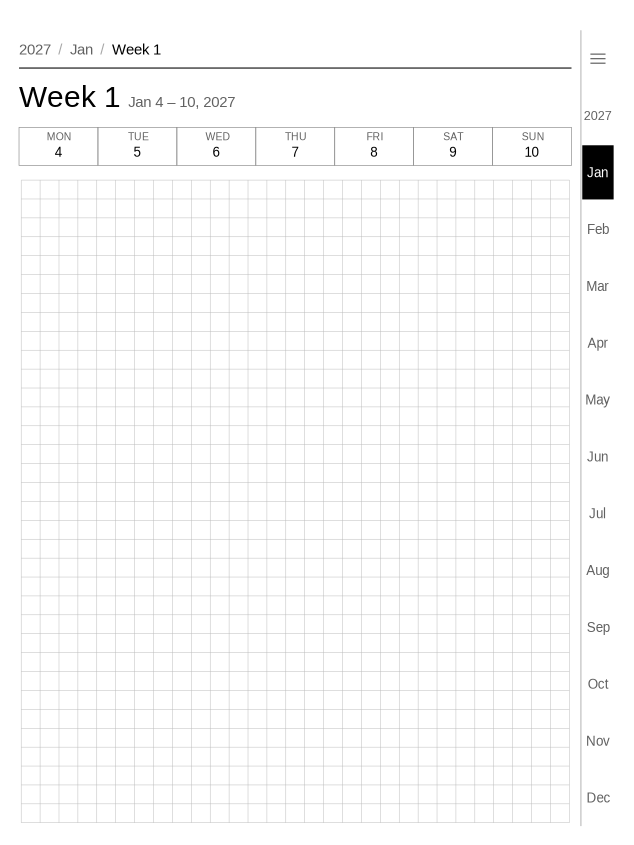 Grid5 mm squares
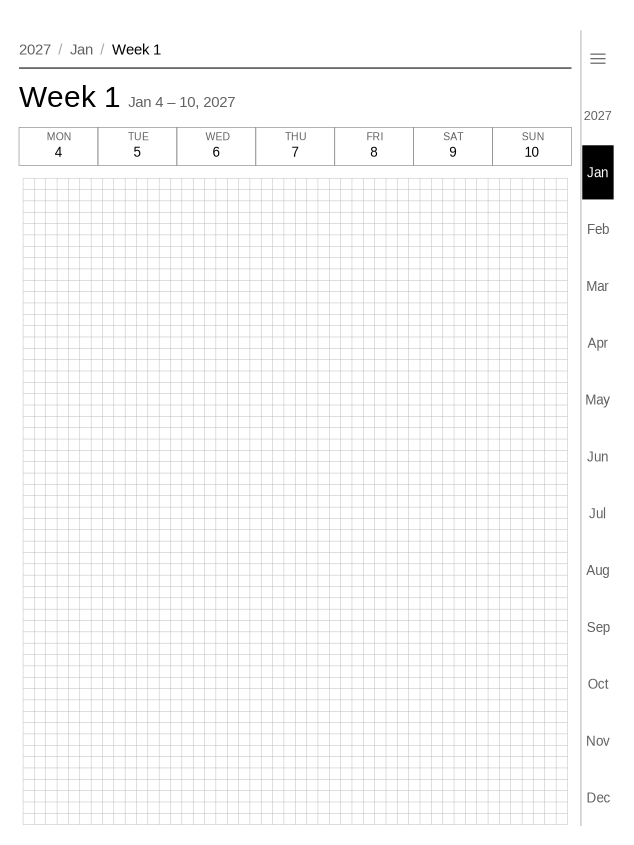 Small grid3 mm squares
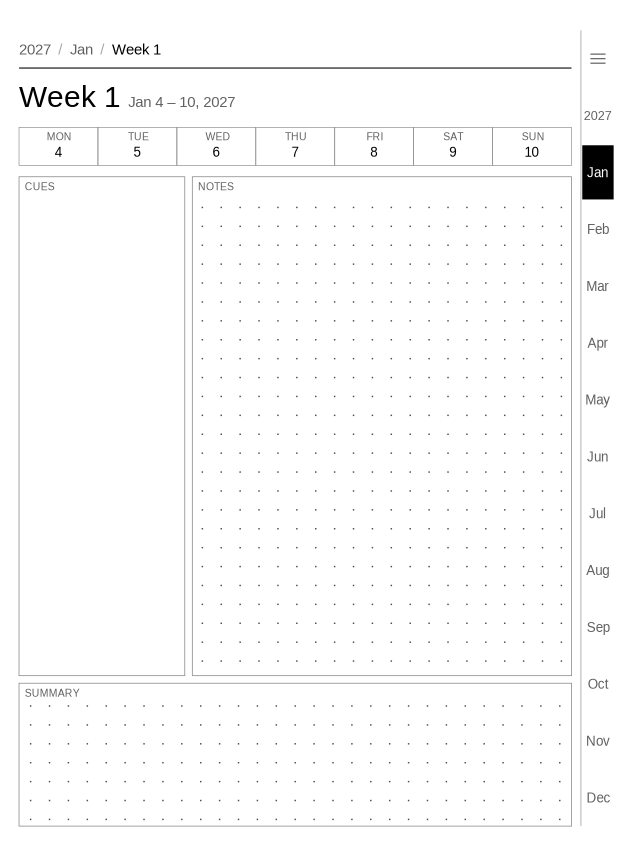 CornellCues, notes and a summary
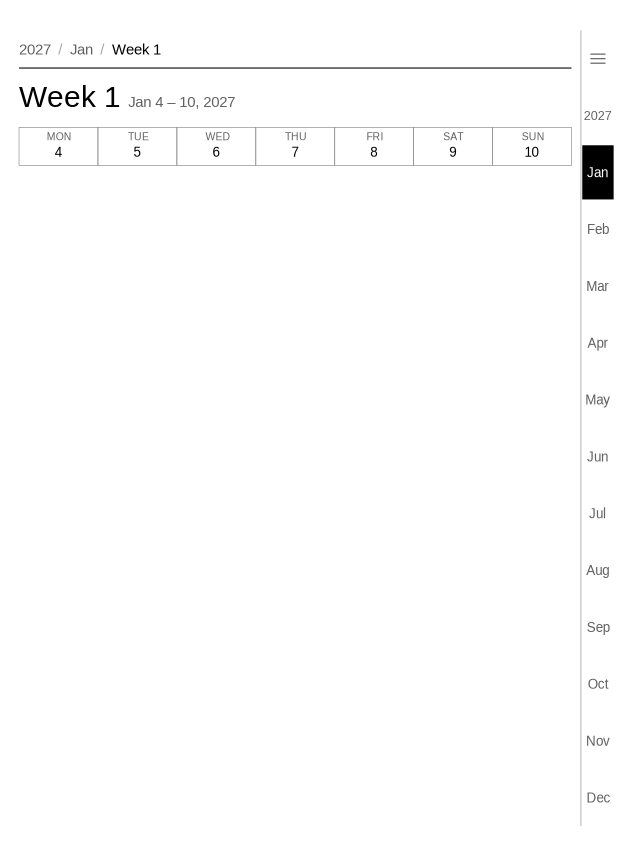 BlankPaper only, in the background you pick
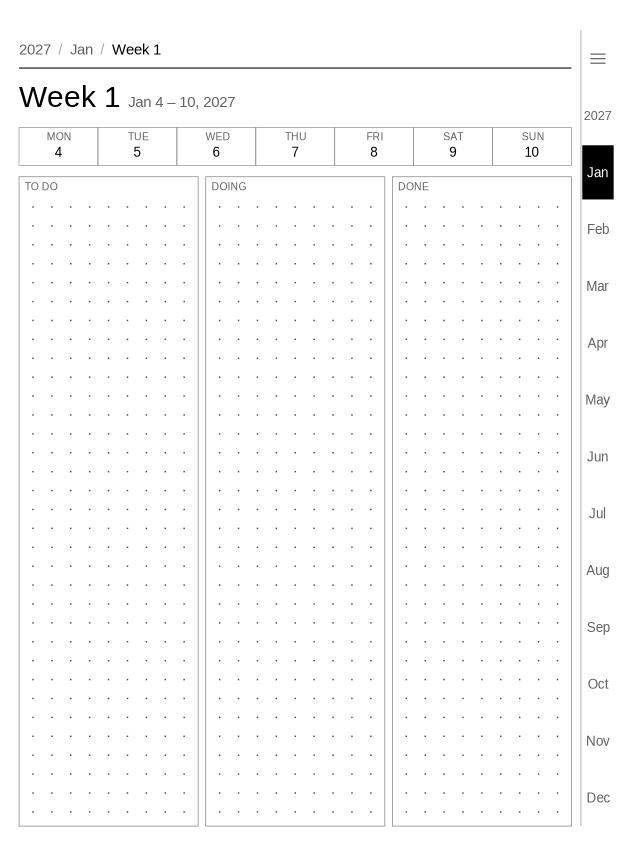 Kanban columnsTo do, doing and done side by side
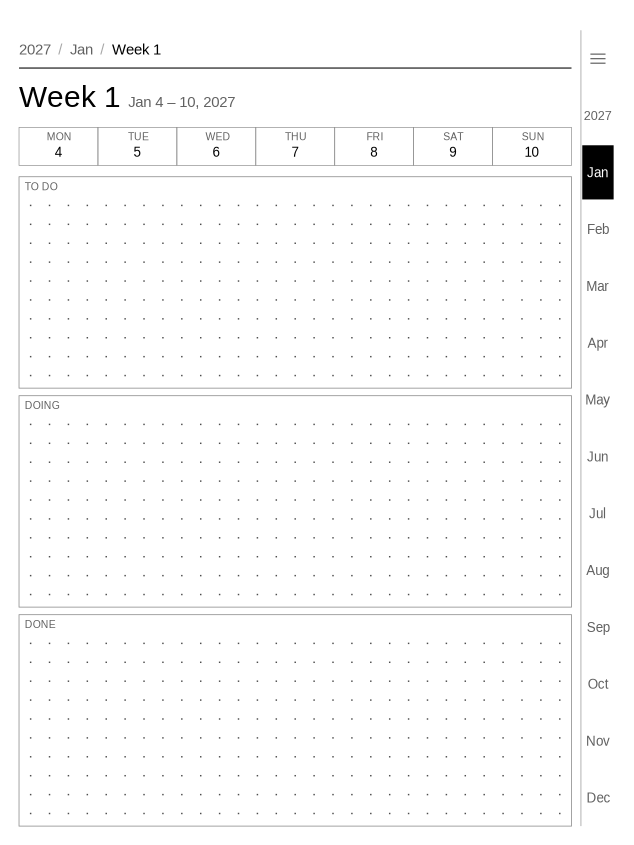 Kanban lanesTo do, doing and done stacked
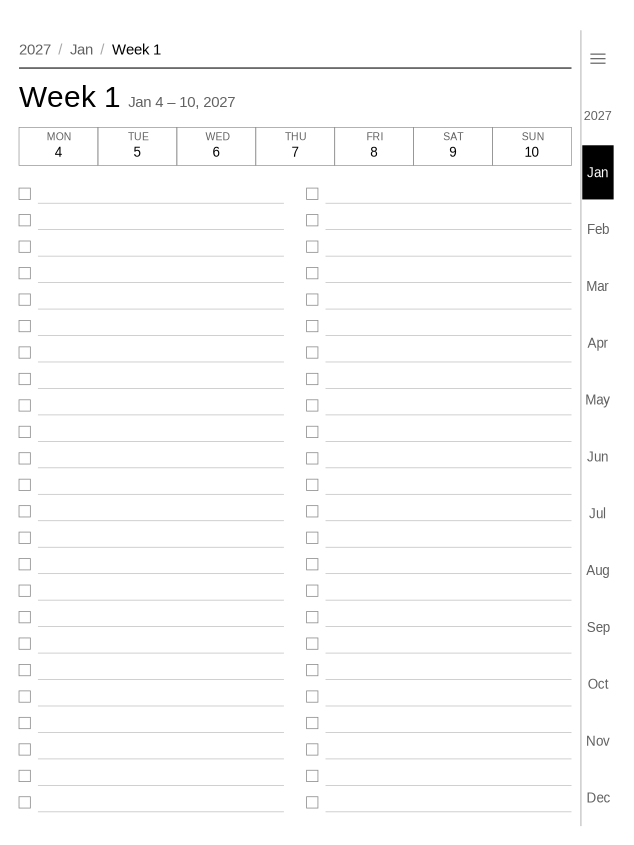 ChecklistLines with tick boxes
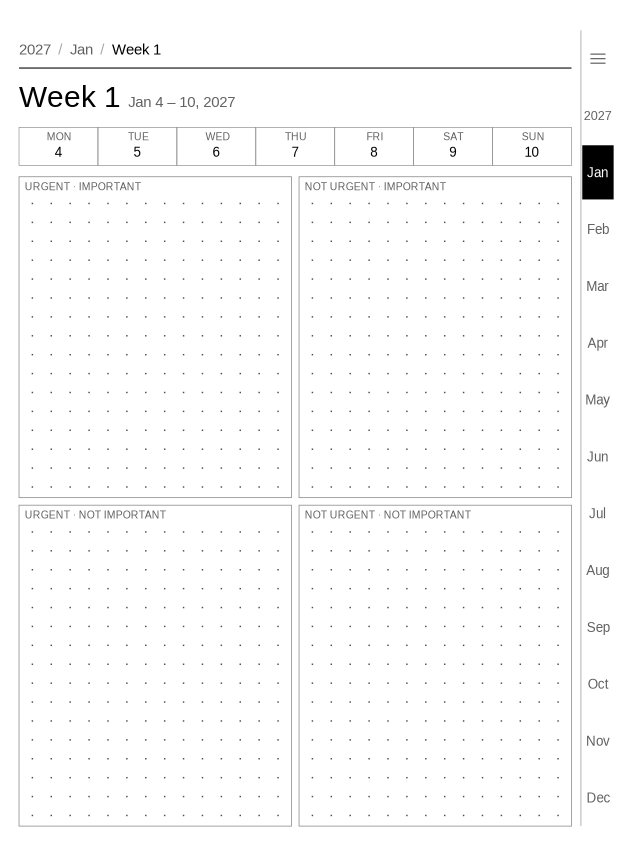 EisenhowerUrgent and important, in four boxes
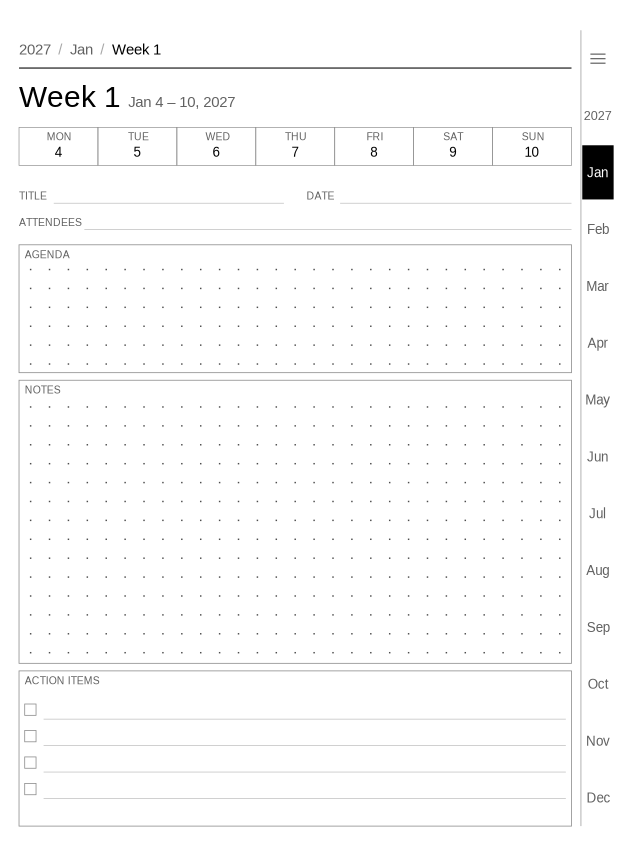 Meeting notesAttendees, agenda, notes and actions
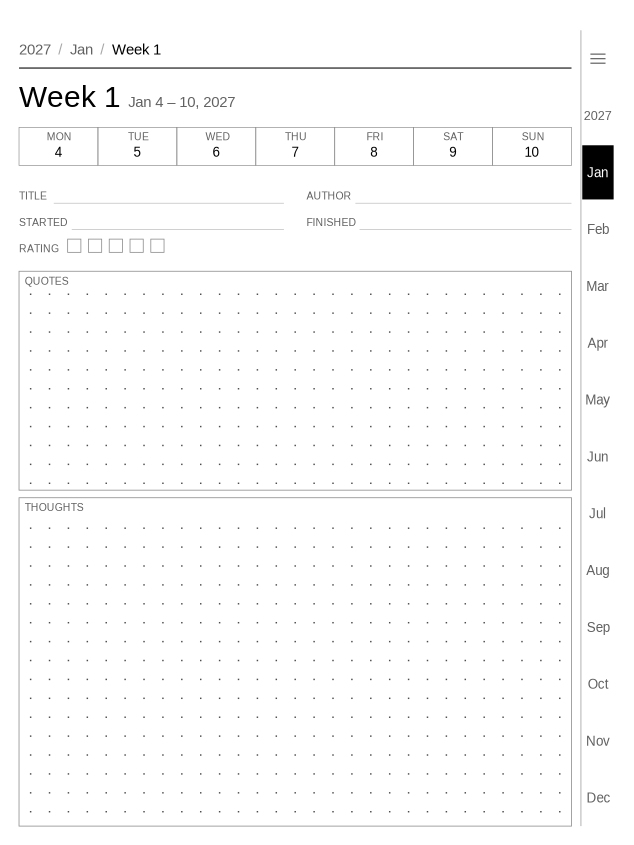 Book notesAuthor, dates, rating, quotes and thoughts
Free Kindle Scribe Colorsoft templates
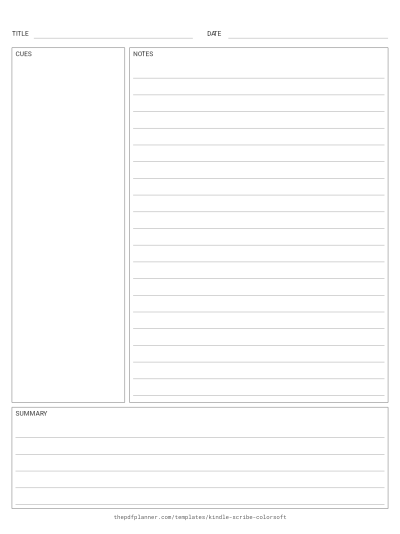
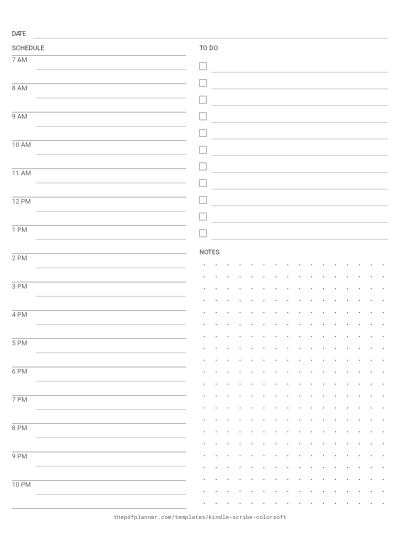
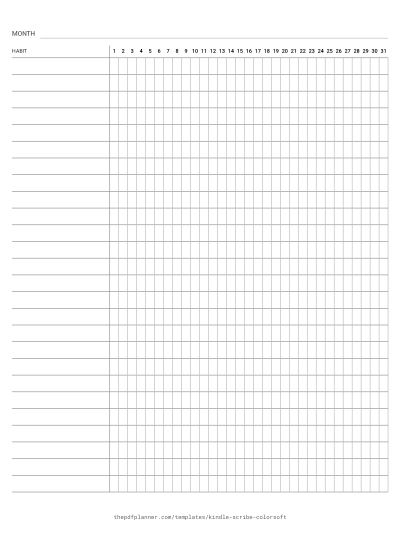
One-page templates drawn at 1980 × 2640 px with no dates: dotted, lined, Cornell notes, meeting notes and more, as PDF. No account.
Kindle Scribe Colorsoft planner questions
Is this a 2027 planner?
Yes. The planner on this page covers November 2026 – December 2027, 14 months, so every day of 2027 is in it.
You can start it in any month: from January to September it runs 12 months, and from October to December it runs to 31 December of the next year. Start years go from 2025 to 2031, all at $12.99.
Is there a free Kindle Scribe Colorsoft planner?
Yes. The November sample is free and needs no account: 39 pages at 1980 × 2640 px, with the year, the month, its weeks and its days all linked.
Load it on your Kindle Scribe Colorsoft to check the size and the tabs before you pay $12.99 for the full planner, November 2026 – December 2027.
Is there a 2026 Kindle Scribe Colorsoft planner?
Yes. A planner started in November 2026 runs to December 2027: 14 months, 509 pages (426 daily, 62 weekly, 14 monthly, 7 other).
Started in January to September, it runs 12 months. Start it in October, November or December and it runs to 31 December of the next year, so it has 15, 14 or 13 months. You can pick a start year up to 2031.
Does the Kindle Scribe Colorsoft planner include 2027?
Yes. Started in November 2026, it covers all of 2027: November 2026 – December 2027, 14 months.
Any start in October, November or December 2026 runs to 31 December 2027, at the same $12.99.
Is the Kindle Scribe Colorsoft planner a PDF?
Yes. It is one PDF of about 2.8 MB, drawn at the 11-inch screen's own size of 1980 × 2640 px.
You put it on the tablet with Send to Kindle, and it stays a PDF that you can write on.
Do I need an app for a Kindle Scribe Colorsoft planner?
No. The planner is a plain PDF that opens in the Kindle Scribe Colorsoft's own reader, with no extra app or subscription.
You only use Send to Kindle to move the file onto the tablet.
Can I use the planner as a Kindle Scribe Colorsoft template?
Use it as a PDF rather than a notebook template: open it from your Library and write on the pages, which keeps every link working. It is a full planner document, not a single page.
Will a Kindle Scribe 11" (2025) planner work on my Kindle Scribe Colorsoft?
Yes. Both screens are 1980 × 2640 px at 300 ppi, and both planners keep the same margins, so a planner made for the Kindle Scribe 11" (2025) opens full screen on your Kindle Scribe Colorsoft.
For 12 months after you buy, you can also generate the planner again for the other tablet at no cost.
Other tablets
- reMarkable 2
- reMarkable Paper Pro
- reMarkable Paper Pro Move
- reMarkable Paper Pure
- Kindle Scribe
- Kindle Scribe 11" (2025)
- Supernote Manta
- Supernote Nomad
- BOOX Note Air5 C
- BOOX Go 10.3
- BOOX Note Max
- BOOX Note Air4 C
- BOOX Go 7 and Go Color 7
- Kobo Elipsa 2E
- Kobo Libra Colour
- Kobo Sage
- Viwoods AiPaper
- Viwoods AiPaper Mini
- iFLYTEK AINOTE Air 2
- Compare all sizes
Updated . The PDF Planner is independent and not affiliated with Amazon; the device name only says which screen the planner fits.