Every page in the planner
The PDF Planner is one hyperlinked PDF with every page type below. The default 2027 planner has 436 pages: a contents page, a year page, 4 quarters, 12 months, 53 weeks and 365 days, plus any trackers and collections you add.
Every image is a real page drawn at the reMarkable 2's 1404 × 1872 px by the same code that writes your PDF. Your planner is drawn at your own tablet's size.
Contents, year, quarters and months
The top of the planner: every quarter, month and day is one tap away from here.
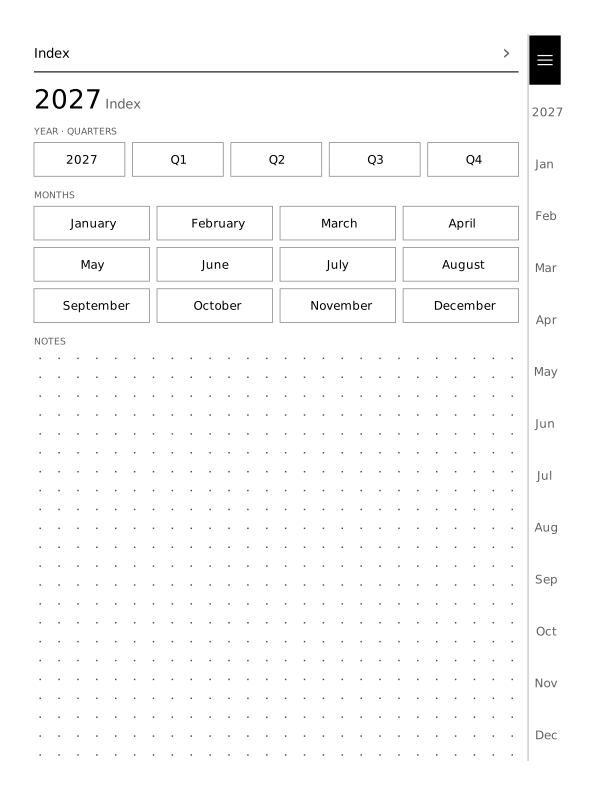 Contents (index)The first page: buttons to the year, the 4 quarters, all 12 months, your trackers and collections, with space for notes.
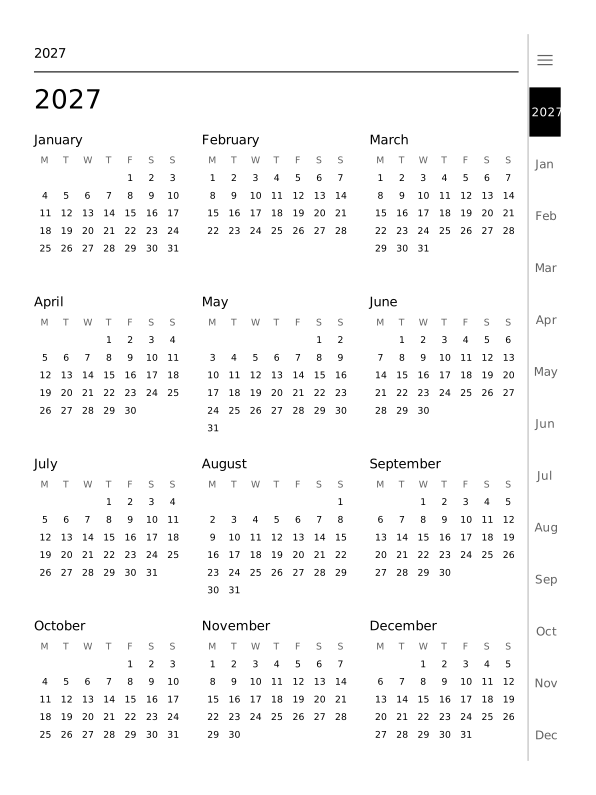 Year12 small months on one page. Tap a month to open its page.
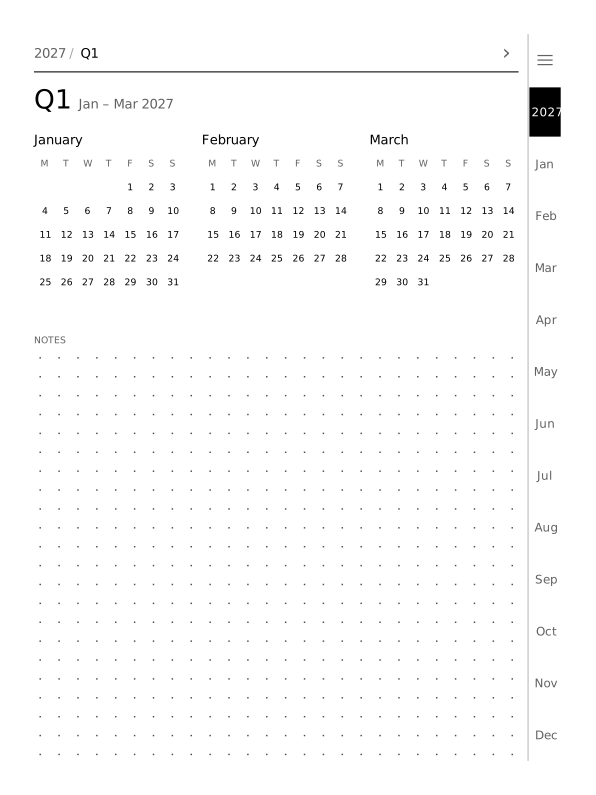 Quarter4 quarter pages, each with its 3 months side by side and the rest of the page for notes.
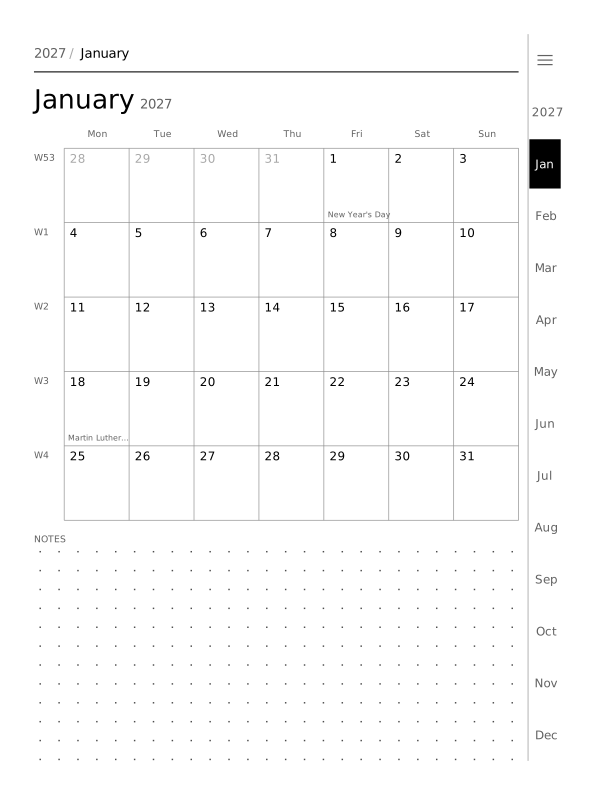 Month with holidaysJanuary 2027 with its 2 US public holidays printed in the day boxes. Holidays come from 246 countries, up to 2 at once.
14 weekly layouts
One weekly planner template for all 53 weeks of 2027, in the layout you pick. Layouts without day boxes get a strip of the 7 days across the top, so every day is still one tap away. Pick a layout to open the creator with it.
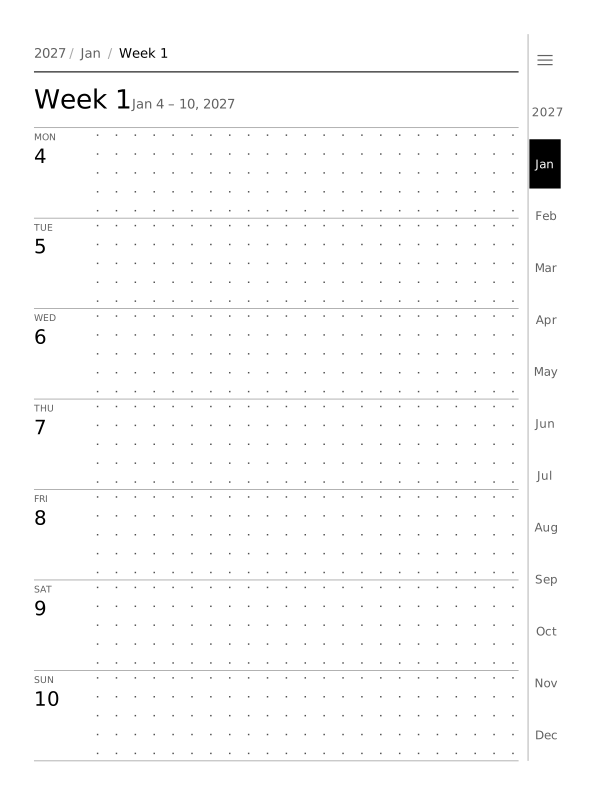 RowsSeven rows, one per day, with the holiday name at the right of its row.
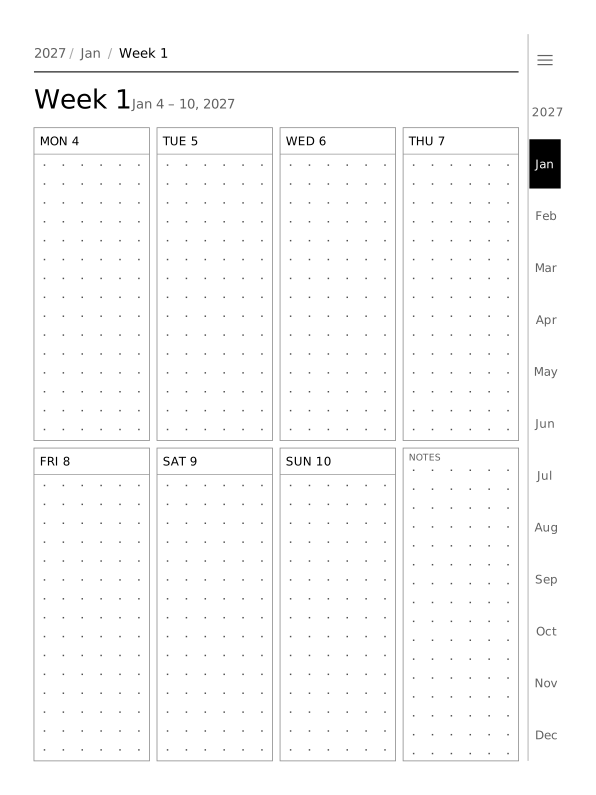 Plan, 4 columnsSeven day boxes and a notes box, four columns by two rows.
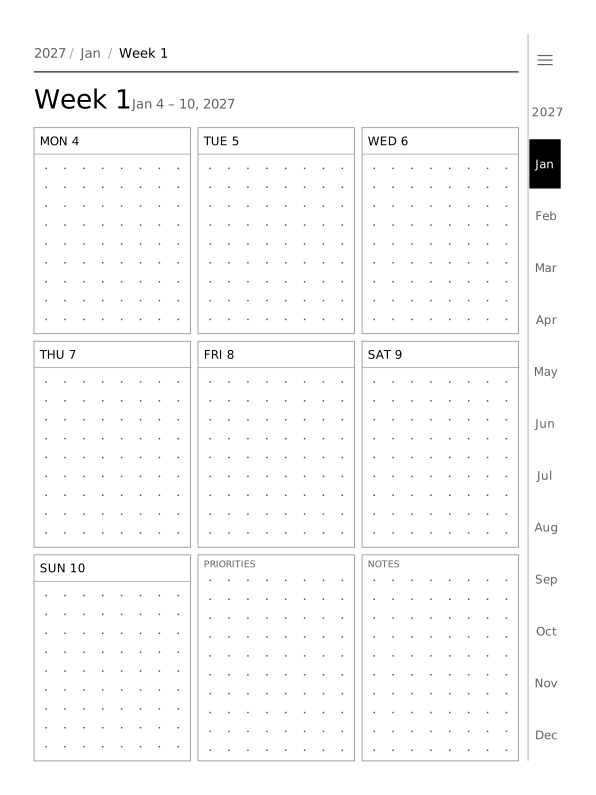 Plan, 3 columnsSeven day boxes plus priorities and notes, three columns by three rows.
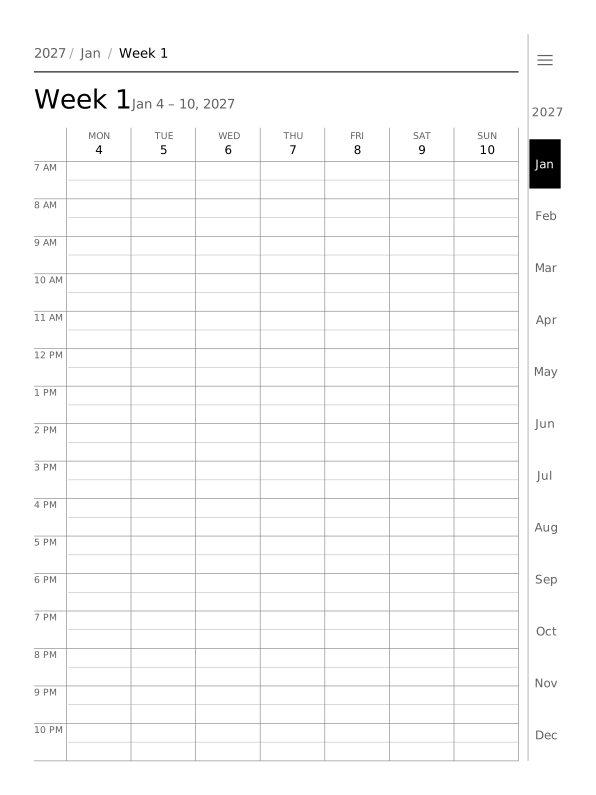 VerticalSeven columns on an hourly timeline from 7 AM to 11 PM; working hours can be shaded.
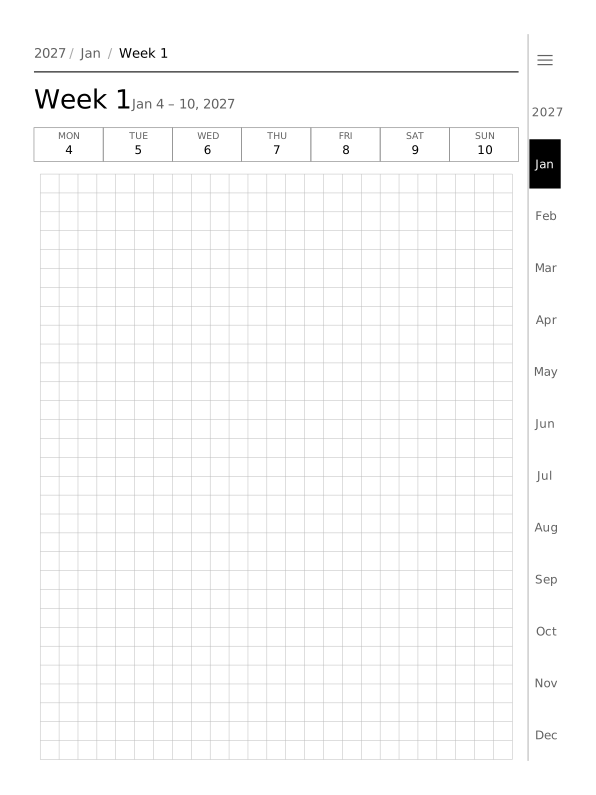 Grid5 mm squares over the whole page, for sketches, tables and bullet journal spreads.
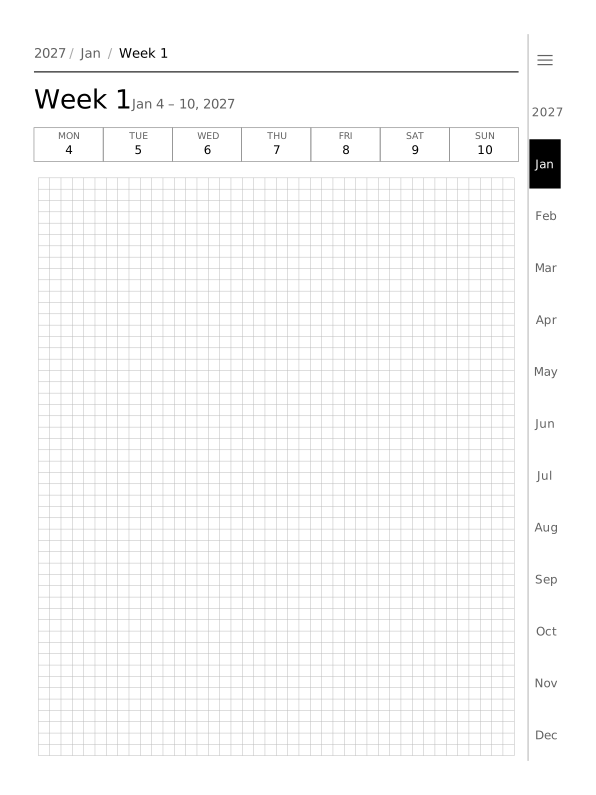 Small grid3 mm squares for finer drawing and small handwriting.
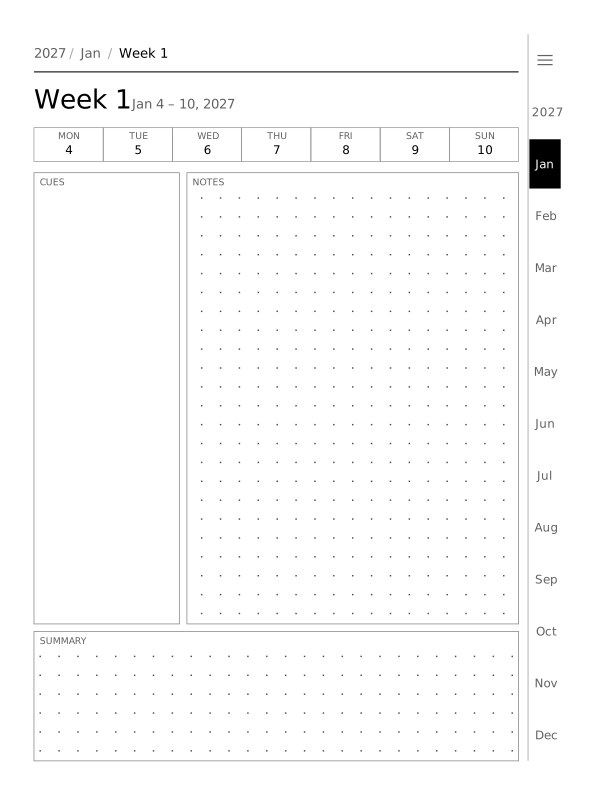 CornellA Cornell notes template: a cues column, a notes area and a summary box.
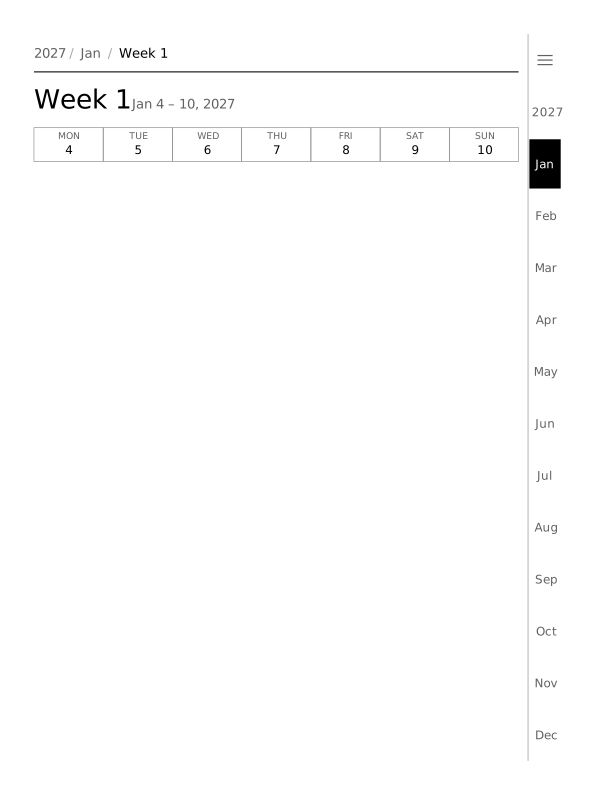 BlankNo layout, only the paper you pick: dots, lines or blank.
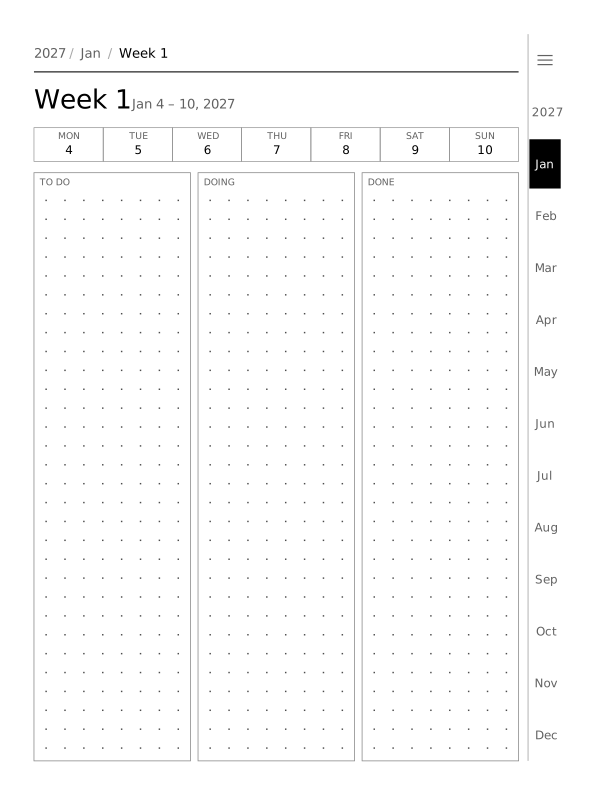 Kanban columnsA kanban weekly board with To do, Doing and Done as three columns.
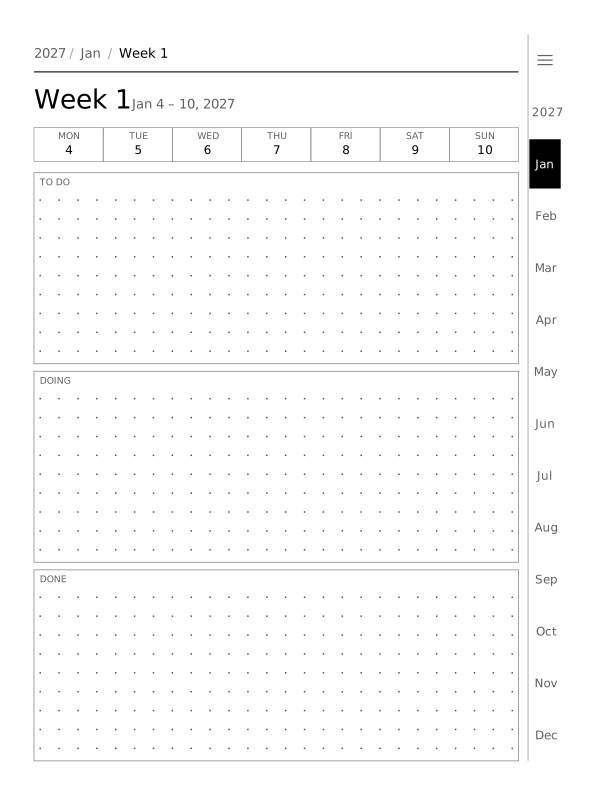 Kanban lanesThe same kanban board as three lanes stacked down the page, wider for long tasks.
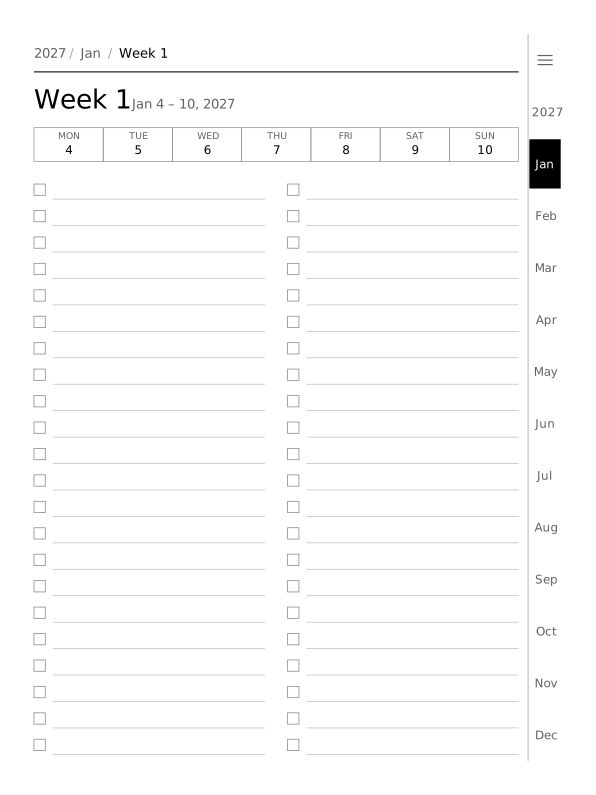 ChecklistLines with tick boxes, in two columns when the page is at least 100 mm wide.
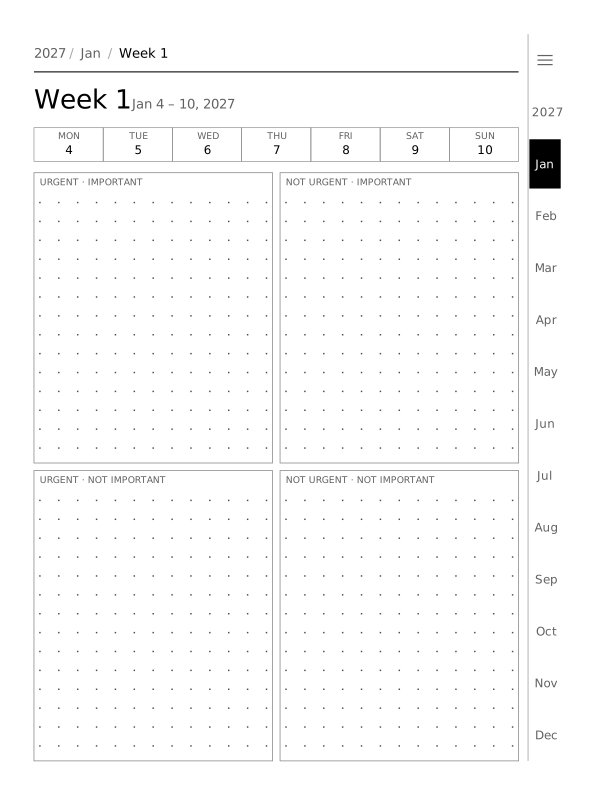 EisenhowerFour boxes: urgent and important, important only, urgent only, and neither.
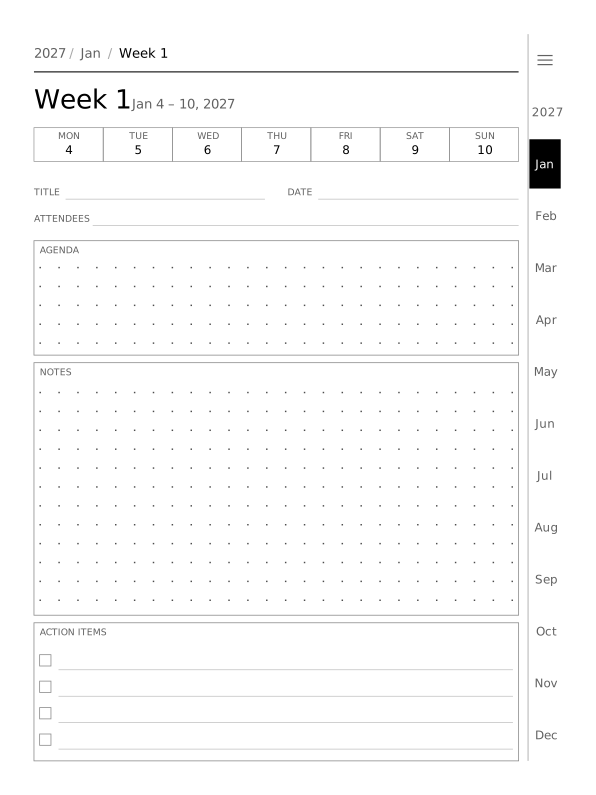 Meeting notesTitle, date, attendees, agenda, notes and action items for one meeting a page.
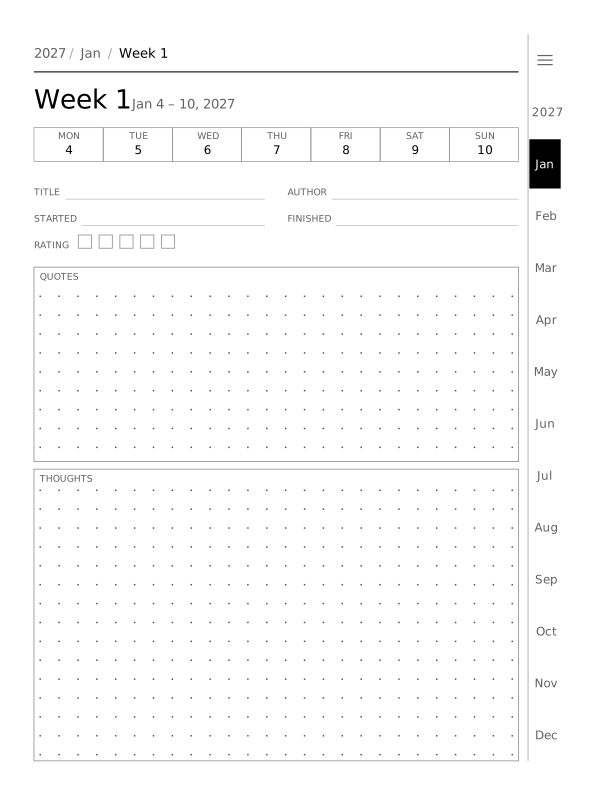 Book notesTitle, author, start and finish dates, a 5-box rating, quotes and thoughts.
Day pages
One page for each of the 365 days, linked from its week and its month.
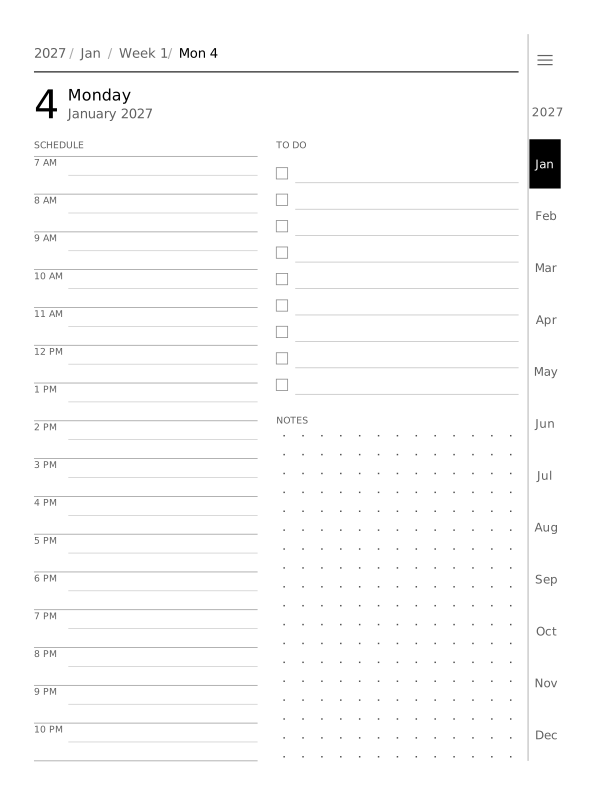 Day, 12-hour scheduleAn hourly schedule from 7 AM to 11 PM (16 rows), a to-do list and space for notes.
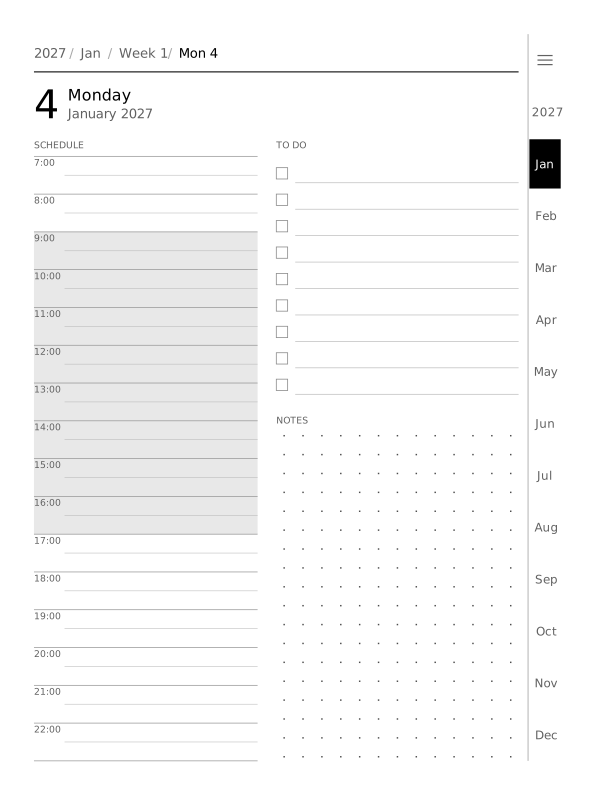 Day, 24-hour with working hoursThe same page in 24-hour time, with working hours 9:00 to 17:00 shaded grey. Start and end hours are yours to set.
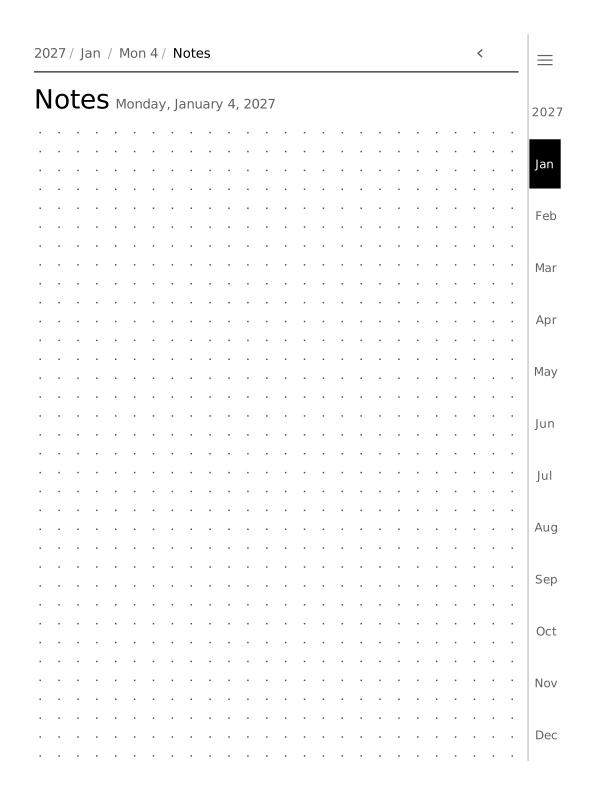 Extra notes pageUp to 2 extra notes pages after every day, opened from a Notes button on the day page. One adds 365 pages to the year.
Habit tracker pages
Add up to 6 trackers. Each gets a habit tracker page every month, linked from the month page: 12 pages per tracker in 4 styles.
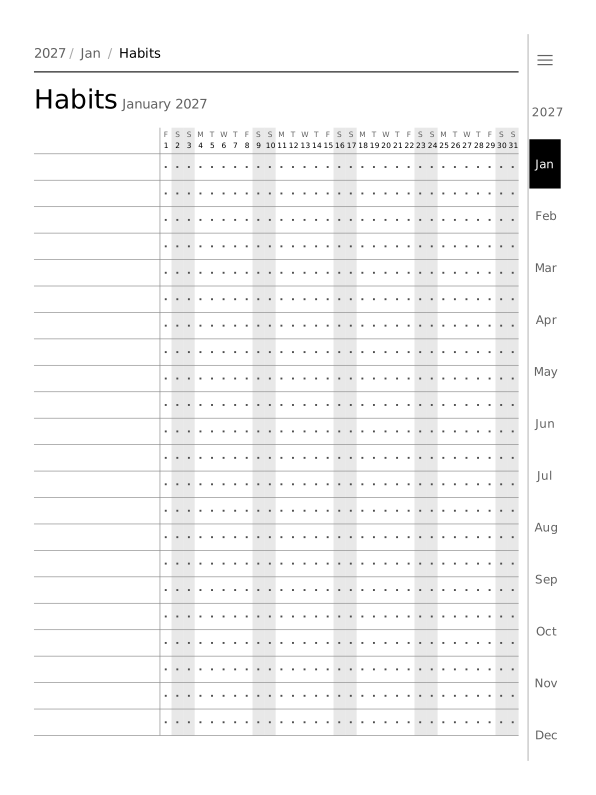 DotsA dot in every box, one row per habit and one column per day; weekends are shaded.
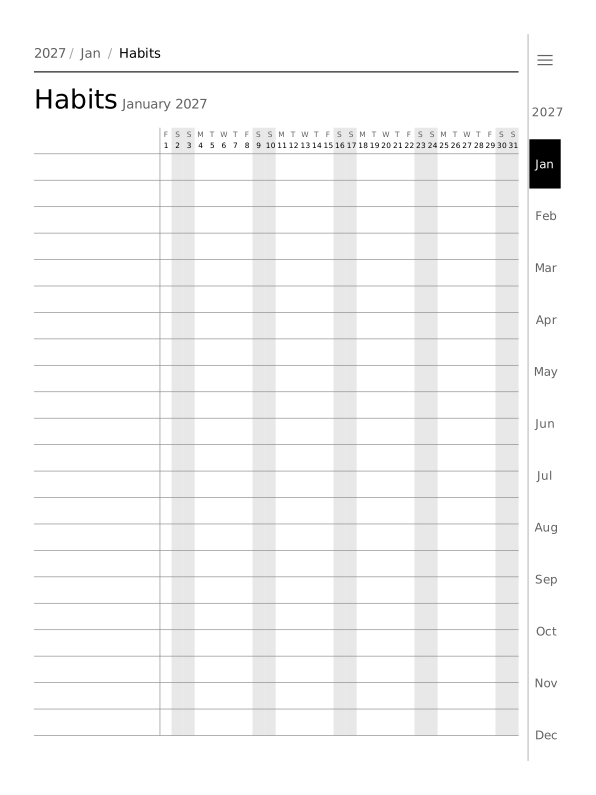 LinesRuled rows only, for counts, times or a word a day.
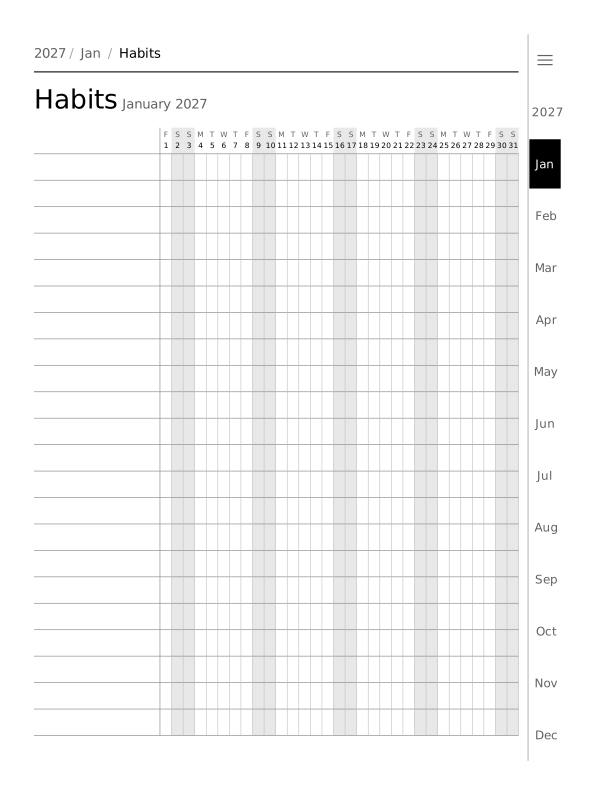 GridA full grid of boxes to tick or fill in.
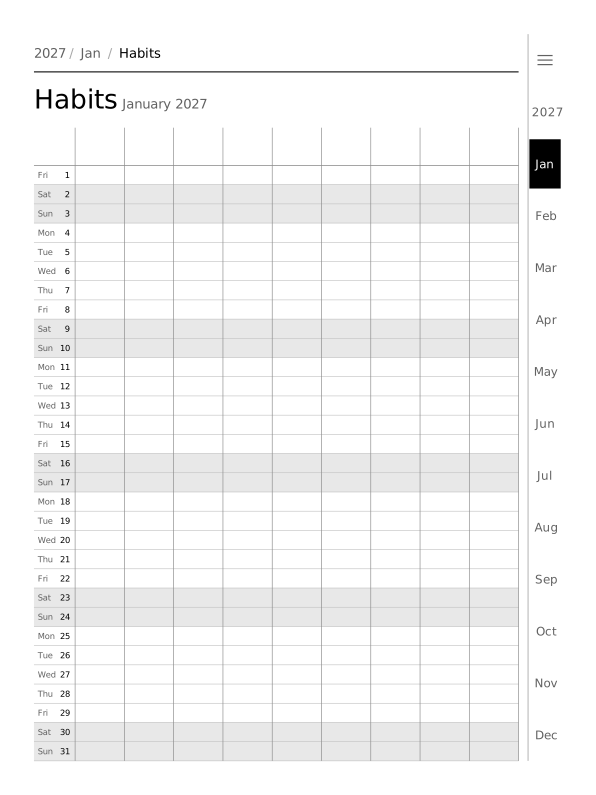 Days as rowsThe table turned: one row per day and one column per habit.
Collections
Named sets of pages with their own contents page. Up to 6 collections, once, every month or every week, up to 200 pages each time, in any layout without day boxes.
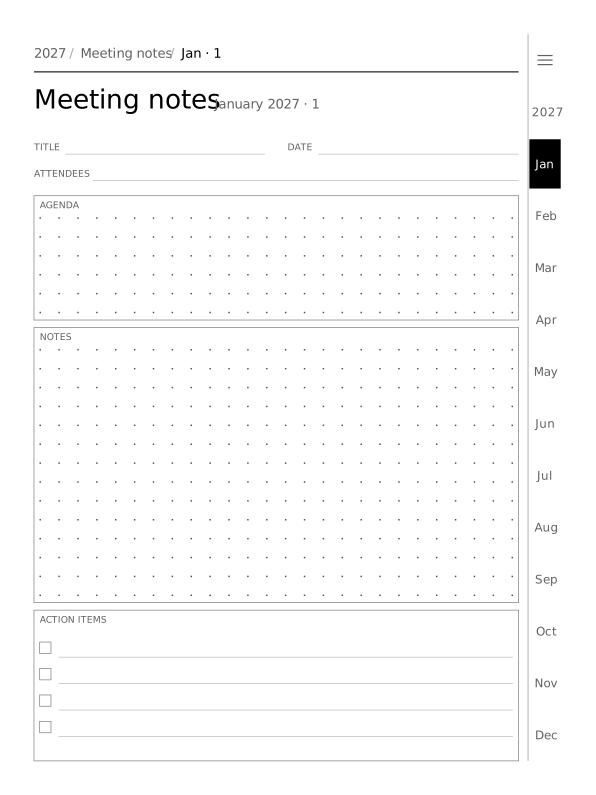 Meeting notesSet to 2 pages every month in the meeting layout: 24 pages, plus a contents page that links to each month.
Covers
The cover is optional. Without one, the planner opens on its contents page.
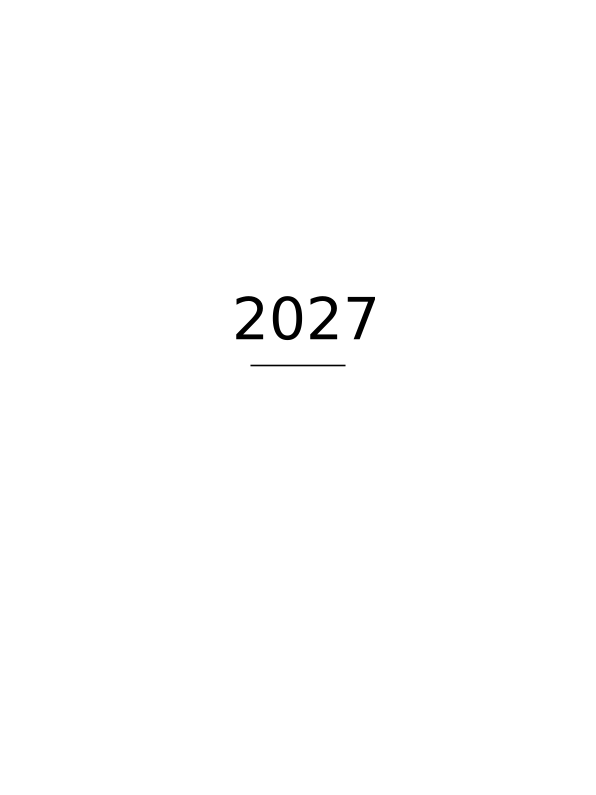 Light coverA white page with the year in the middle. Tap it to open the contents page.
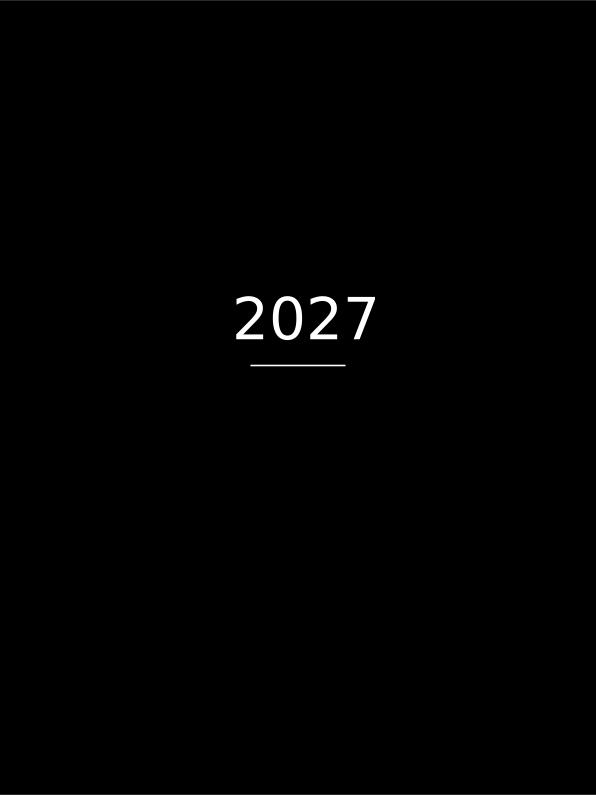 Dark coverA black page with the year in white.
Themes
E-ink shows grey only, so the 3 themes change line weight, shade and dot spacing, not colour. The same week page in each:
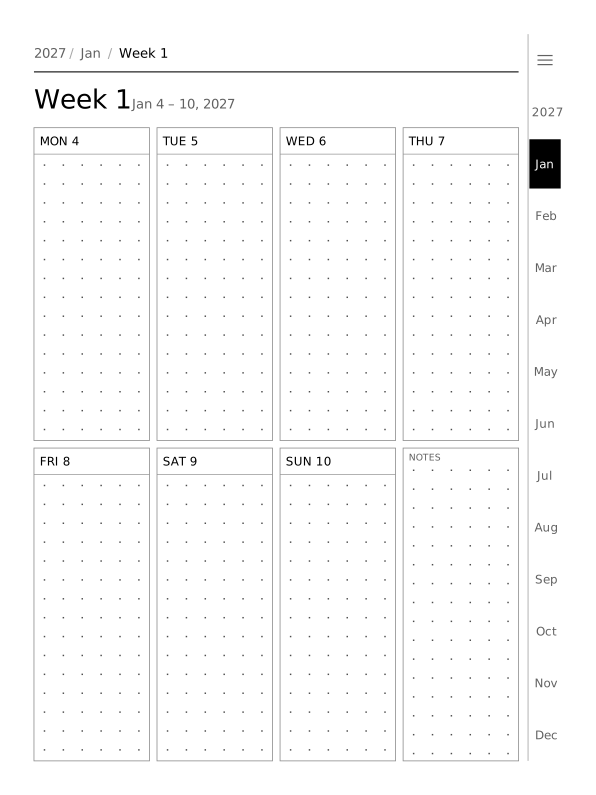 Mono themeThe default: black text, mid-grey lines and dots every 5 mm.
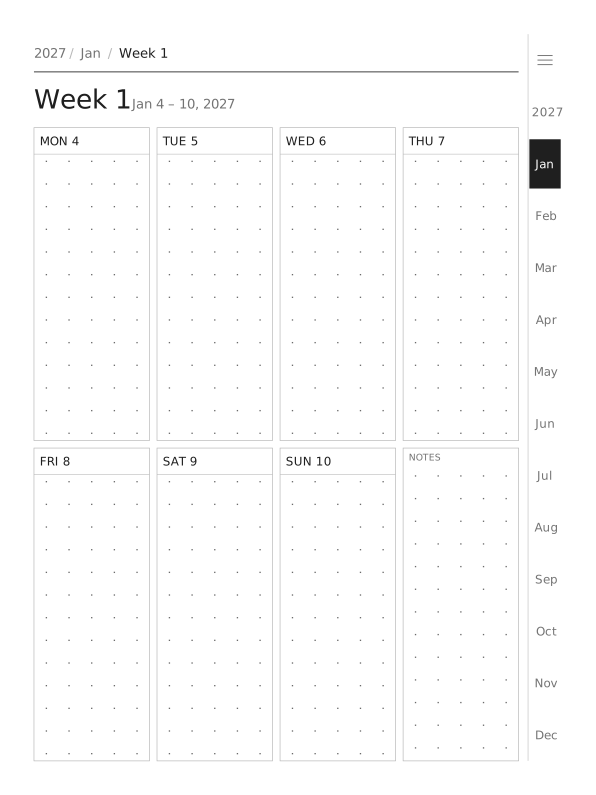 Light themeLighter greys and 0.8× line weight, with dots every 6 mm.
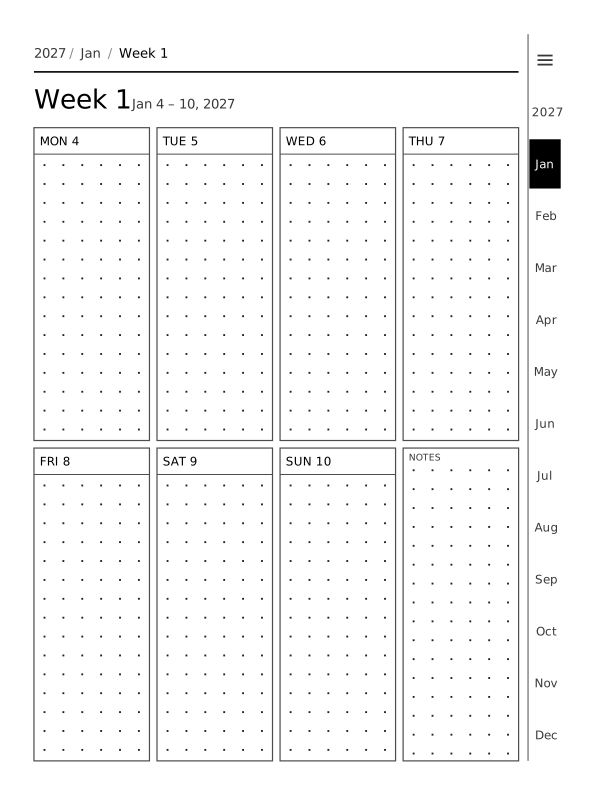 Bold themeDarker greys, 1.5× line weight and larger dots, for screens that look faint.
Pick your pages
Choose the layouts, trackers and collections you want in the creator, check the preview and download the first month free.
Create your planner See pricing
Updated .