Choose your weekly layout: 14 layouts for your 2027 planner
Choose one of these 14 weekly layouts when you build your 2027 planner; every week gets a page in it. Layouts without day boxes get a strip of the 7 days across the top, so every day is still one tap away. Each image is a real week page drawn at the reMarkable 2's size by the same code that writes your PDF. Open the creator to pick one.
All weekly layouts
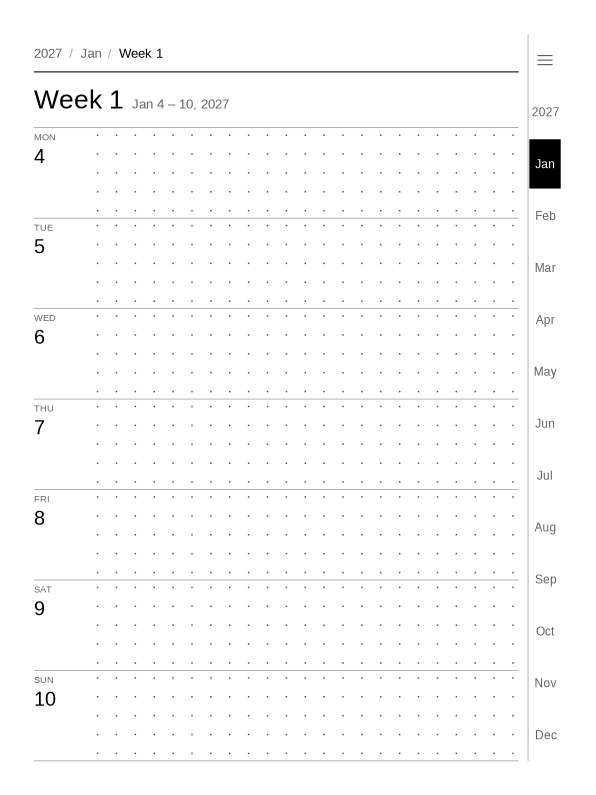 RowsSeven rows, one per day, with the holiday name at the right of its row.
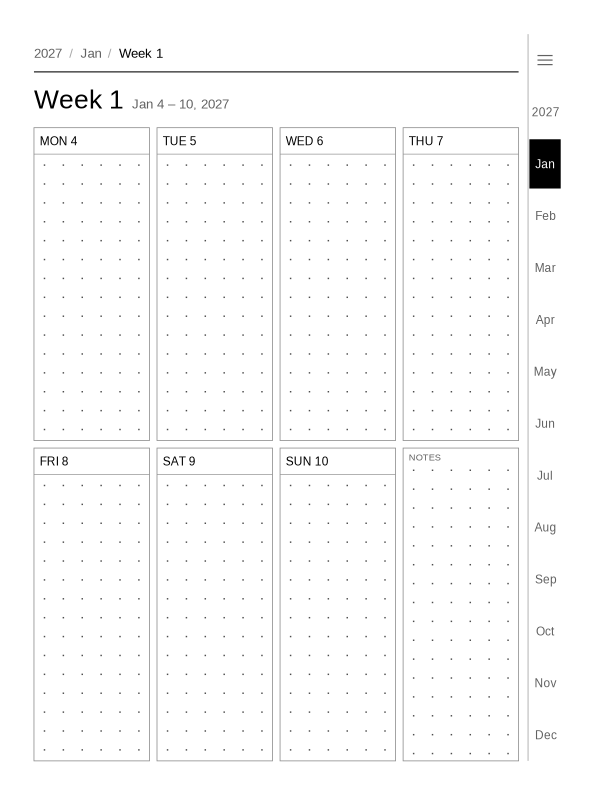 Plan, 4 columnsSeven day boxes and a notes box, four columns by two rows.
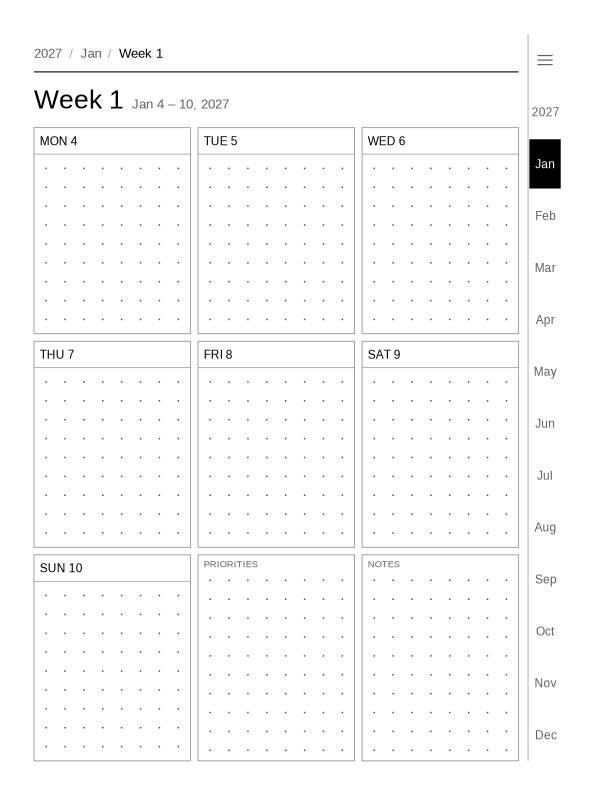 Plan, 3 columnsSeven day boxes plus priorities and notes, three columns by three rows.
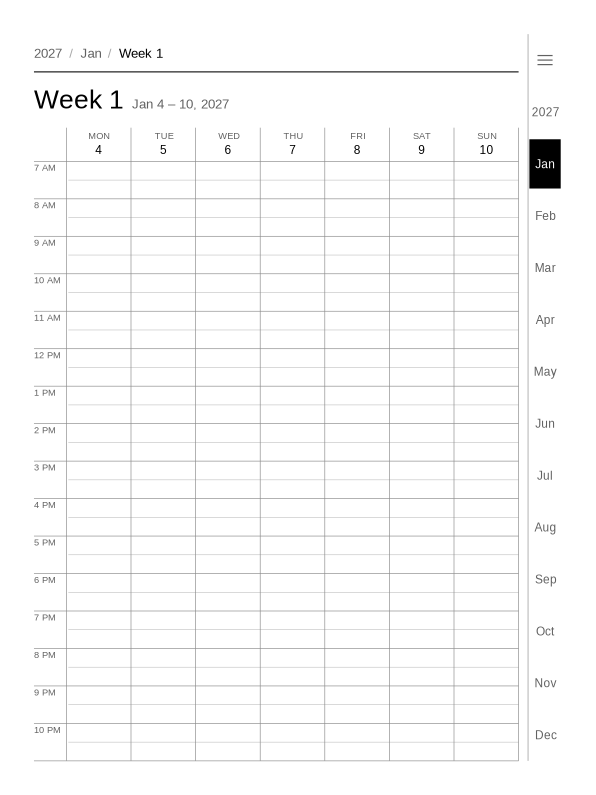 VerticalSeven columns on an hourly timeline from 7 AM to 11 PM; working hours can be shaded.
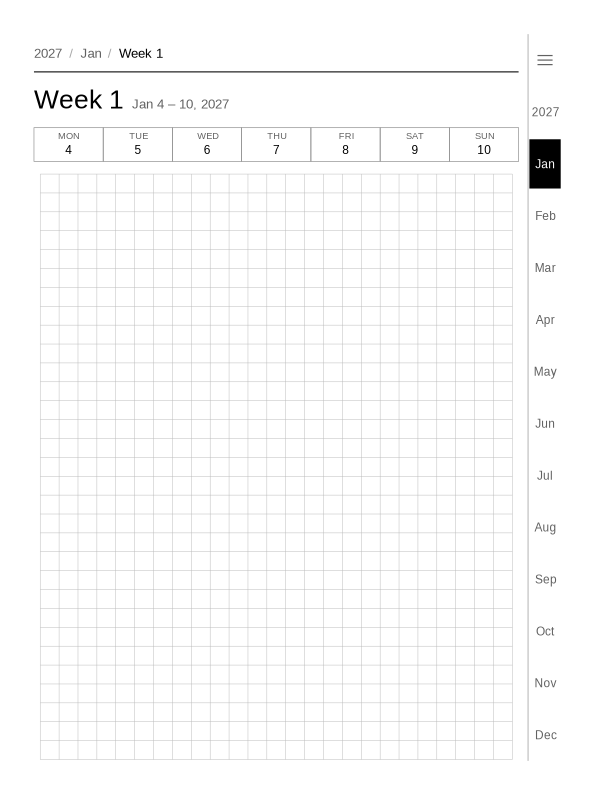 Grid5 mm squares over the whole page, for sketches, tables and bullet journal spreads.
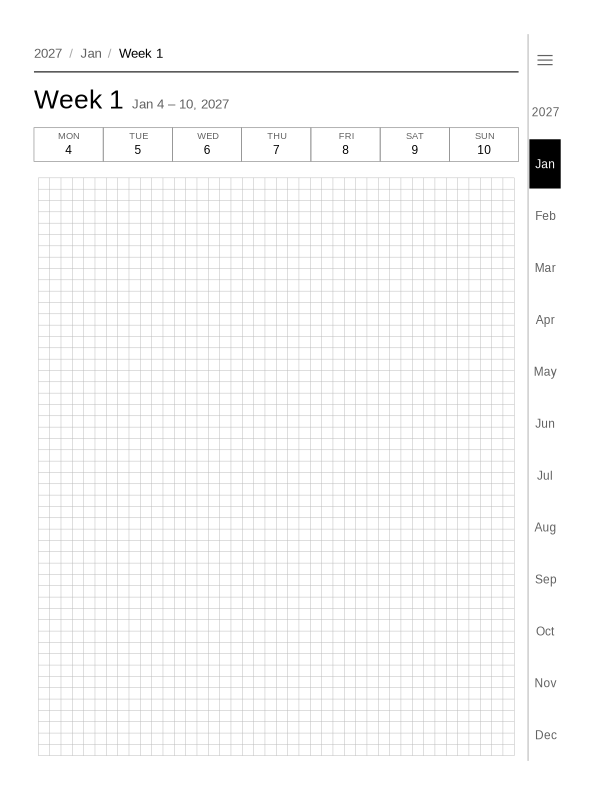 Small grid3 mm squares for finer drawing and small handwriting.
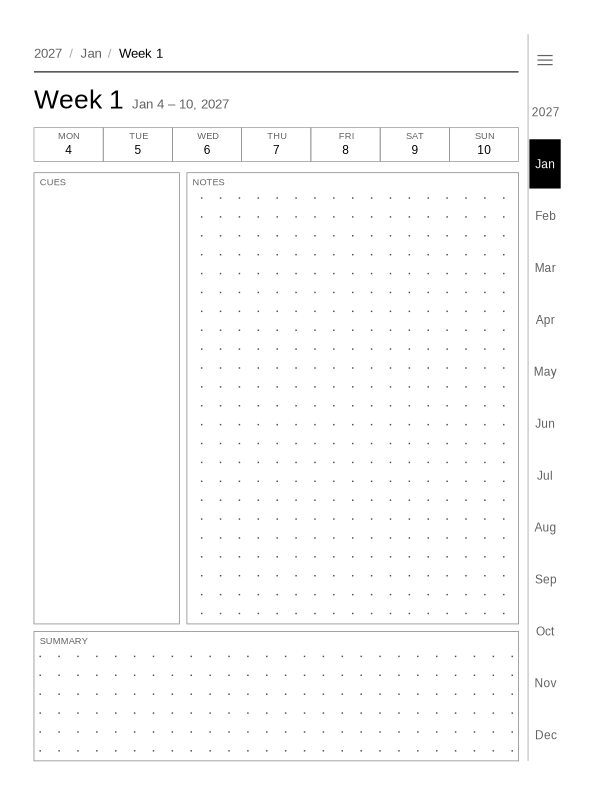 CornellA Cornell notes template: a cues column, a notes area and a summary box.
 BlankNo layout, only the paper you pick: dots, lines or blank.
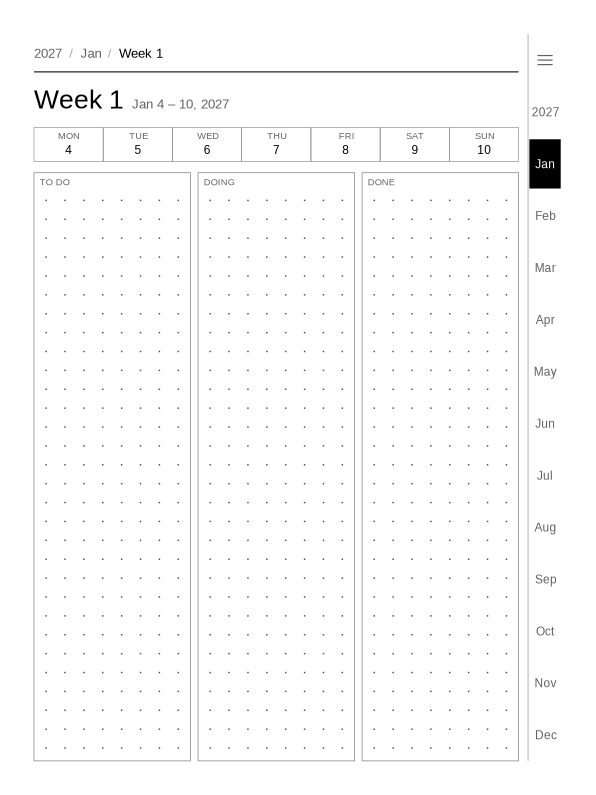 Kanban columnsA kanban weekly board with To do, Doing and Done as three columns.
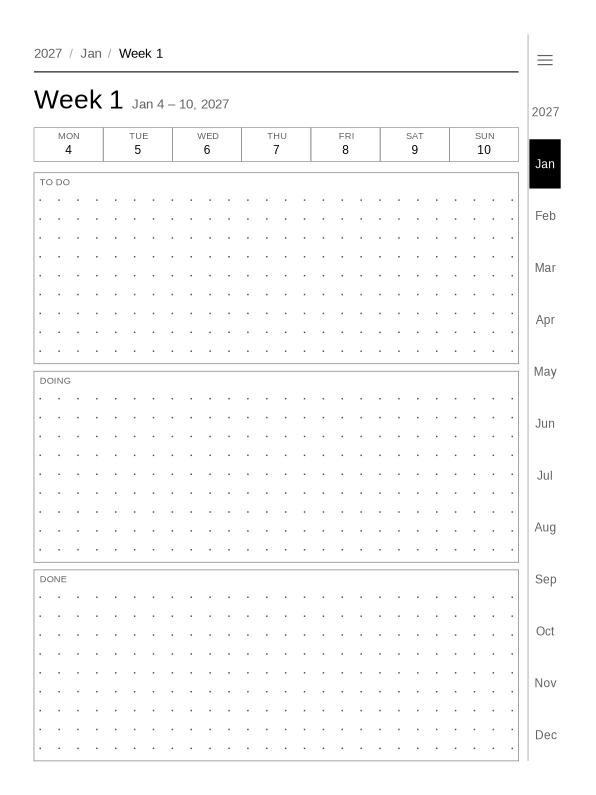 Kanban lanesThe same kanban board as three lanes stacked down the page, wider for long tasks.
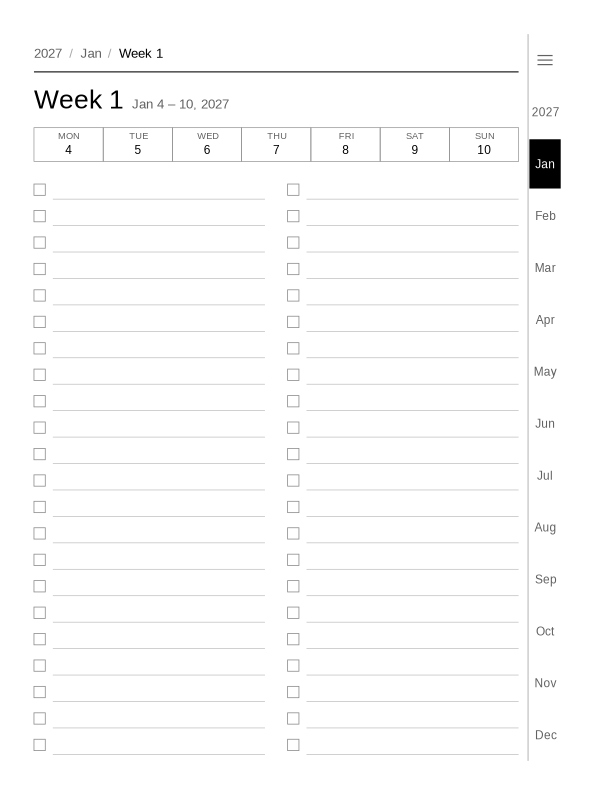 ChecklistLines with tick boxes, in two columns when the page is at least 100 mm wide.
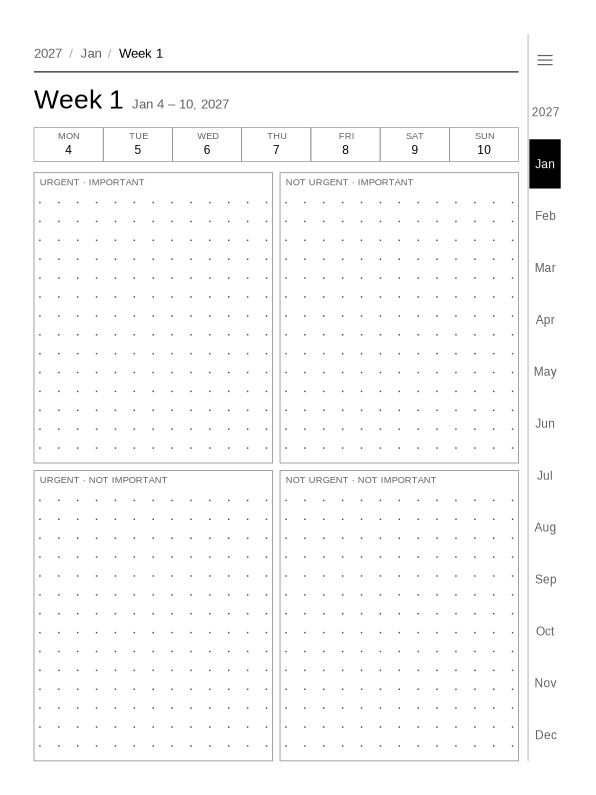 EisenhowerFour boxes: urgent and important, important only, urgent only, and neither.
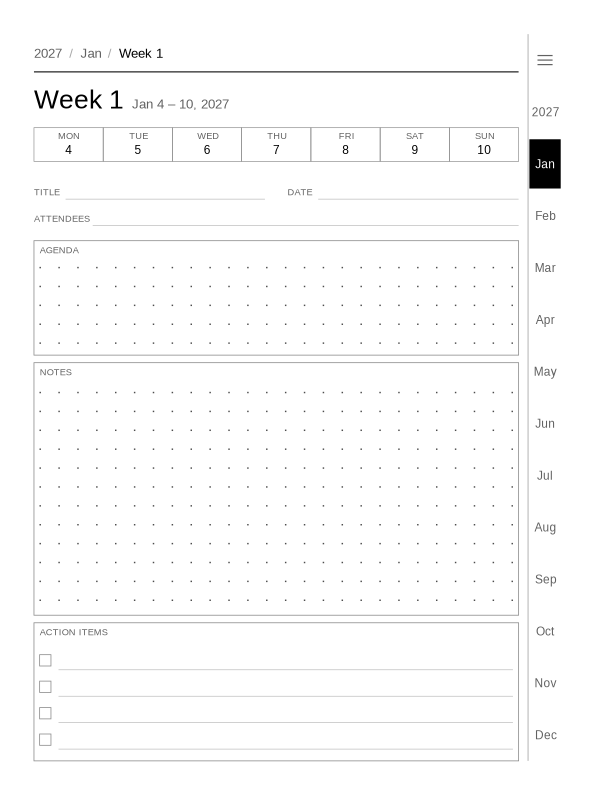 Meeting notesTitle, date, attendees, agenda, notes and action items for one meeting a page.
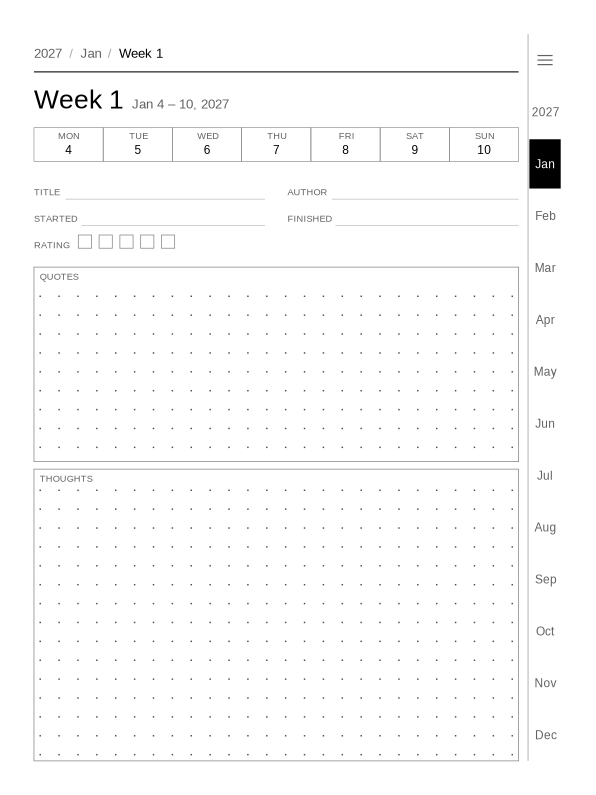 Book notesTitle, author, start and finish dates, a 5-box rating, quotes and thoughts.
Pick a layout
Every layout comes with the same year, quarter, month and day pages. See every page in the planner, or open the creator and download the first month free.
Updated .