Free reading log template for the BOOX Note Air5 C
1860 × 2480 px
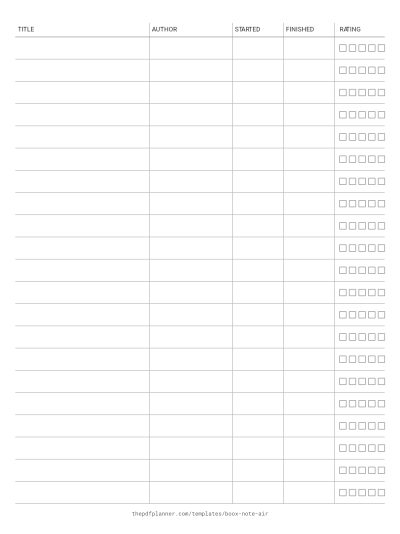
This free reading log template for the BOOX Note Air5 C is one page with 21 book rows with title, author, started, finished and rating, drawn at 1860 × 2480 px for its screen, 300 ppi in black and white. It comes as a PDF you open in NeoReader, with no dates and no links.
Free for personal use. Not for resale or redistribution.
On this page
One row per book: the title, the author and five boxes to rate it, with Started and Finished date columns where the page is wide enough for them. Each row is a quarter taller than a ruled line, so a long title still fits in your handwriting.
| Book rows | 21 |
|---|---|
| Columns | Title, Author, Started, Finished and a five-box rating |
| Pixels | 1860 × 2480 px, portrait |
| PPI | 300 |
| Page size | 157 × 210 mm |
| Safe margin | top 8, sides 6 mm, estimated |
| Formats |
Counts are taken from the file itself. Screen figures: shop.boox.com.
2027 planner for the BOOX Note Air5 C
Build your own: 14 weekly layouts, your start month, your holidays.
See the 2027 planner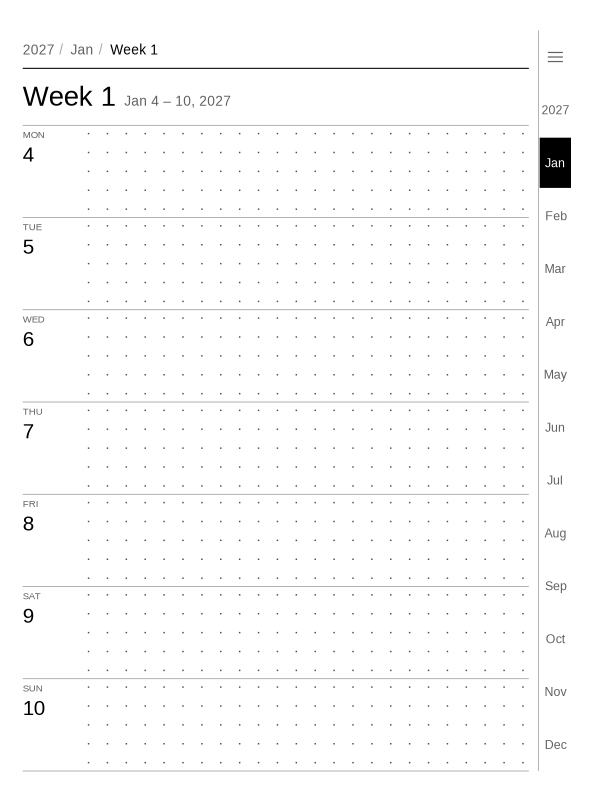 Rows
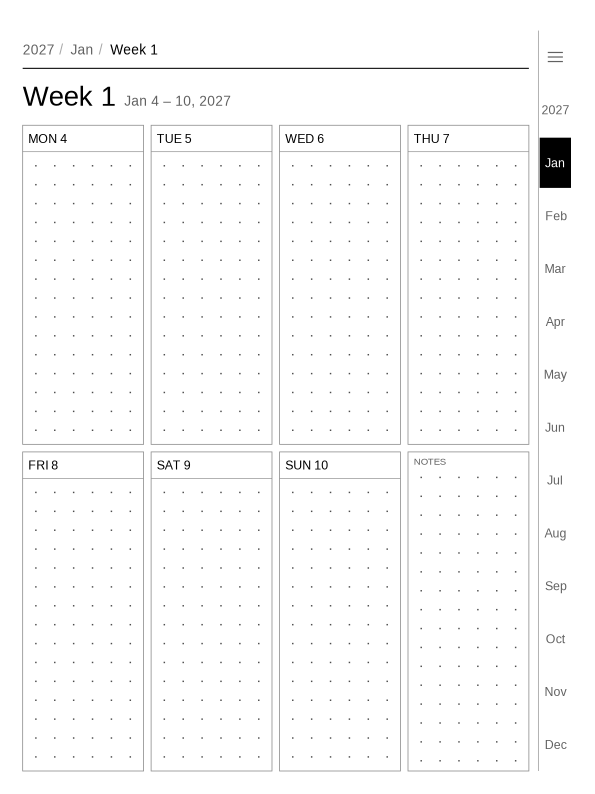 Plan, 4 columns
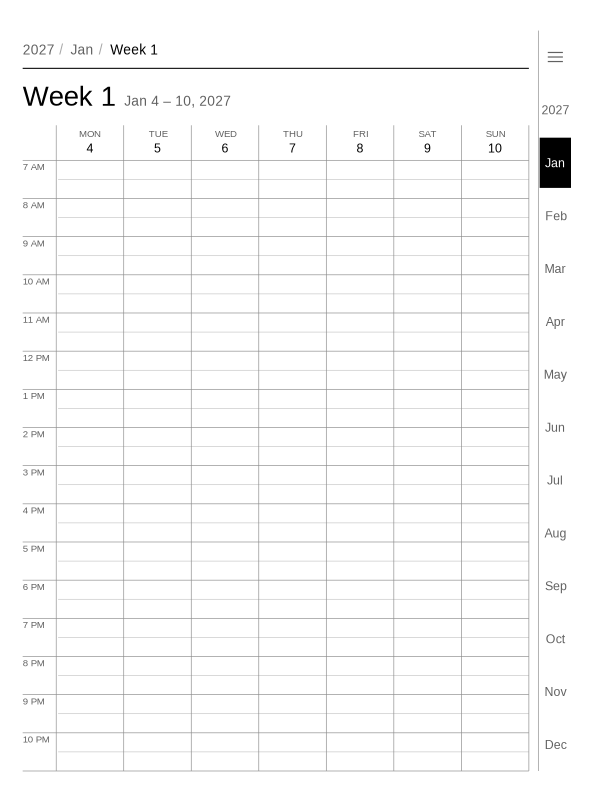 Vertical
How to load it on your BOOX Note Air5 C
- Open BOOXDrop. Put the BOOX and your computer on the same network and open BOOXDrop on the BOOX.
- Send the PDF. Type the address BOOXDrop shows into your computer's browser and upload the planner. You can also sign in at push.boox.com.
- Or use a cloud drive. In the Library, tap the cloud icon, sign in to Dropbox, Google Drive or OneDrive and tap the PDF to download it.
- Write on it. Open the planner in NeoReader and write with the stylus. Your notes are saved into the PDF.
How to load a PDF planner on a BOOX tablet: full guide and sources
The sources for these files are on the BOOX Note Air5 C templates page.
Questions about this template
What size is the reading log template for the BOOX Note Air5 C?
1860 × 2480 px in portrait at 300 ppi, the screen's own resolution, which makes a page of 157 × 210 mm.
The page keeps 8 mm at the top and 6 mm at the sides clear for the toolbar and has 21 book rows with title, author, started, finished and rating.
How many books fit on one page?
21 on the BOOX Note Air5 C, one per row. The columns are Title, Author, Started, Finished and a five-box rating.
How do I get this template onto my BOOX Note Air5 C?
Send the PDF with BOOXDrop from your computer's browser, or download it from Dropbox, Google Drive or OneDrive in the Library.
It opens in NeoReader. Write on the page with the stylus: handwriting in NeoReader is saved into the PDF, so the file you export keeps your notes.
More BOOX Note Air5 C templates
Reading log template for other tablets
- reMarkable 2
- reMarkable Paper Pro
- reMarkable Paper Pro Move
- reMarkable Paper Pure
- Kindle Scribe
- Kindle Scribe 11" (2025)
- Kindle Scribe Colorsoft
- Supernote Manta
- Supernote Nomad
- BOOX Go 10.3
- BOOX Note Max
- BOOX Note Air4 C
- BOOX Go 7 and Go Color 7
- Kobo Elipsa 2E
- Kobo Libra Colour
- Kobo Sage
- Viwoods AiPaper
- Viwoods AiPaper Mini
- iFLYTEK AINOTE Air 2
- All tablets compared
Free for personal use. Not for resale or redistribution. Updated . The PDF Planner is independent and not affiliated with BOOX; the device name only says which screen the template fits.