Free iFLYTEK AINOTE Air 2 templates, 1440 × 1920 px
16 free one-page templates for the iFLYTEK AINOTE Air 2, each drawn at 1440 × 1920 px (293 ppi) as a PDF you import over USB, Wi-Fi or cloud storage. Updated 2026-11-22.
16 templates
-
Cornell notes
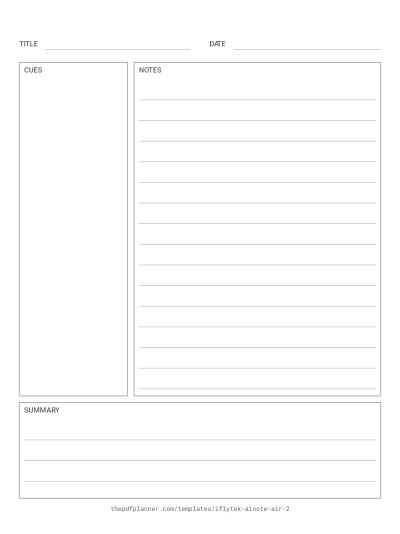
A cue column on the left, notes on the right and a summary across the bottom. The cue column takes the left 30% of the page, about 3.4 cm. PDF27 KB -
Meeting notes
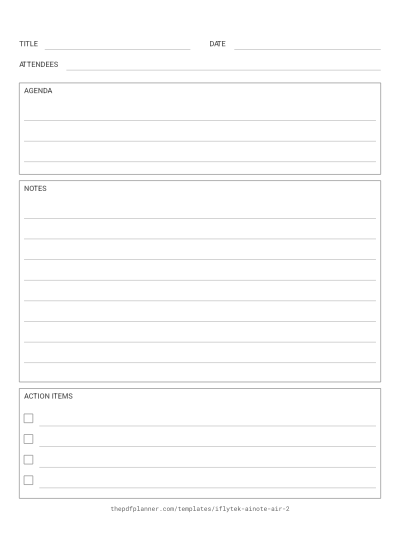
Title, date and attendees, then agenda, notes and action items with checkboxes. PDF27 KB -
To-do list
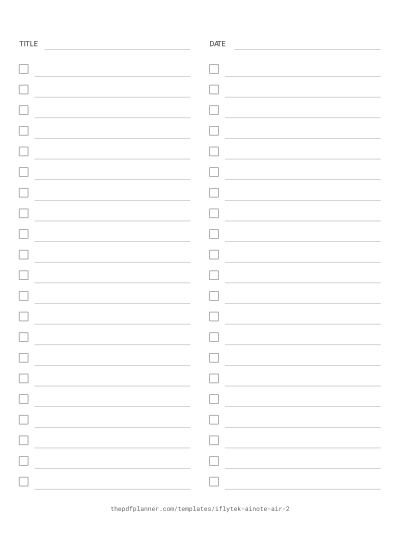
A page of checkbox lines under a title and a date. At about 11 cm across, the list runs in two columns. PDF26 KB

2027 planner for the iFLYTEK AINOTE Air 2
Build your own: 14 weekly layouts, your start month, your holidays.
See the 2027 planner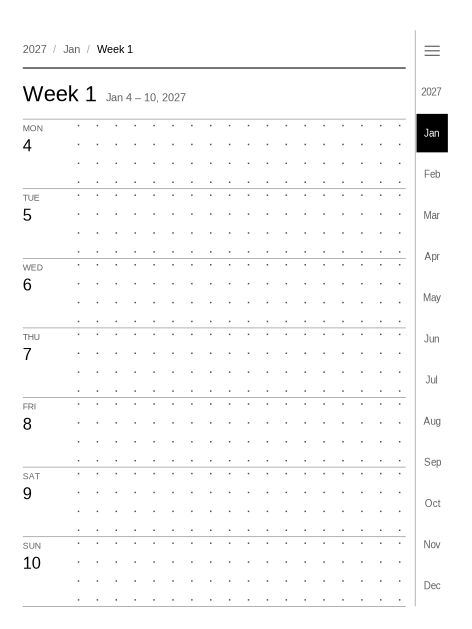 Rows
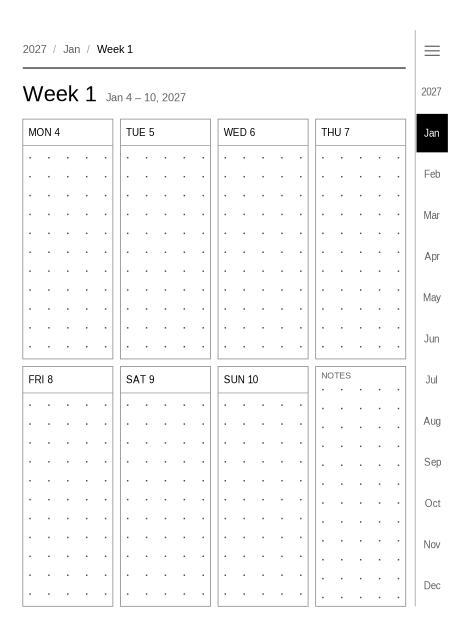 Plan, 4 columns
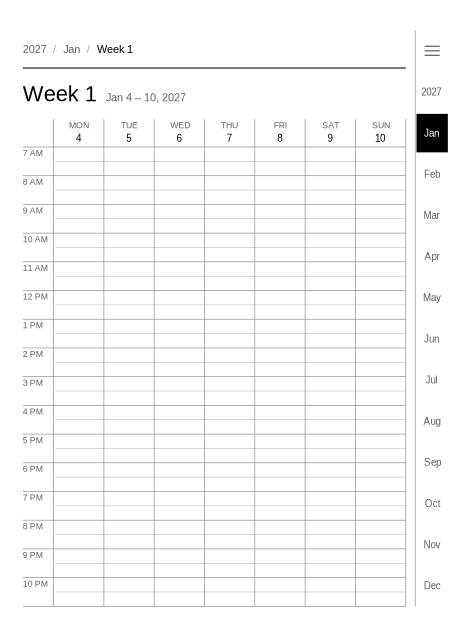 Vertical
-
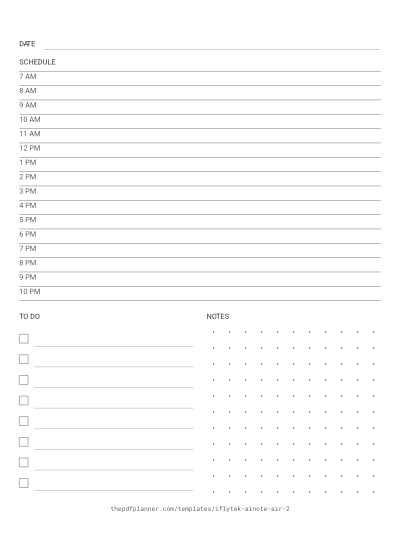
Daily (undated)
A date line, an hourly schedule from 7 AM to 10 PM, a to-do list and notes. PDF28 KB -
Weekly (undated)
A box for each day from Monday to Sunday and one for notes. On the AINOTE Air 2 the seven days stack in two columns, so each day box is wider than in a row of four. PDF27 KB -
Monthly calendar (undated)
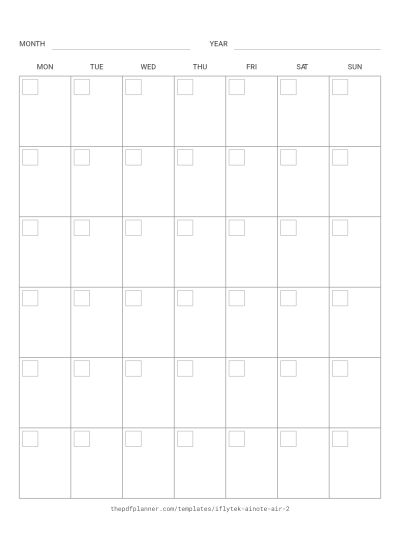
Write in the month and year, then the days: Monday to Sunday across, six weeks down, with a small box in each day for its date. PDF27 KB -
Meal planner
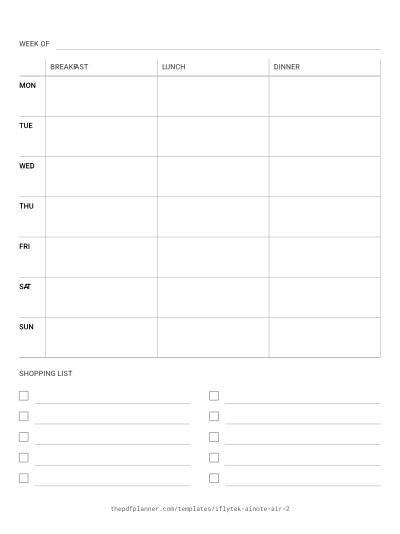
Breakfast, lunch and dinner for each day from Monday to Sunday, and a shopping list with checkboxes. PDF28 KB -
Eisenhower matrix
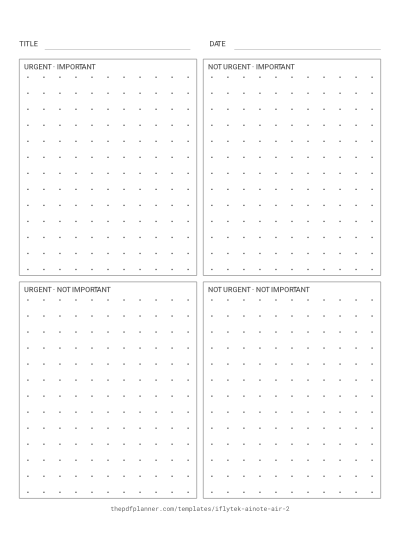
Title and date, then four boxes: urgent or not urgent, important or not important. PDF27 KB -
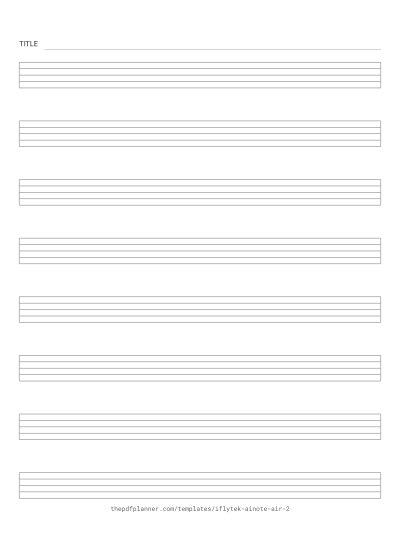
Music staff paper
A title line, then five-line staves across the page. On the iFLYTEK AINOTE Air 2 the page holds 8 staves. PDF26 KB -
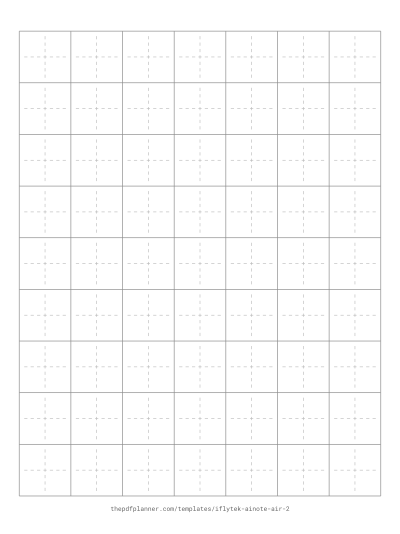
Hanzi practice grid
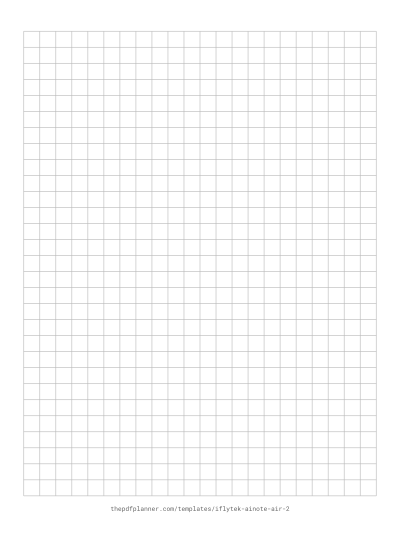
Squares of about 15 mm, each split by a faint dashed cross (tianzige) for practising Chinese characters. On the iFLYTEK AINOTE Air 2 that is 7 squares across and 9 down, each 16.1 mm. PDF31 KB
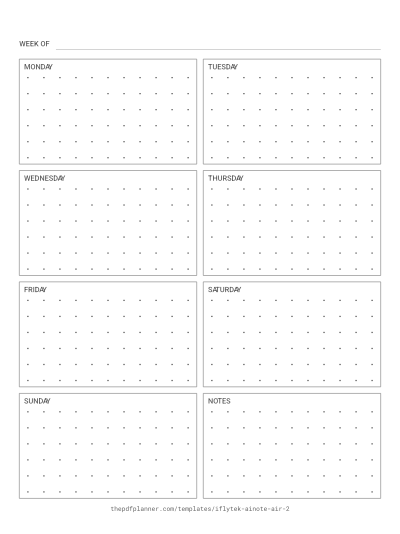
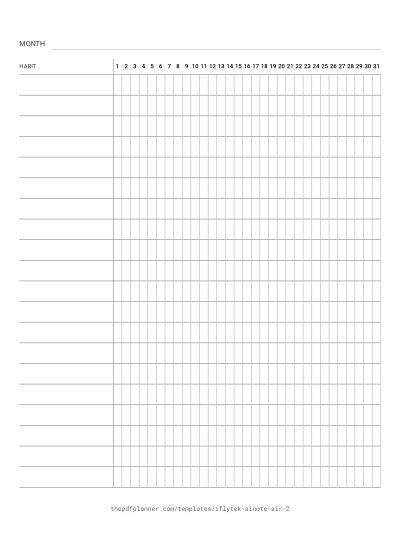
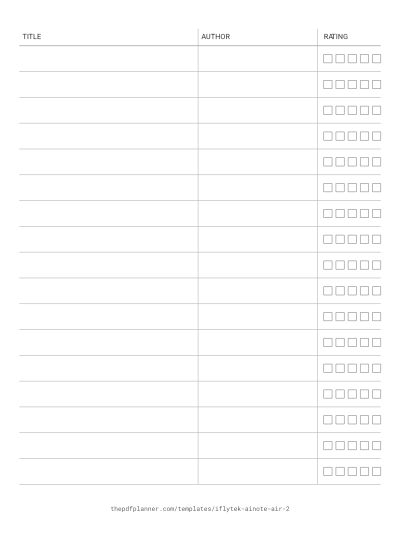
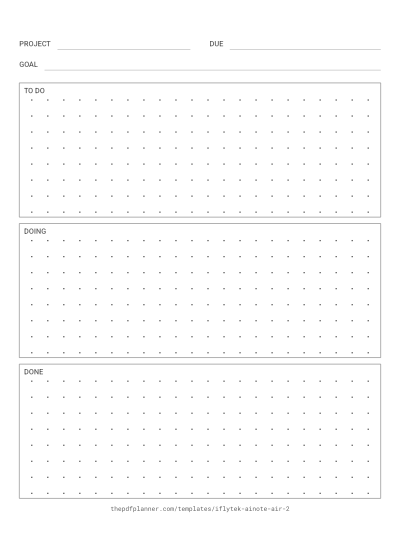
These pages in one linked PDF. Linked Notebook puts dotted, lined, grid, Cornell, meeting, to-do, project, Eisenhower, daily, weekly and habit pages into sections of one file for your iFLYTEK AINOTE Air 2, with a contents page and an index you tap to open each page. Up to 8 sections, no dates, $9.99 once.
Build a linked notebookFree for personal use. Not for resale or redistribution. Each file has the address of this page in a small line in the bottom margin, outside the writing area.
Need a dated planner?
These templates are single pages. The planner is one PDF with every month, week and day linked, at the same 1440 × 1920 px.
iFLYTEK AINOTE Air 2 template size
The AINOTE Air 2's 8.2-inch screen is 1440 × 1920 pixels at 293 ppi, and every file here is drawn at that size. Each page keeps an estimated 8 mm at the top and 6 mm on the other sides, which leaves a writing area about 11 cm wide. The files come as PDFs to import over a USB cable, Wi-Fi or cloud storage and annotate in the reader.
| Screen | 8.2 in |
|---|---|
| Display | Black and white |
| Pixels | 1440 × 1920 px, portrait |
| PPI | 293 |
| Aspect | 3:4 |
| Page size | 125 × 166 mm |
| Safe margin | top 8, sides 6 mm, estimated |
| Formats | |
| Templates | 16, one page each, no dates |
Screen figures: iflytek.com.
How to load these on your iFLYTEK AINOTE Air 2
- Import the PDF. Copy the planner to the tablet over a USB cable, Wi-Fi or cloud storage, the three ways iFLYTEK's support page lists.
- Write on it. Open the planner in the reader and annotate the page with the pen.
Sources
iFLYTEK AINOTE Air 2 template questions
What size is a iFLYTEK AINOTE Air 2 template?
1440 × 1920 px in portrait, at 293 ppi: the 8.2-inch screen's own resolution. That makes a page of 125 × 166 mm.
Every file on this page is drawn at that size and keeps top 8, sides 6 mm clear for the toolbar.
Will a Kobo Sage template work on my iFLYTEK AINOTE Air 2?
It fills the screen: both are 1440 × 1920 px. The Kobo Sage's screen is 300 ppi and yours is 293 ppi, so every line and margin comes out about 2% larger than drawn.
Use the files on this page instead: they are drawn for the iFLYTEK AINOTE Air 2 at 1440 × 1920 px.
Can I write on these templates on my iFLYTEK AINOTE Air 2?
Yes. Import the PDF over a USB cable, Wi-Fi or cloud storage, open it in the reader and annotate the page with the pen.
iFLYTEK's support page describes the AINOTE Air 2 as a notepad for reading and annotating PDFs; these files are one page each, with no dates and no links.
Templates for other tablets
- reMarkable 2
- reMarkable Paper Pro
- reMarkable Paper Pro Move
- reMarkable Paper Pure
- Kindle Scribe
- Kindle Scribe 11" (2025)
- Kindle Scribe Colorsoft
- Supernote Manta
- Supernote Nomad
- BOOX Note Air5 C
- BOOX Go 10.3
- BOOX Note Max
- BOOX Note Air4 C
- BOOX Go 7 and Go Color 7
- Kobo Elipsa 2E
- Kobo Libra Colour
- Kobo Sage
- Viwoods AiPaper
- Viwoods AiPaper Mini
- All templates
Updated . The PDF Planner is independent and not affiliated with iFLYTEK; the device name only says which screen the templates fit.