Free reMarkable Paper Pro Move templates, 954 × 1696 px
16 free one-page templates for the reMarkable Paper Pro Move, each drawn at 954 × 1696 px (264 ppi) as a PDF you import with the reMarkable app and a PNG for people who install custom templates themselves. Updated 2026-11-22.
16 templates
-
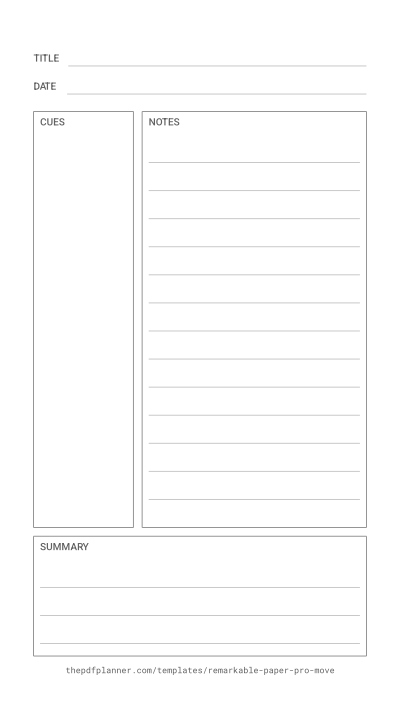
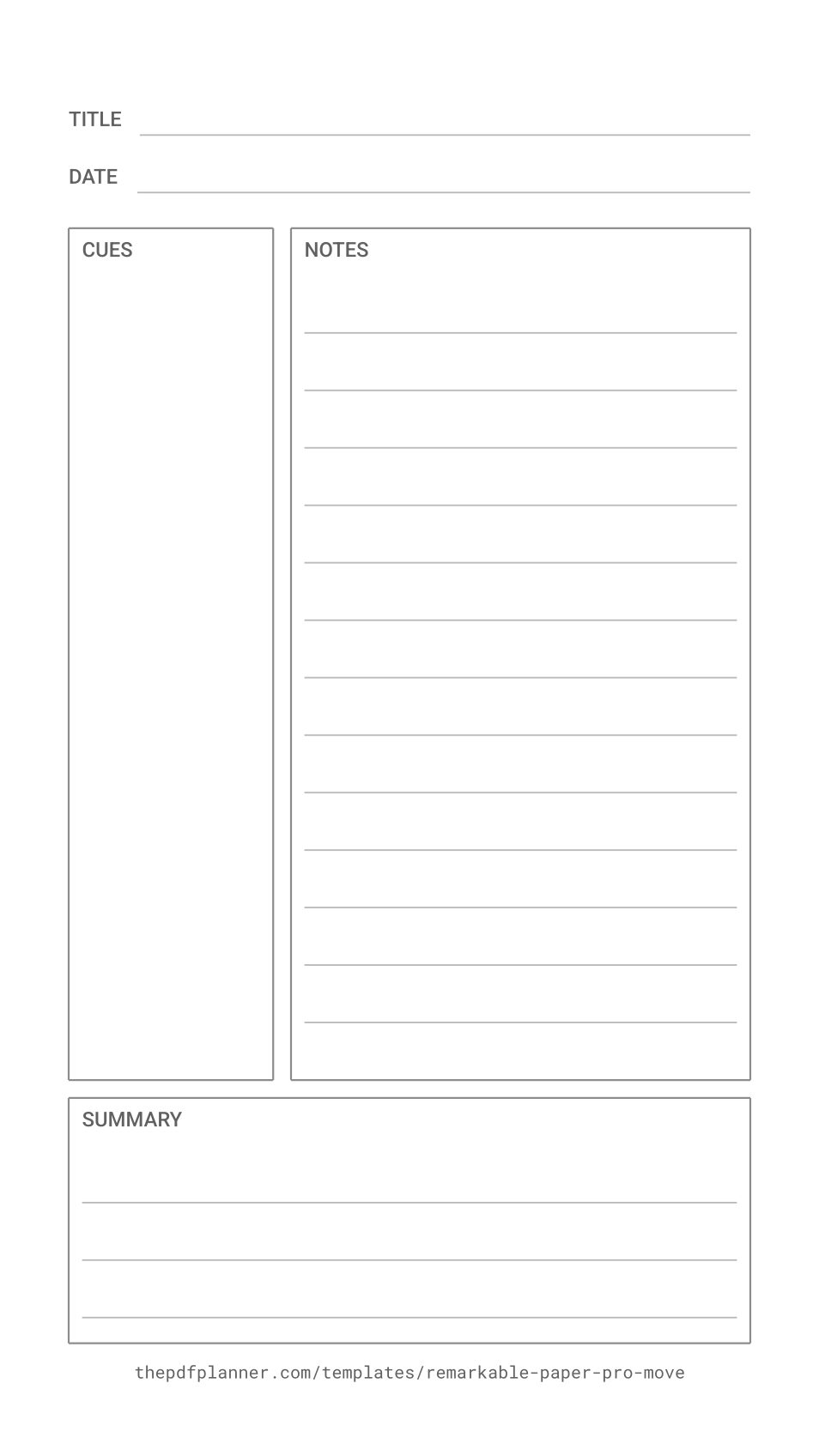
Cornell notes
A cue column on the left, notes on the right and a summary across the bottom. PDF27 KB PNG14 KB -
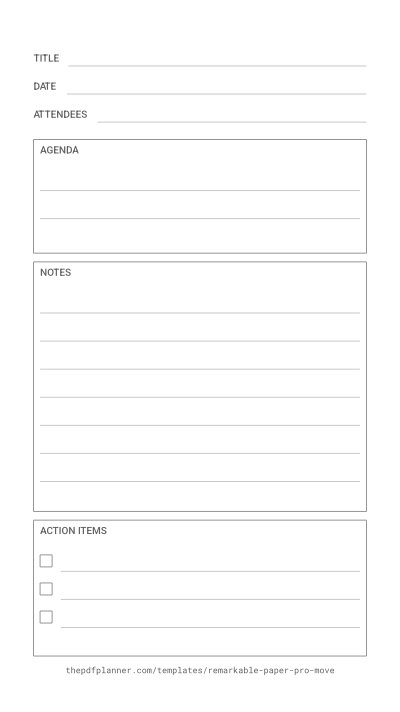
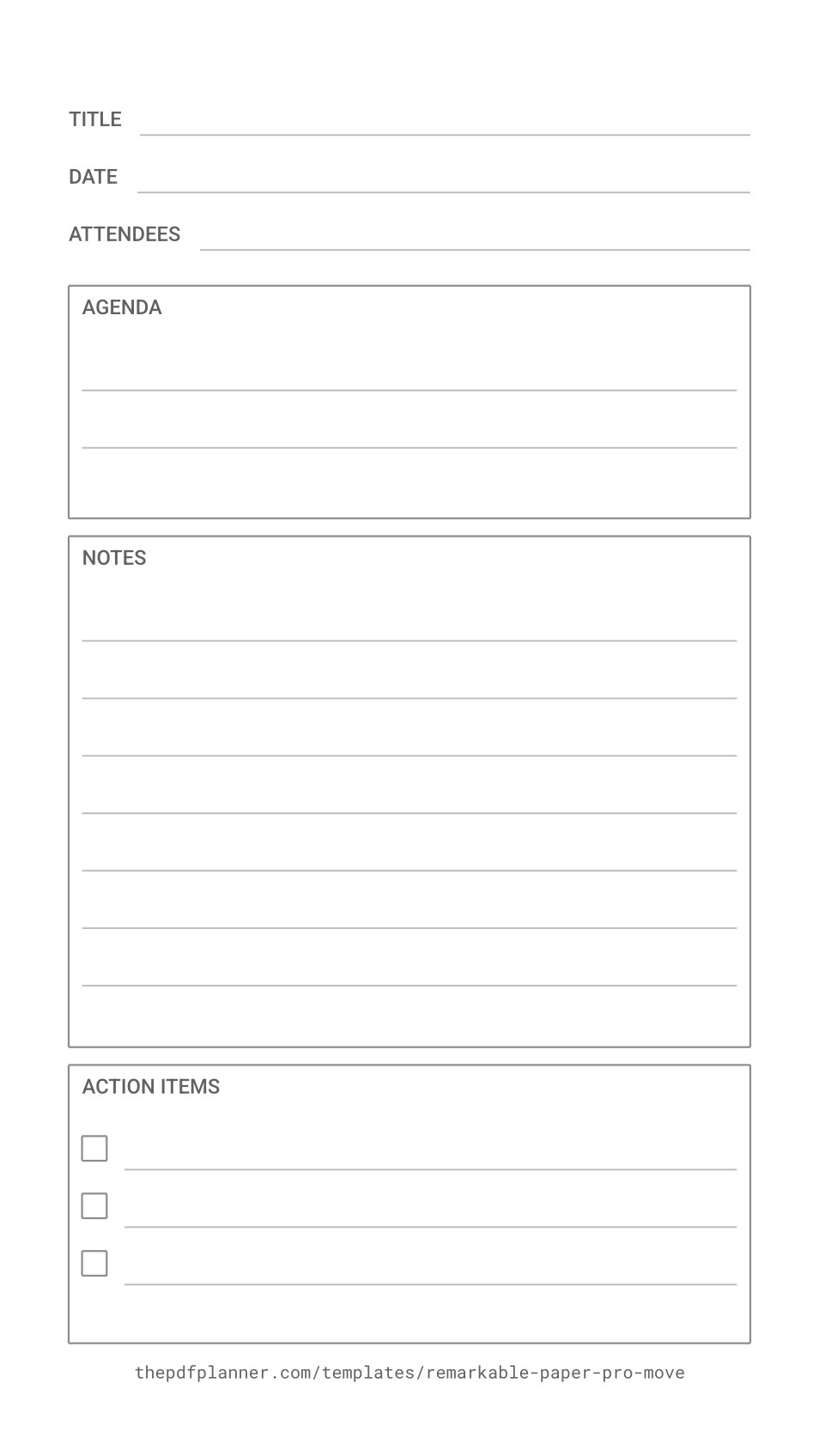
Meeting notes
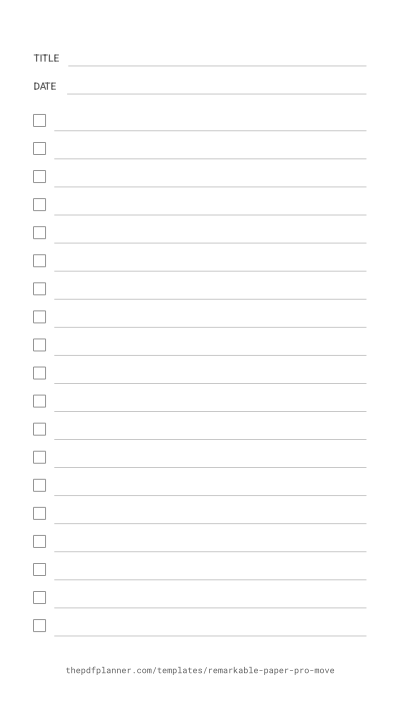
Title, date and attendees, then agenda, notes and action items with checkboxes. PDF27 KB PNG15 KB
2027 planner for the reMarkable Paper Pro Move
Build your own: 14 weekly layouts, your start month, your holidays.
See the 2027 planner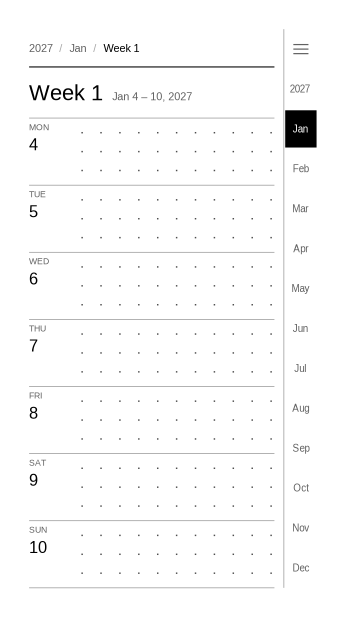 Rows
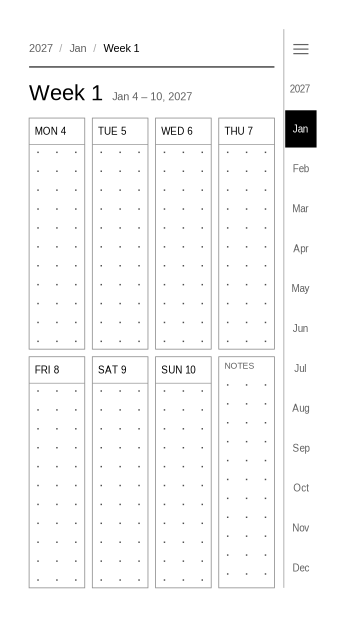 Plan, 4 columns
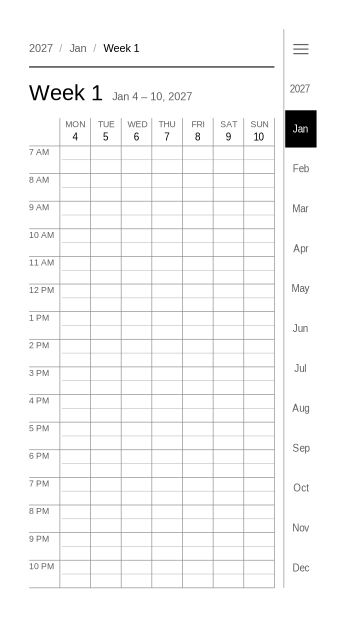 Vertical
-
Daily (undated)
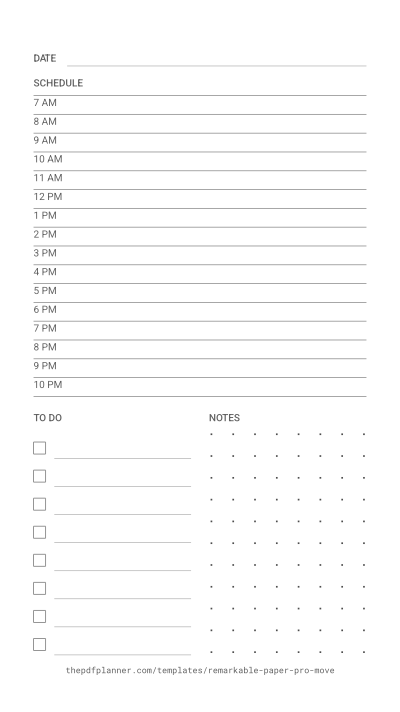
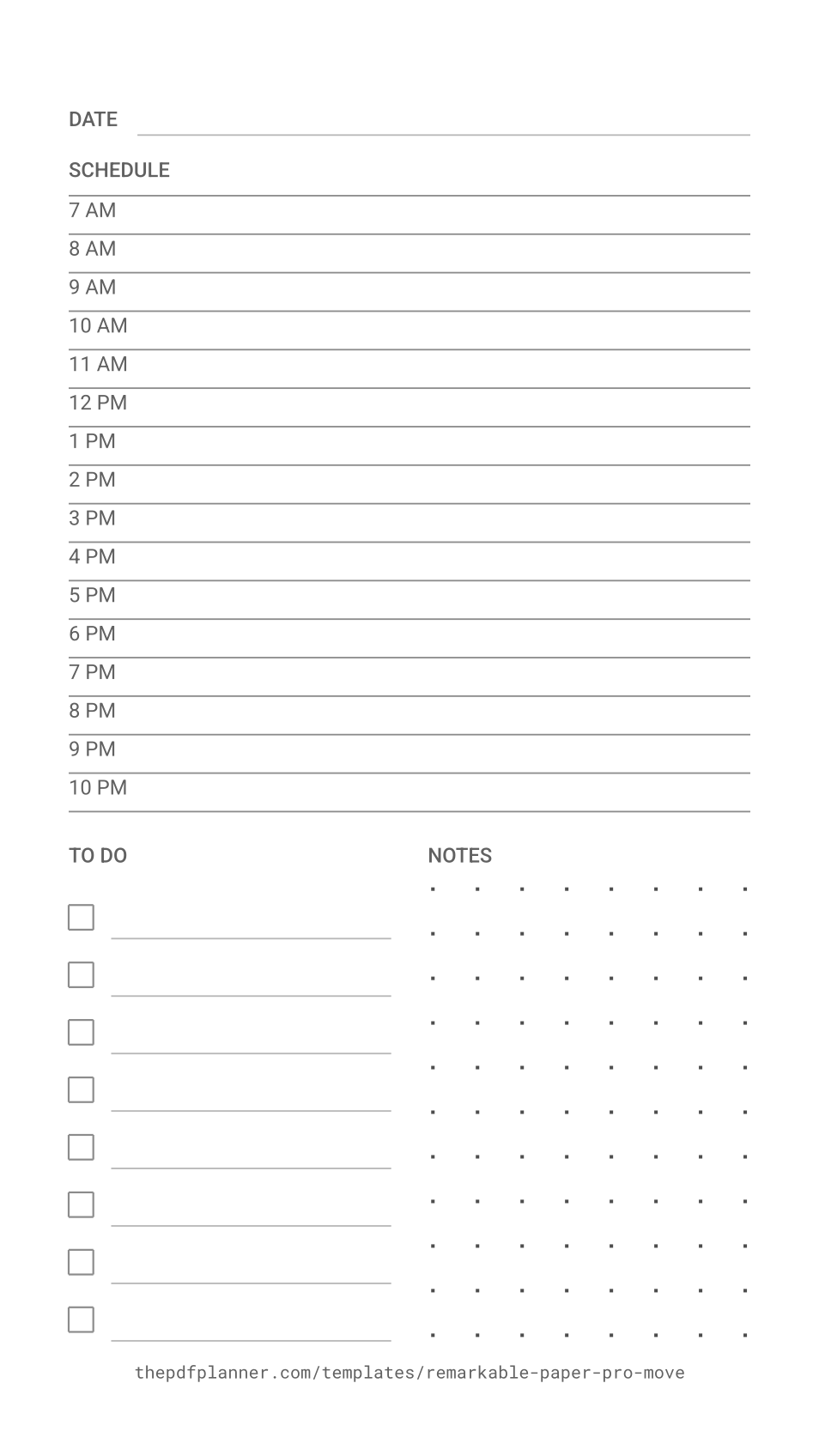
A date line, an hourly schedule from 7 AM to 10 PM, a to-do list and notes. PDF28 KB PNG24 KB -
Weekly (undated)
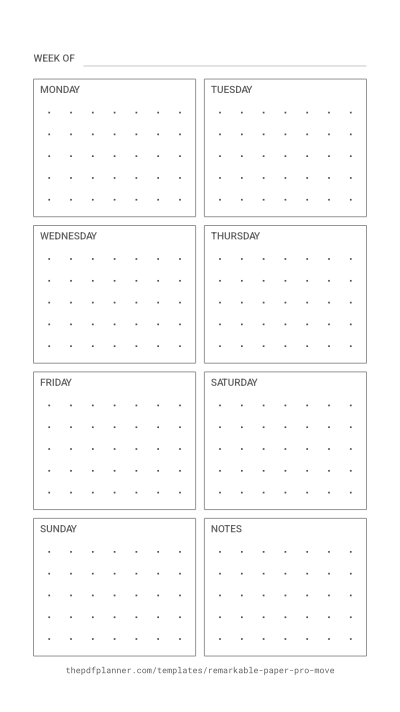
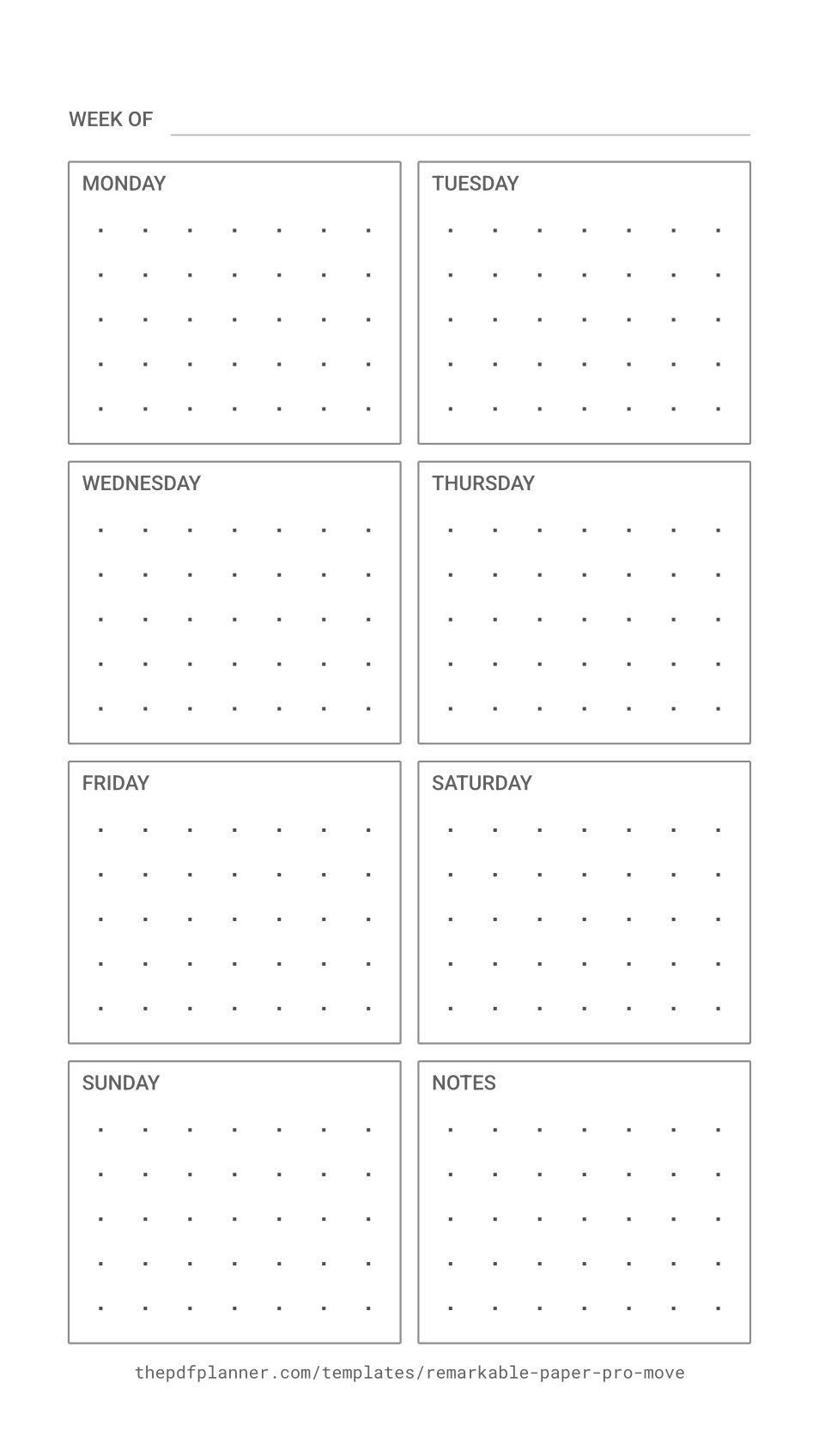
A box for each day from Monday to Sunday and one for notes. On the Move the seven days and a notes box stack in two columns of four. PDF27 KB PNG25 KB -
Habit tracker
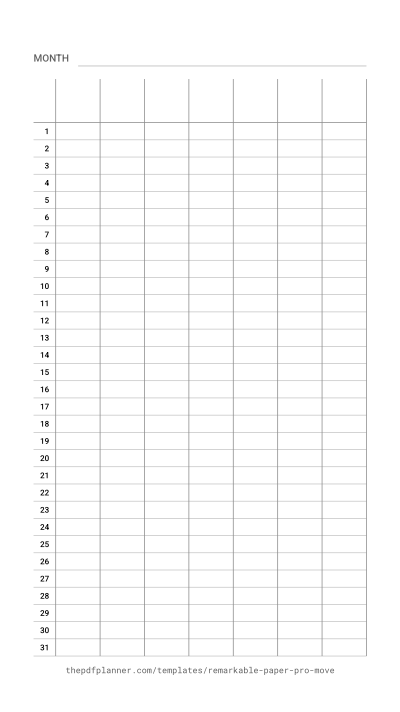
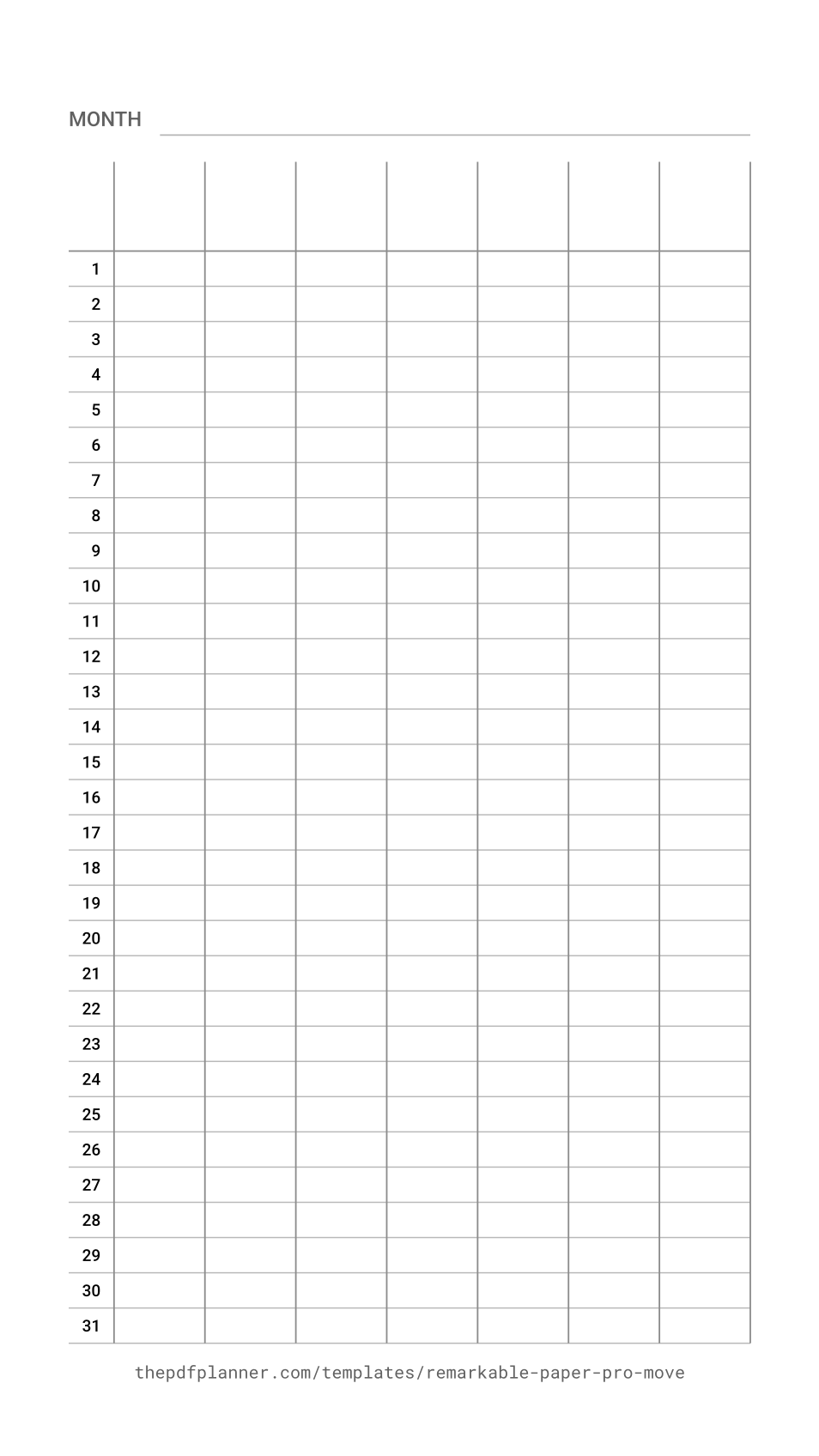
Write a habit on each row and mark days 1 to 31. The table turns on the Move: days 1 to 31 run down the page and each habit gets a column, seven in all. PDF27 KB PNG22 KB -
Reading log
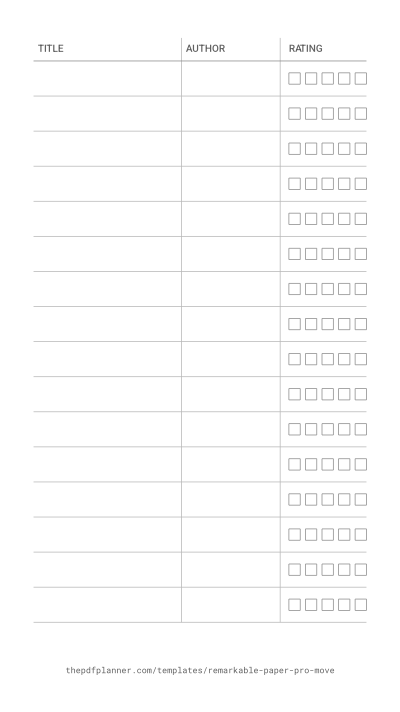
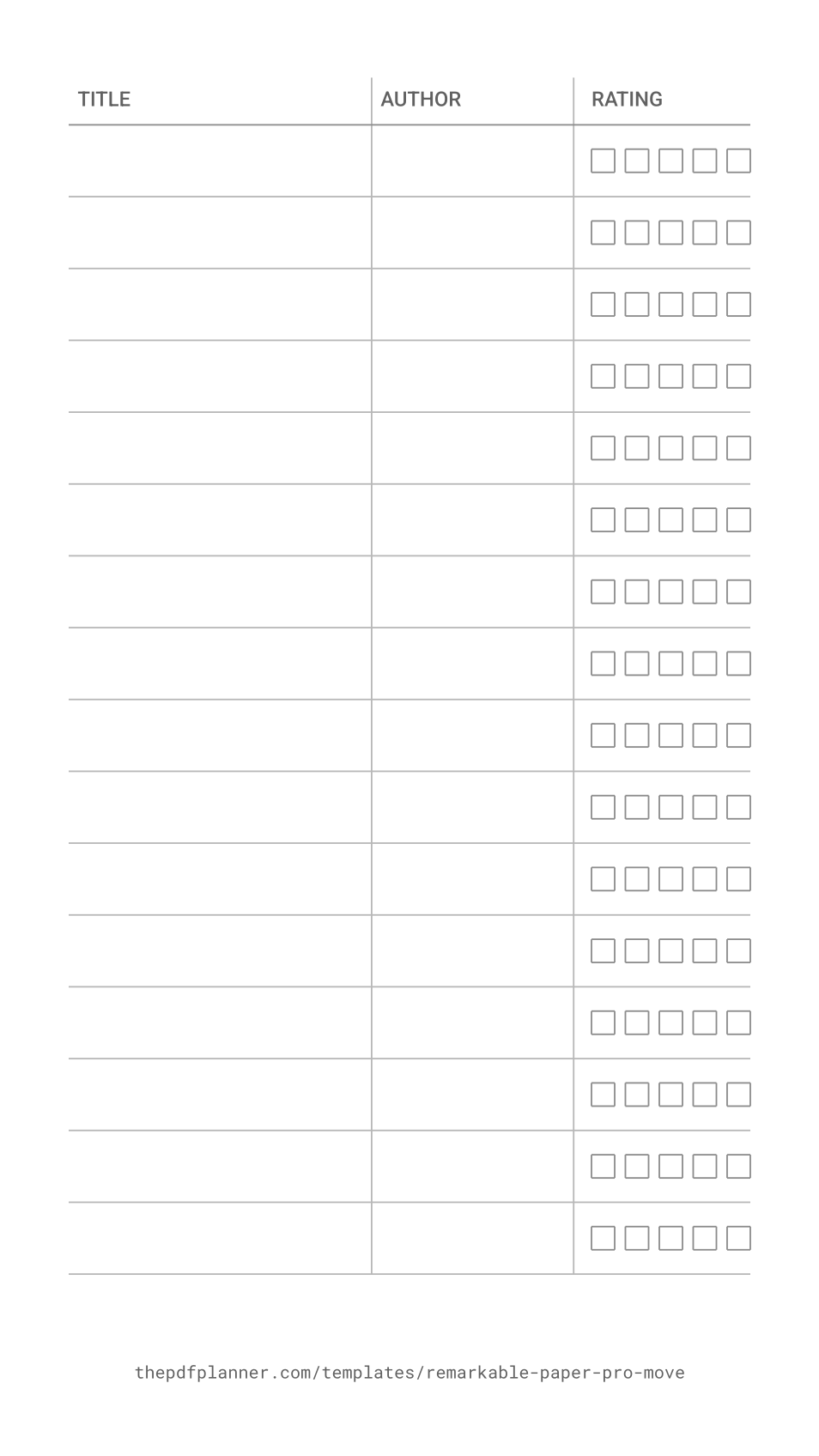
One row per book, with title, author and a five-box rating. The page keeps title, author and rating and leaves out the date columns, so each title has room. PDF27 KB PNG16 KB -
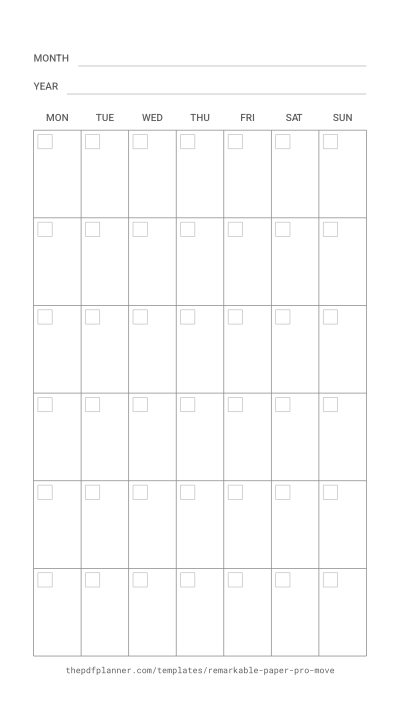
Monthly calendar (undated)
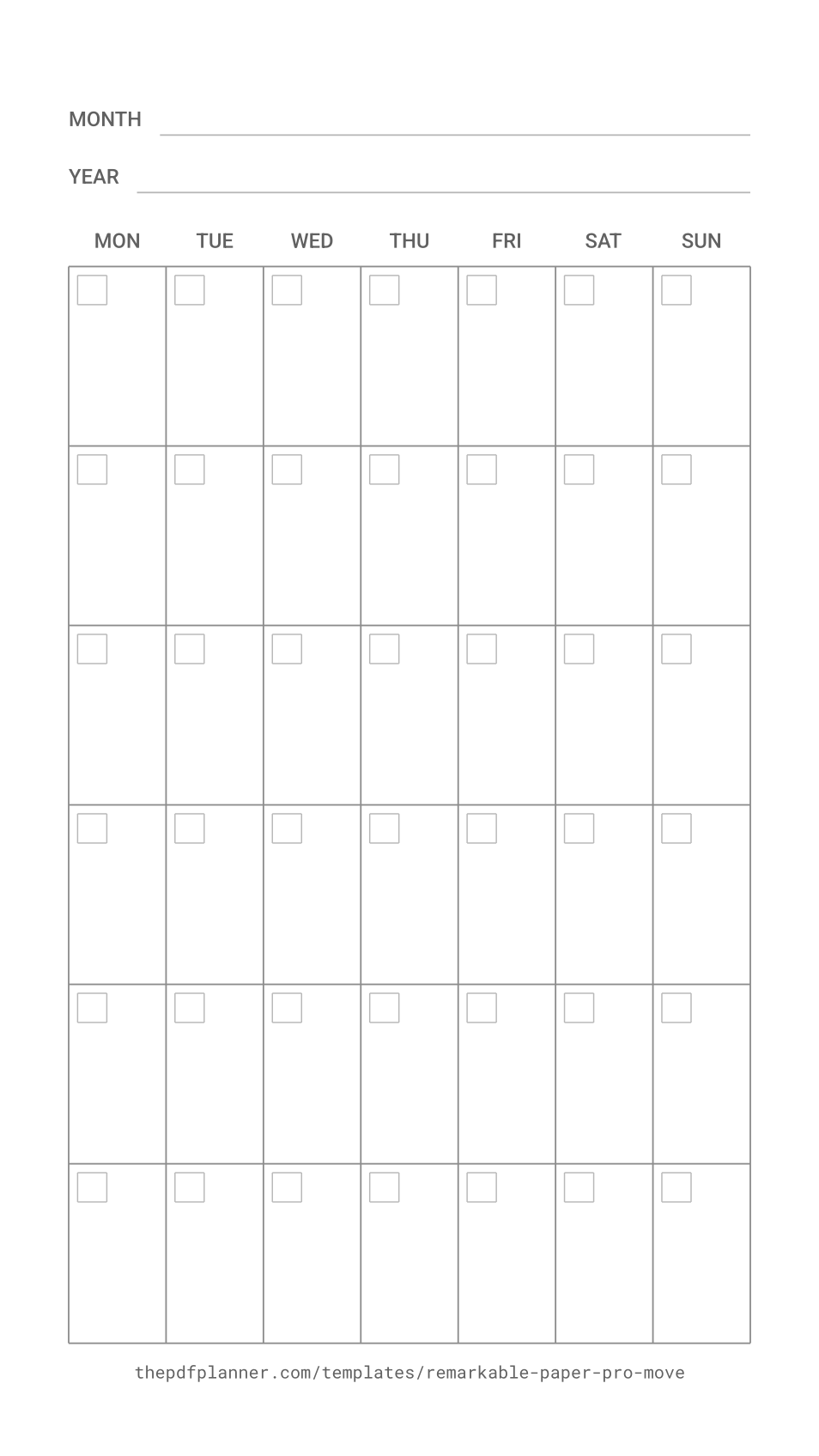
Write in the month and year, then the days: Monday to Sunday across, six weeks down, with a small box in each day for its date. PDF27 KB PNG17 KB -
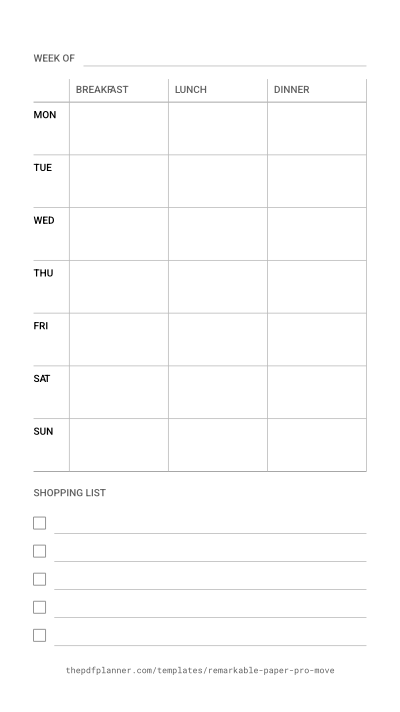
Meal planner
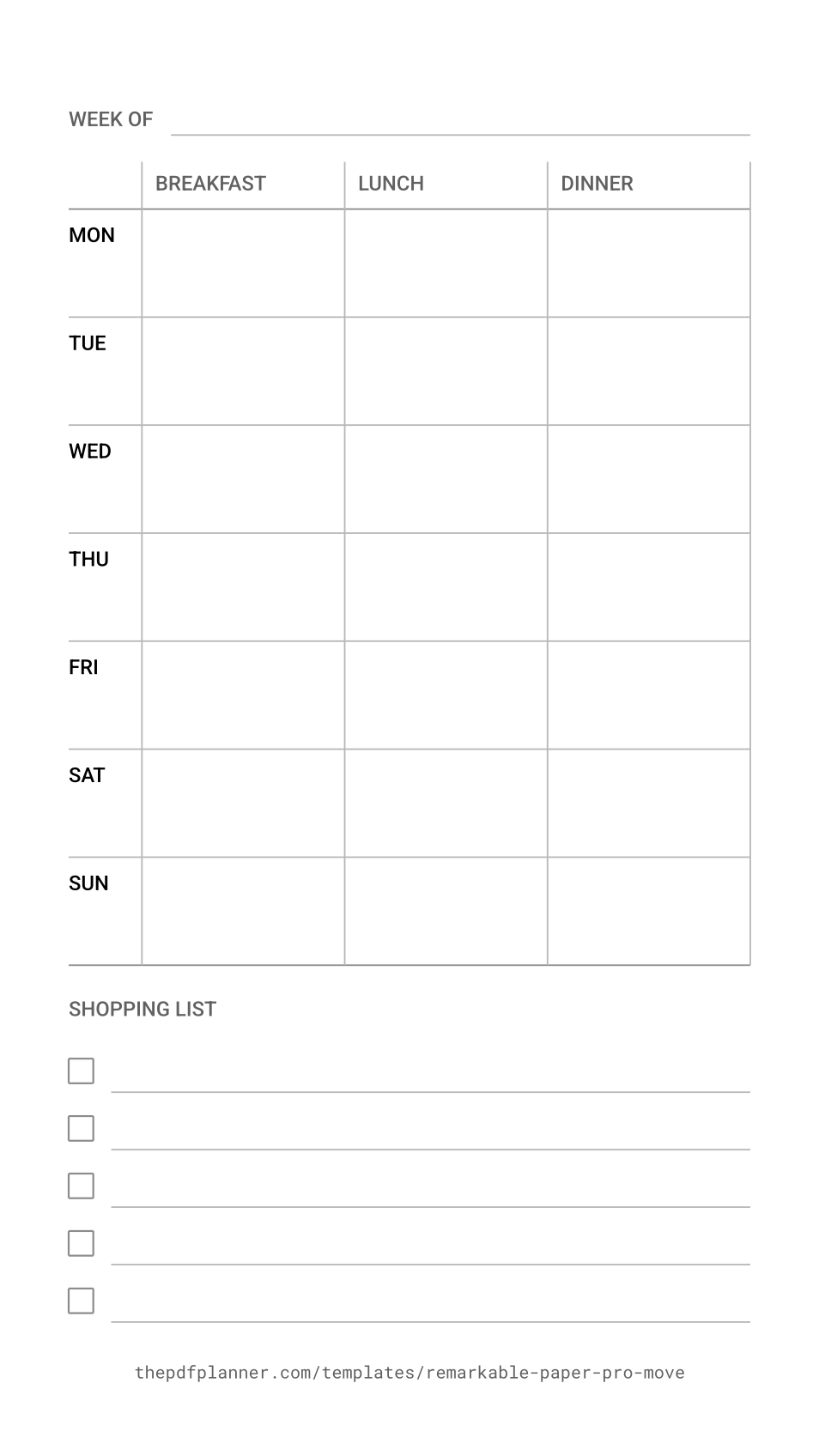
Breakfast, lunch and dinner for each day from Monday to Sunday, and a shopping list with checkboxes. PDF27 KB PNG18 KB -
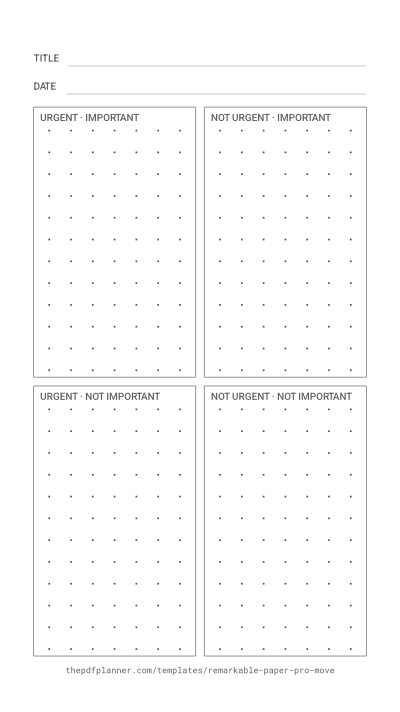
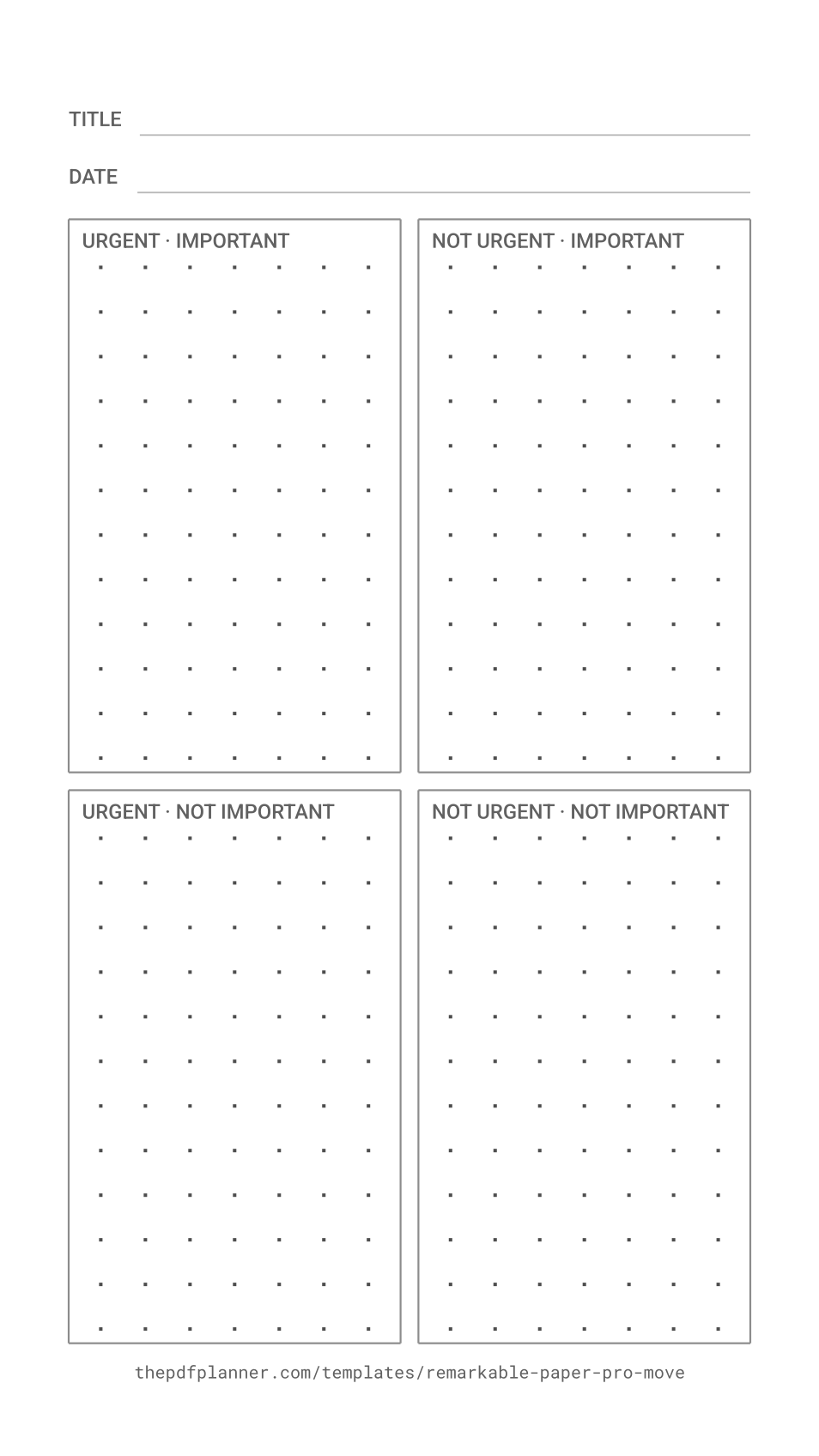
Eisenhower matrix
Title and date, then four boxes: urgent or not urgent, important or not important. PDF27 KB PNG27 KB -
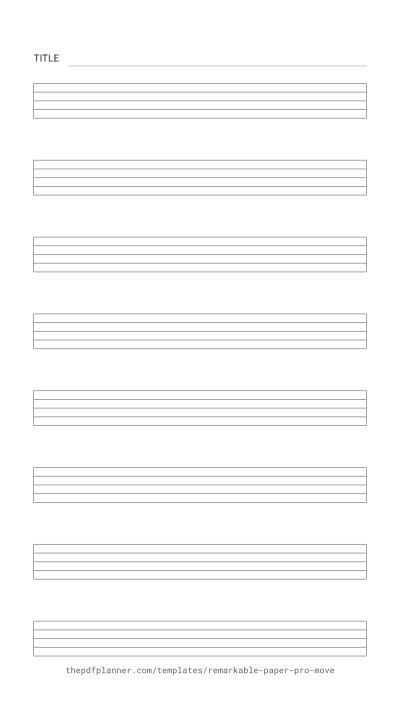
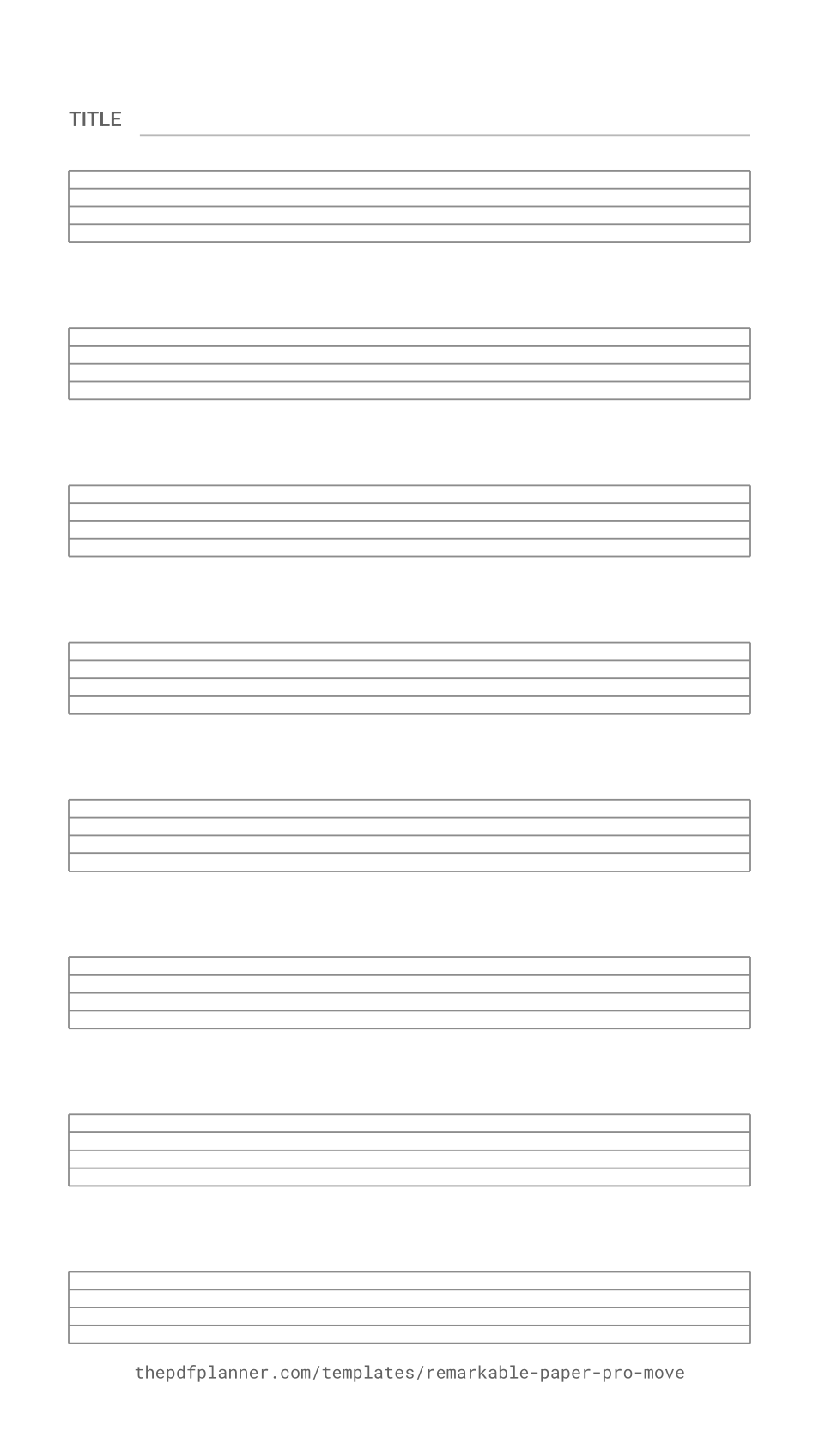
Music staff paper
A title line, then five-line staves across the page. On the reMarkable Paper Pro Move the page holds 8 staves. PDF26 KB PNG11 KB -
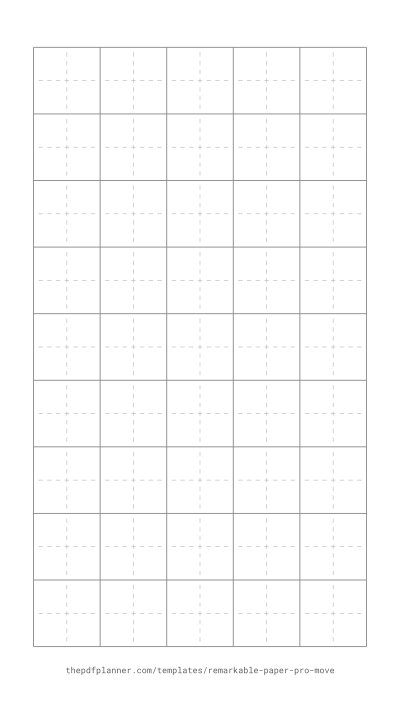
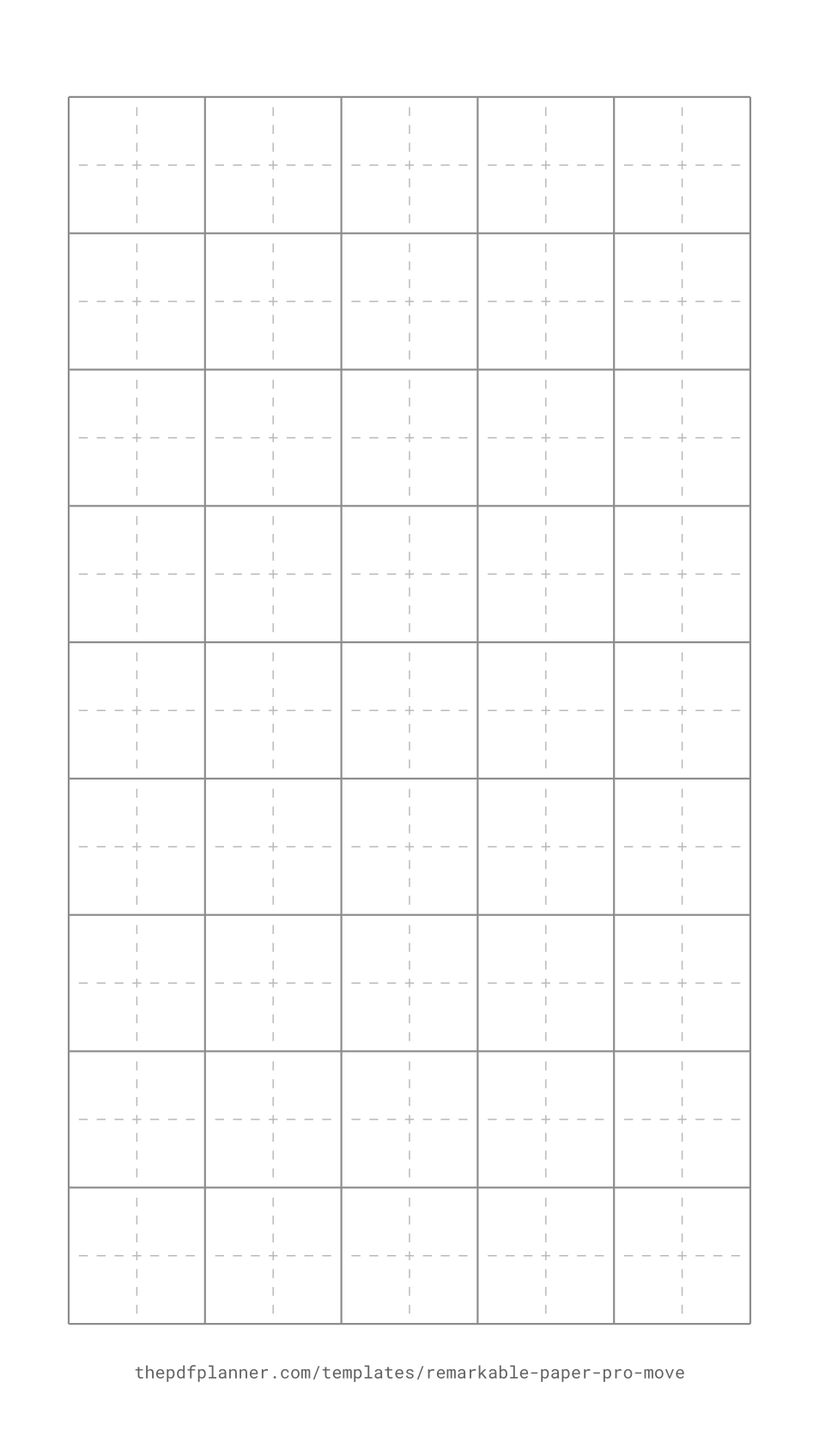
Hanzi practice grid
Squares of about 15 mm, each split by a faint dashed cross (tianzige) for practising Chinese characters. On the reMarkable Paper Pro Move that is 5 squares across and 9 down, each 15.3 mm. PDF30 KB PNG21 KB
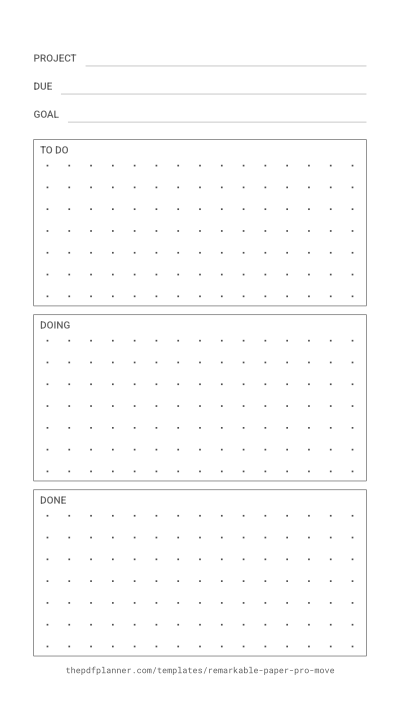
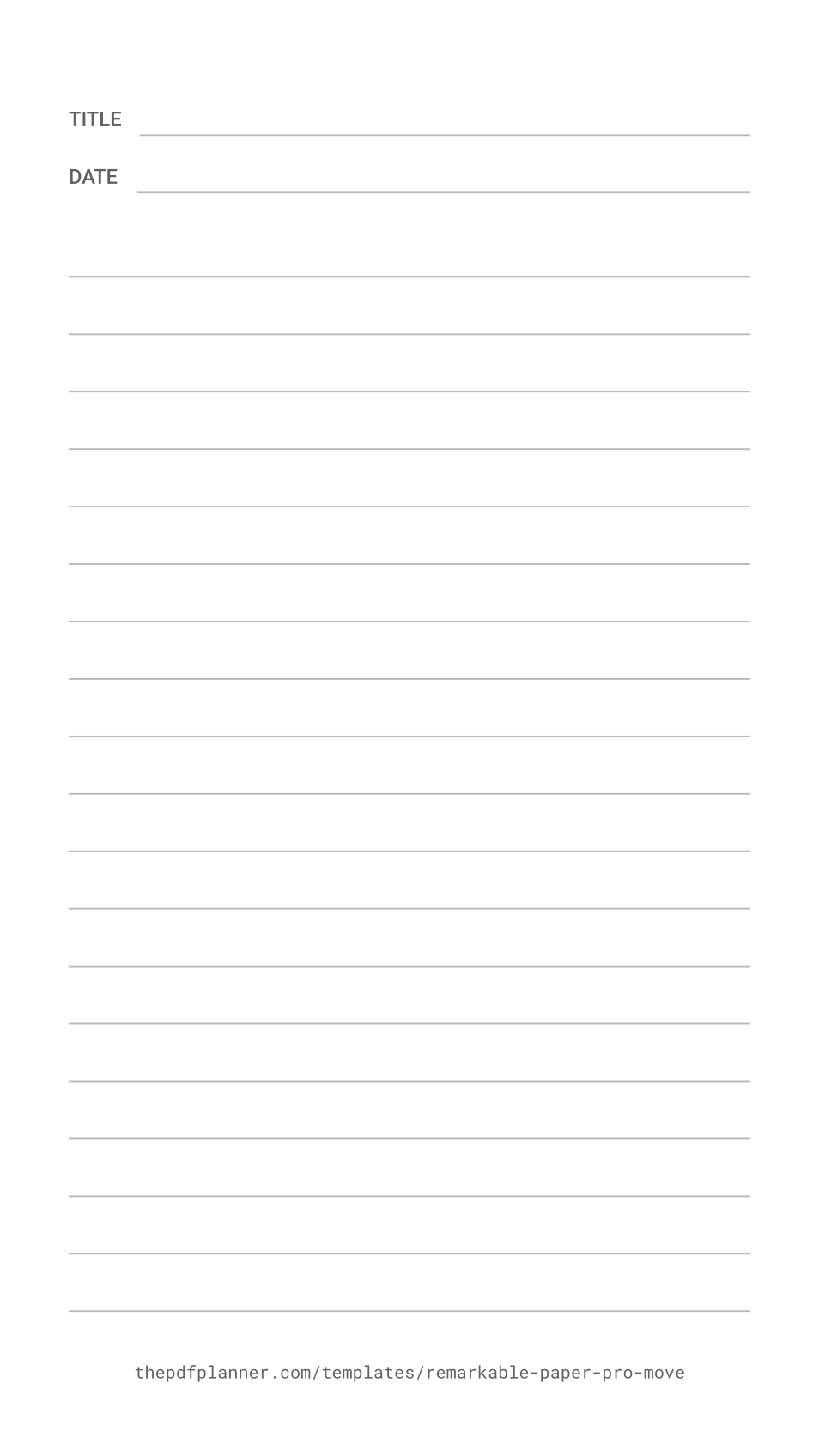
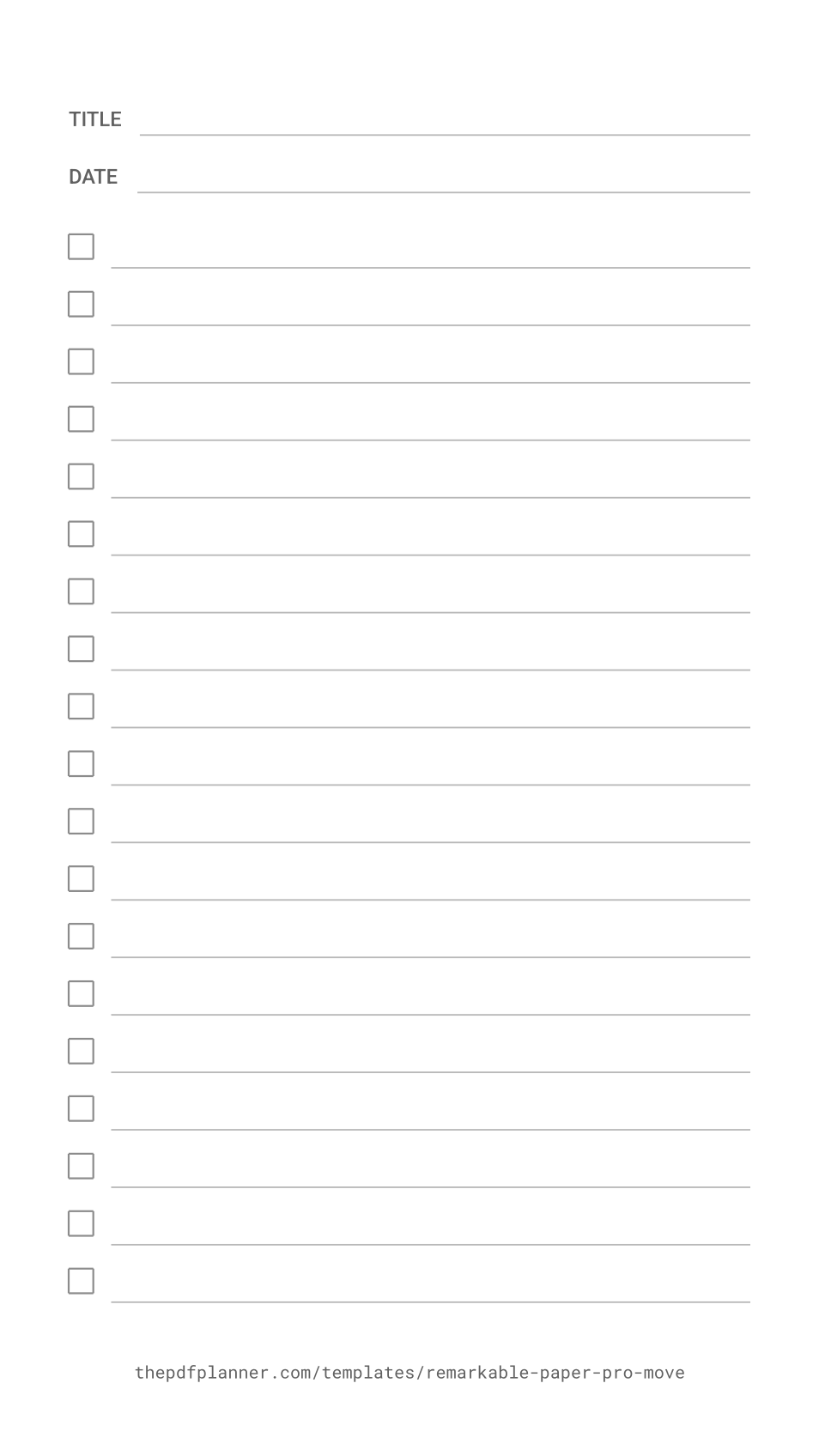
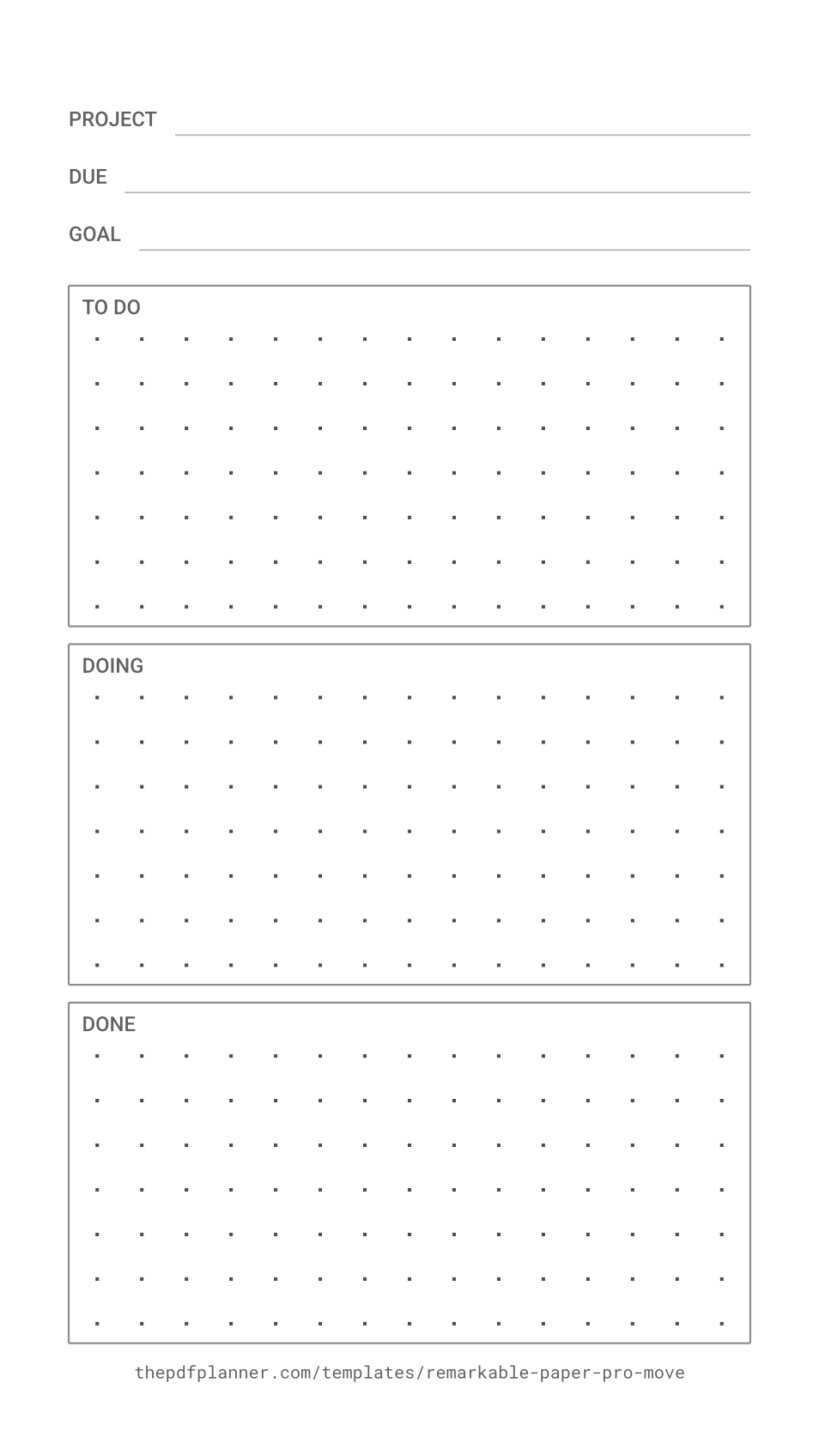
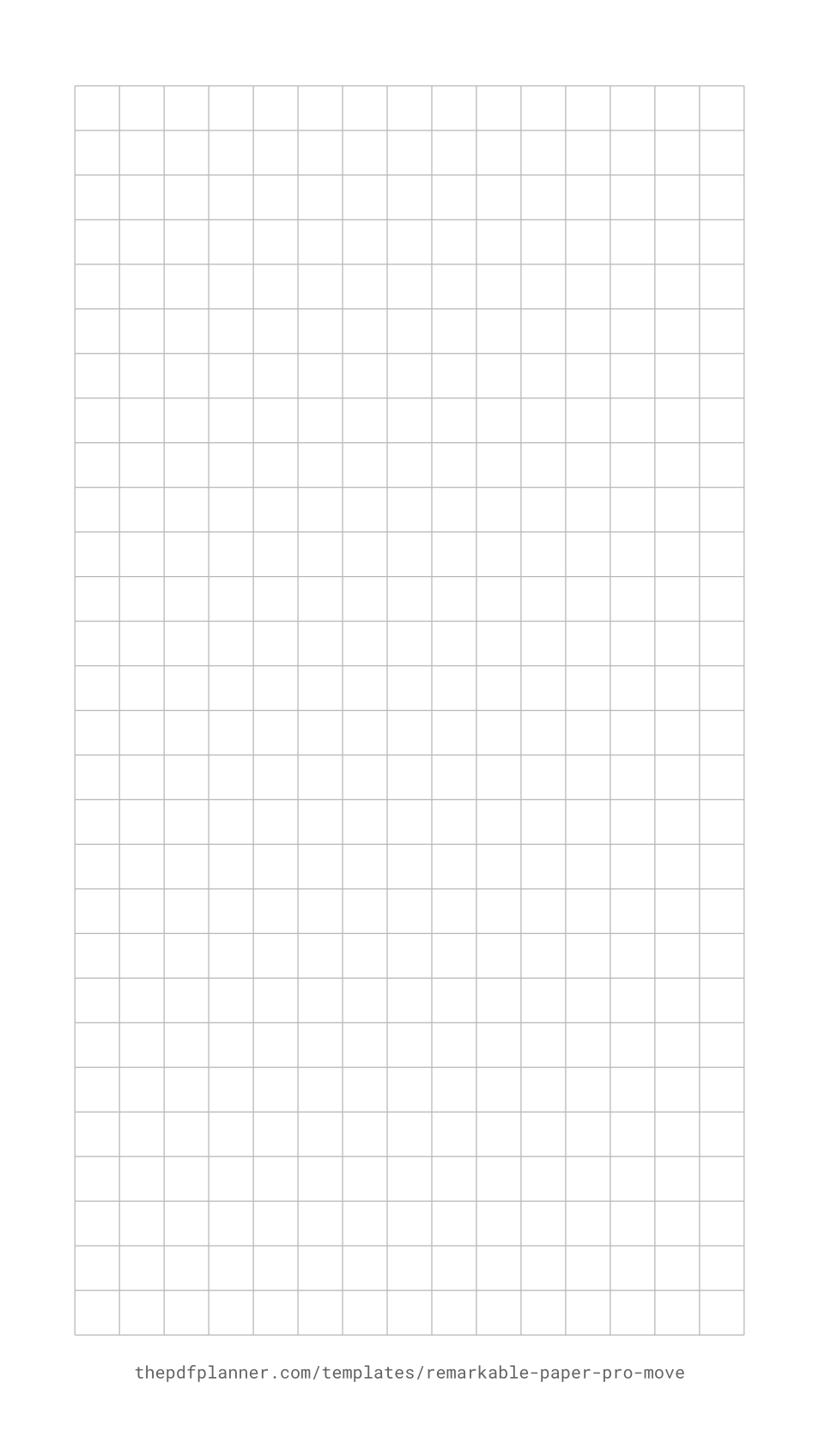
These pages in one linked PDF. Linked Notebook puts dotted, lined, grid, Cornell, meeting, to-do, project, Eisenhower, daily, weekly and habit pages into sections of one file for your reMarkable Paper Pro Move, with a contents page and an index you tap to open each page. Up to 8 sections, no dates, $9.99 once.
Build a linked notebookFree for personal use. Not for resale or redistribution. Each file has the address of this page in a small line in the bottom margin, outside the writing area.
Need a dated planner?
These templates are single pages. The planner is one PDF with every month, week and day linked, at the same 954 × 1696 px.
reMarkable Paper Pro Move template size
The Paper Pro Move's 7.3-inch colour screen is 954 × 1696 pixels at 264 ppi, and every file here is drawn at exactly that size in portrait. Each page keeps 80 px clear on every side for the toolbar, as on our other reMarkable files, which leaves a writing area under 8 cm wide. On a page that narrow, templates with several boxes stack them, so each box stays wide enough to write in.
| Screen | 7.3 in |
|---|---|
| Display | Colour |
| Pixels | 954 × 1696 px, portrait |
| PPI | 264 |
| Aspect | 9:16 |
| Page size | 92 × 163 mm |
| Safe margin | 7.7 mm, estimated |
| Formats | PDF and PNG (8-bit grey) |
| Templates | 16, one page each, no dates |
Screen figures: remarkable.com.
How to load these on your reMarkable Paper Pro Move
- Import on a computer. Open the reMarkable desktop app, click Import, or drag the PDF into the window.
- Or import from a phone. Open the PDF, tap Share and choose Import with reMarkable.
- Or use the web. Go to app.remarkable.com, sign in and drag the PDF in. The web app takes files up to 100 MB.
- Open it on the tablet. Wait for the sync over Wi-Fi, then open the planner on the tablet.
How to load a PDF planner on a reMarkable: full guide and sources
PNG
Advanced, unofficial. Installing a PNG in the tablet's own template list is not a reMarkable feature: the file goes in over SSH and has to be registered by hand. On the Paper Pro and Paper Pro Move, SSH needs developer mode, and reMarkable's developer documentation says turning it on performs a factory reset, weakens the device's security, and that problems caused by your changes are not covered by the warranty. Community guides report that software updates can remove custom templates. This is an unofficial route and we don't support the install step. The PDF needs none of it.
Sources
reMarkable Paper Pro Move template questions
What size is a reMarkable Paper Pro Move template?
954 × 1696 px in portrait, at 264 ppi: the 7.3-inch screen's own resolution. That makes a page of 92 × 163 mm.
Every file on this page is drawn at that size and keeps 7.7 mm clear for the toolbar.
Will a reMarkable 2 template work on my reMarkable Paper Pro Move?
It opens, but the 3:4 page is shrunk to fit your 9:16 screen and leaves empty space.
Use the files on this page instead: they are drawn for the reMarkable Paper Pro Move at 954 × 1696 px.
Do I need SSH to use these templates on my reMarkable Paper Pro Move?
No, not for the PDF: import it with the reMarkable desktop, mobile or web app like any other PDF and write on it.
Only the PNG route, adding the page to the tablet's own template list, needs SSH. On the Paper Pro that means developer mode, which reMarkable says performs a factory reset. We don't support that step.
Templates for other tablets
- reMarkable 2
- reMarkable Paper Pro
- reMarkable Paper Pure
- Kindle Scribe
- Kindle Scribe 11" (2025)
- Kindle Scribe Colorsoft
- Supernote Manta
- Supernote Nomad
- BOOX Note Air5 C
- BOOX Go 10.3
- BOOX Note Max
- BOOX Note Air4 C
- BOOX Go 7 and Go Color 7
- Kobo Elipsa 2E
- Kobo Libra Colour
- Kobo Sage
- Viwoods AiPaper
- Viwoods AiPaper Mini
- iFLYTEK AINOTE Air 2
- All templates
Updated . The PDF Planner is independent and not affiliated with reMarkable; the device name only says which screen the templates fit.