Free Cornell notes template for the iFLYTEK AINOTE Air 2
1440 × 1920 px
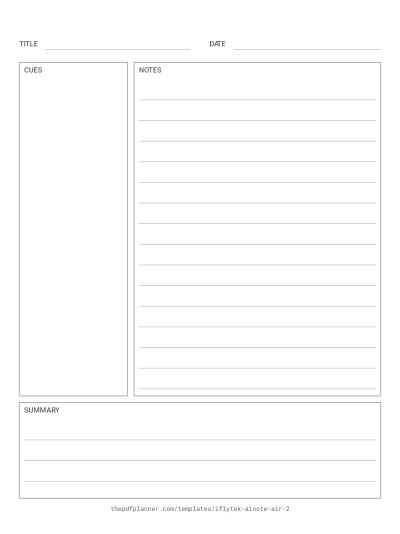
This free Cornell notes template for the iFLYTEK AINOTE Air 2 is one page with a 3.4 cm cue column, 15 note lines and a summary box, drawn at 1440 × 1920 px for its 293 ppi screen. It comes as a PDF you import over USB, Wi-Fi or cloud storage, with no dates and no links.
Free for personal use. Not for resale or redistribution.
On this page
The page follows the Cornell layout: a blank cue column on the left for questions and keywords, ruled lines on the right for the notes themselves, and a summary box across the bottom to fill in afterwards. The cue column takes 30% of the width and the summary 22% of the height. The cue column takes the left 30% of the page, about 3.4 cm.
| Cue column | 3.4 cm wide |
|---|---|
| Note lines | 15, 6.4 mm apart |
| Summary box | 3 cm tall |
| At the top | Title, Date |
| Pixels | 1440 × 1920 px, portrait |
| PPI | 293 |
| Page size | 125 × 166 mm |
| Safe margin | top 8, sides 6 mm, estimated |
| Formats |
Counts are taken from the file itself. Screen figures: iflytek.com.
2027 planner for the iFLYTEK AINOTE Air 2
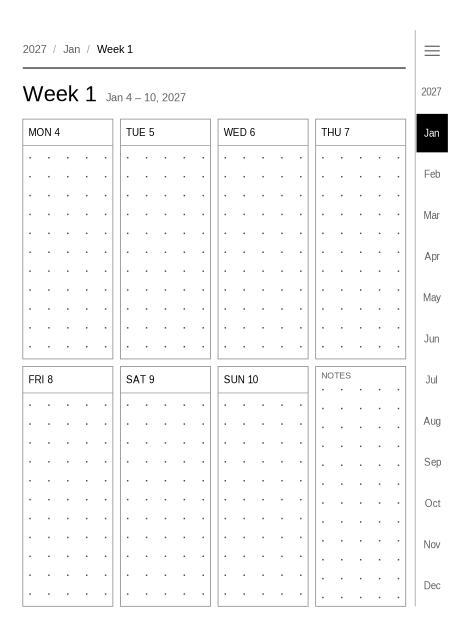
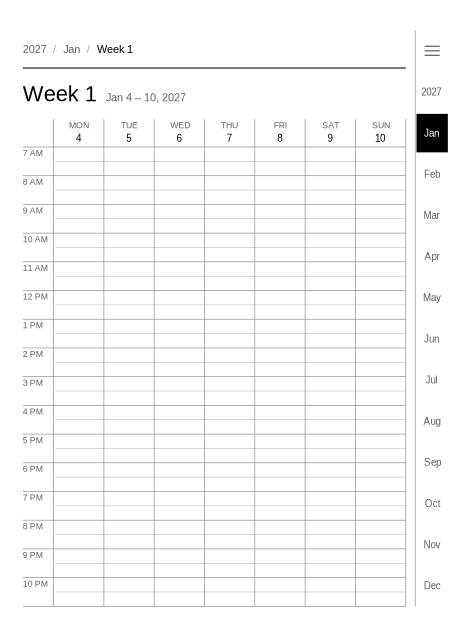
Build your own: 14 weekly layouts, your start month, your holidays.
See the 2027 planner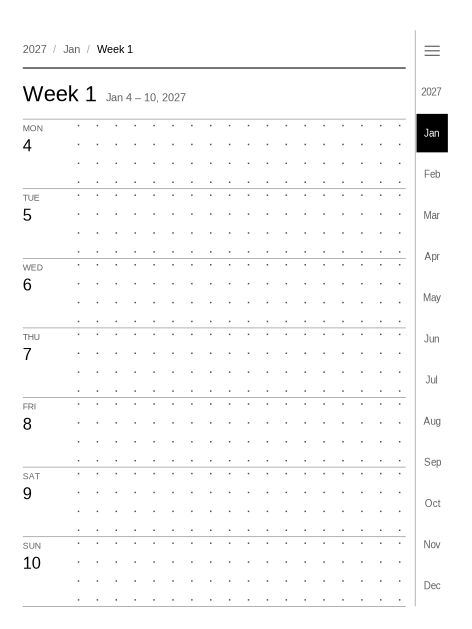 Rows
 Plan, 4 columns
 Vertical
Need more than one page? Pick “Cornell notes” as a section in Linked Notebook: pages like this one in a single PDF for your iFLYTEK AINOTE Air 2, with a contents page and an index you tap to open each page. Up to 8 sections, no dates, $9.99 once.
Build a linked notebookHow to load it on your iFLYTEK AINOTE Air 2
- Import the PDF. Copy the planner to the tablet over a USB cable, Wi-Fi or cloud storage, the three ways iFLYTEK's support page lists.
- Write on it. Open the planner in the reader and annotate the page with the pen.
The sources for these files are on the iFLYTEK AINOTE Air 2 templates page.
Questions about this template
What size is the Cornell notes template for the iFLYTEK AINOTE Air 2?
1440 × 1920 px in portrait at 293 ppi, the screen's own resolution, which makes a page of 125 × 166 mm.
The page keeps 8 mm at the top and 6 mm at the sides clear for the toolbar and has a 3.4 cm cue column, 15 note lines and a summary box.
How wide is the cue column?
3.4 cm on the iFLYTEK AINOTE Air 2, 30% of the writing width. The notes column beside it has 15 ruled lines and the summary box below is 3 cm tall.
Can I write on these templates on my iFLYTEK AINOTE Air 2?
Yes. Import the PDF over a USB cable, Wi-Fi or cloud storage, open it in the reader and annotate the page with the pen.
iFLYTEK's support page describes the AINOTE Air 2 as a notepad for reading and annotating PDFs; these files are one page each, with no dates and no links.
More iFLYTEK AINOTE Air 2 templates
Cornell notes template for other tablets
- reMarkable 2
- reMarkable Paper Pro
- reMarkable Paper Pro Move
- reMarkable Paper Pure
- Kindle Scribe
- Kindle Scribe 11" (2025)
- Kindle Scribe Colorsoft
- Supernote Manta
- Supernote Nomad
- BOOX Note Air5 C
- BOOX Go 10.3
- BOOX Note Max
- BOOX Note Air4 C
- BOOX Go 7 and Go Color 7
- Kobo Elipsa 2E
- Kobo Libra Colour
- Kobo Sage
- Viwoods AiPaper
- Viwoods AiPaper Mini
- All tablets compared
Free for personal use. Not for resale or redistribution. Updated . The PDF Planner is independent and not affiliated with iFLYTEK; the device name only says which screen the template fits.